5.2 Upload Trip Statistics to USB Flash Drive
This feature provides a convenient way for the user to upload the daily
trips to a USB flash drive. The file is uploaded in a .csv (Comma Separated
Values) format, with the filename being the Car Number.
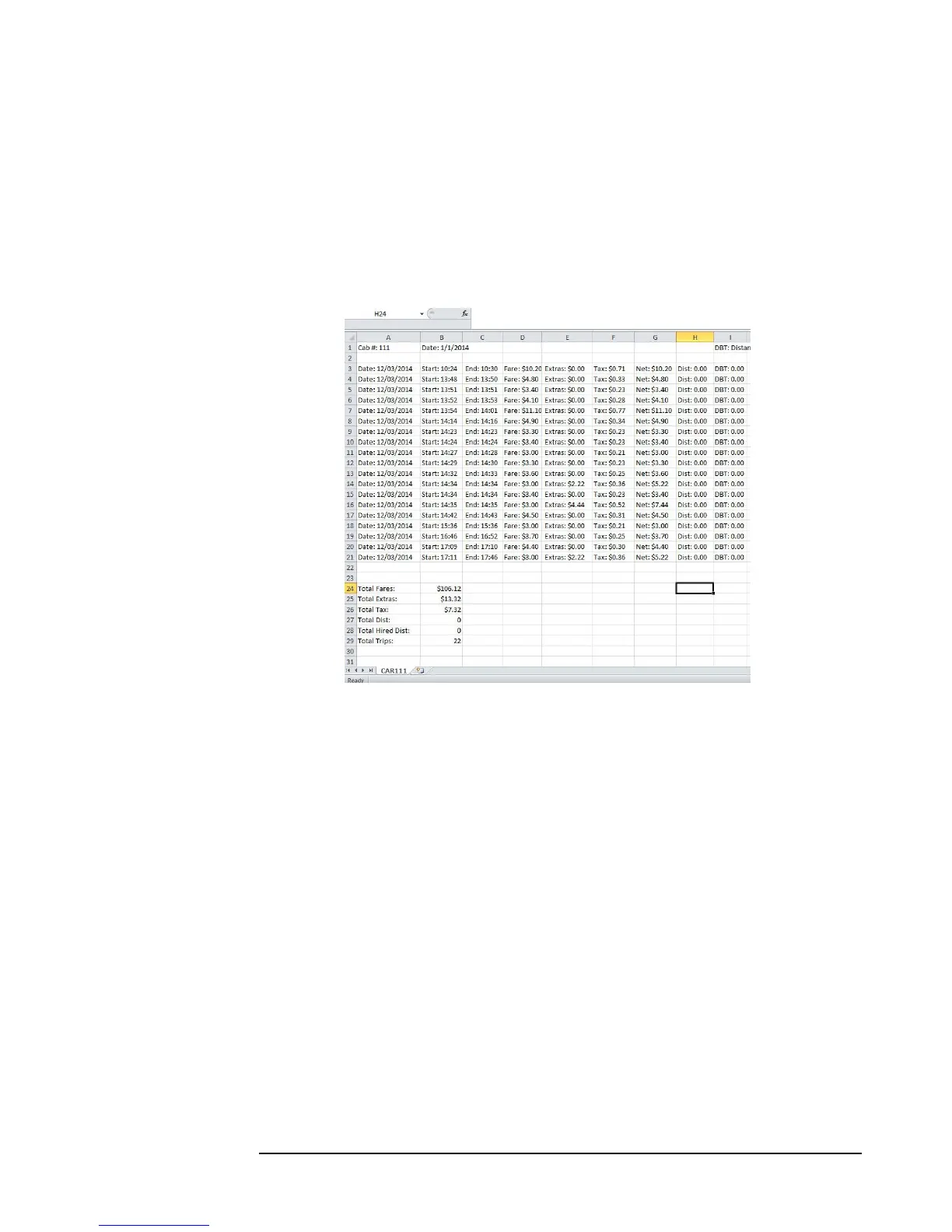
The file can then be imported into a spreadsheet program (such as
Microsoft Excel or OpenOffice Calc) for viewing and storing on a PC:
Figure 20: Uploaded daily trips. Note the Car number and Date at the top left corner, as well as the summarized totals in
the bottom of the spreadsheet.
Also, this feature stores the .csv files in a folder on the USB drive, with the
name of the folder being the date of the upload. The format of the
folder name is MMDDYYYY.
So, for example: if the day that the upload is Jan. 1
st
, 2014, the name of the
folder will be 112014.
Or, if the day is March 12, 2016, then the folder name will be 3122016.
This method provides the user with a convenient way to separate trip files
by date (see figure 21 below).



 To Next Page