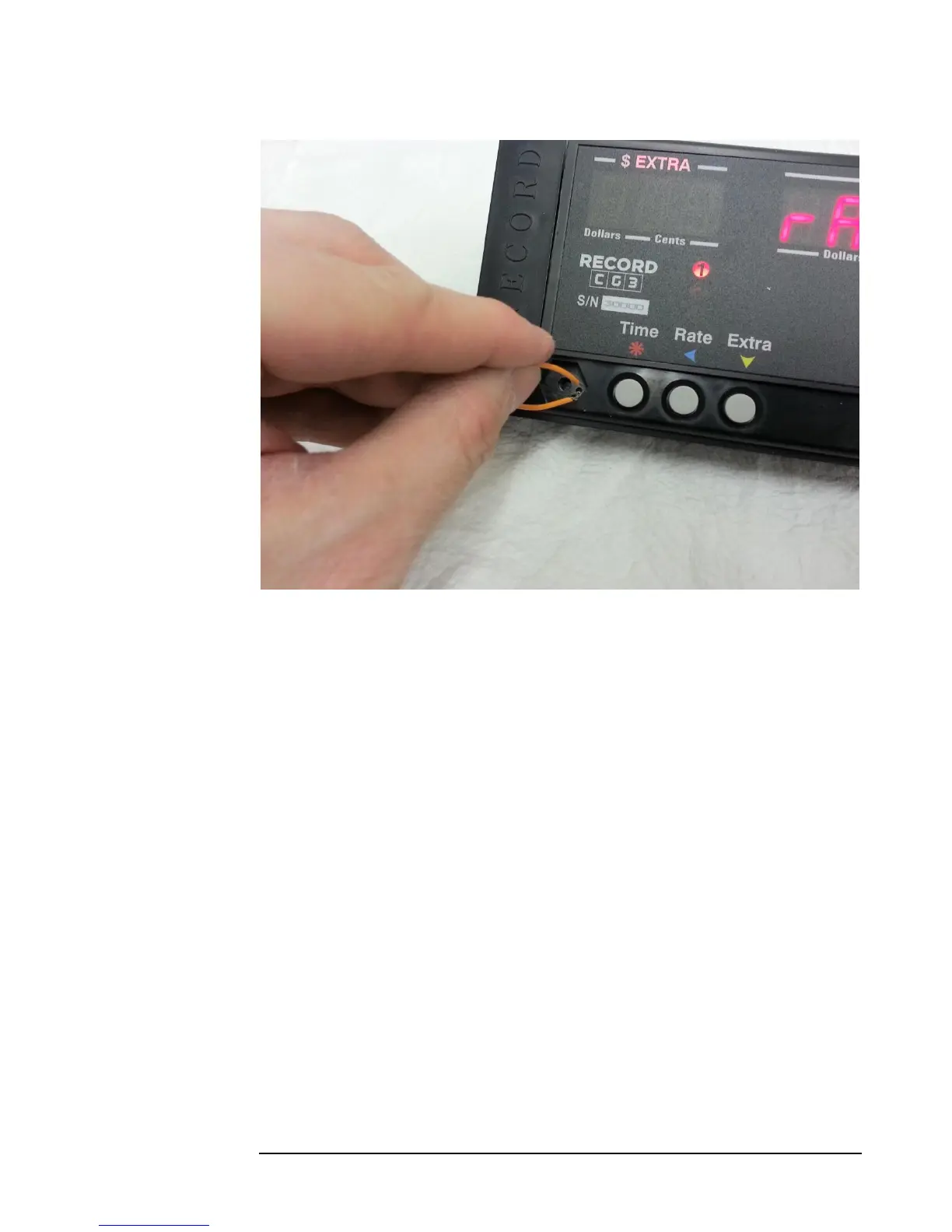
Figure 6: Using a simple length of wire to activate the Config Switch. A paper-clip works best because of the inherent stiffness or
rigidity.
4.0 CG3 Modes
There are 4 main CG3 Taximeter Modes:
1. Vacant Mode: The taximeter is idle, and simply waits for user input. From
here, the user can: 1) start a fare i.e. enter Hired Mode, 2) enter
Configuration Mode in order to configure the meter rates, mileage and
dispatch settings, or 3) access the Main Menu.
2. Hired Mode: The mode while the taximeter is running a fare.
3. End-of-Fare: The active mode when a fare has been completed. User can
display net total and separated tax.
4. Configuration Mode: The mode where the taximeter rates, mileage,
communication (RS-232 and Bluetooth), dispatch type, and Security code are
set. You may only enter this mode by activating the Config Switch (section
3.1).



 To Next Page