4.1.2 Displaying Time and Date
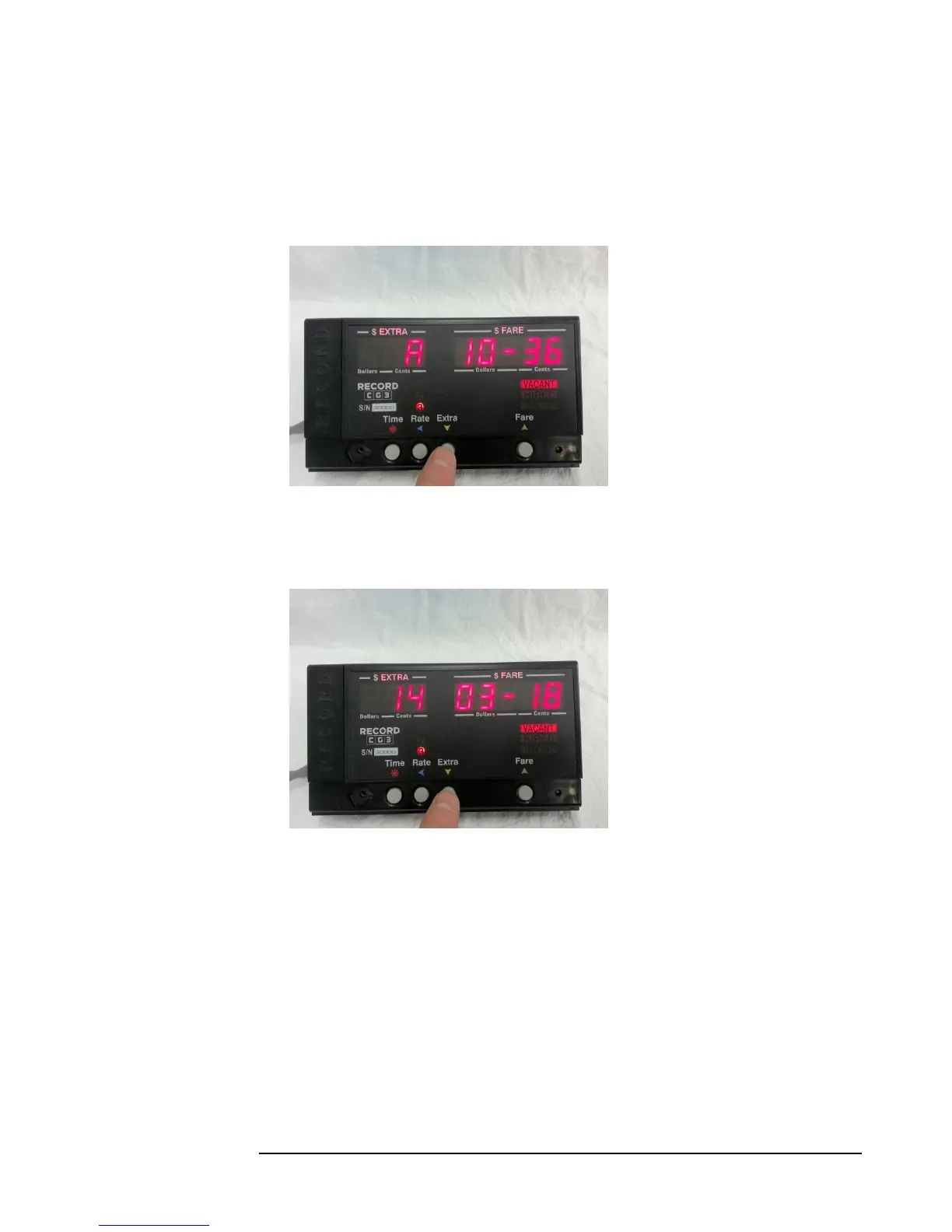
While in Vacant Mode, you can
display the current time by
pressing the Extra Button.
In the Fare display, the format
displayed is Hour - Minute.
The display on the left-hand side
indicates the AM/PM/24 Hour
clock mode.
Pressing the Extra a second time
will display the date, with the
following format: Year - Month :
Day.
Pressing the Extra Button a third time exits back to Vacant Mode.



 To Next Page