7.2 Explanation of Printer Menu Options
Use the button to scroll to the option you want, and press to select it.
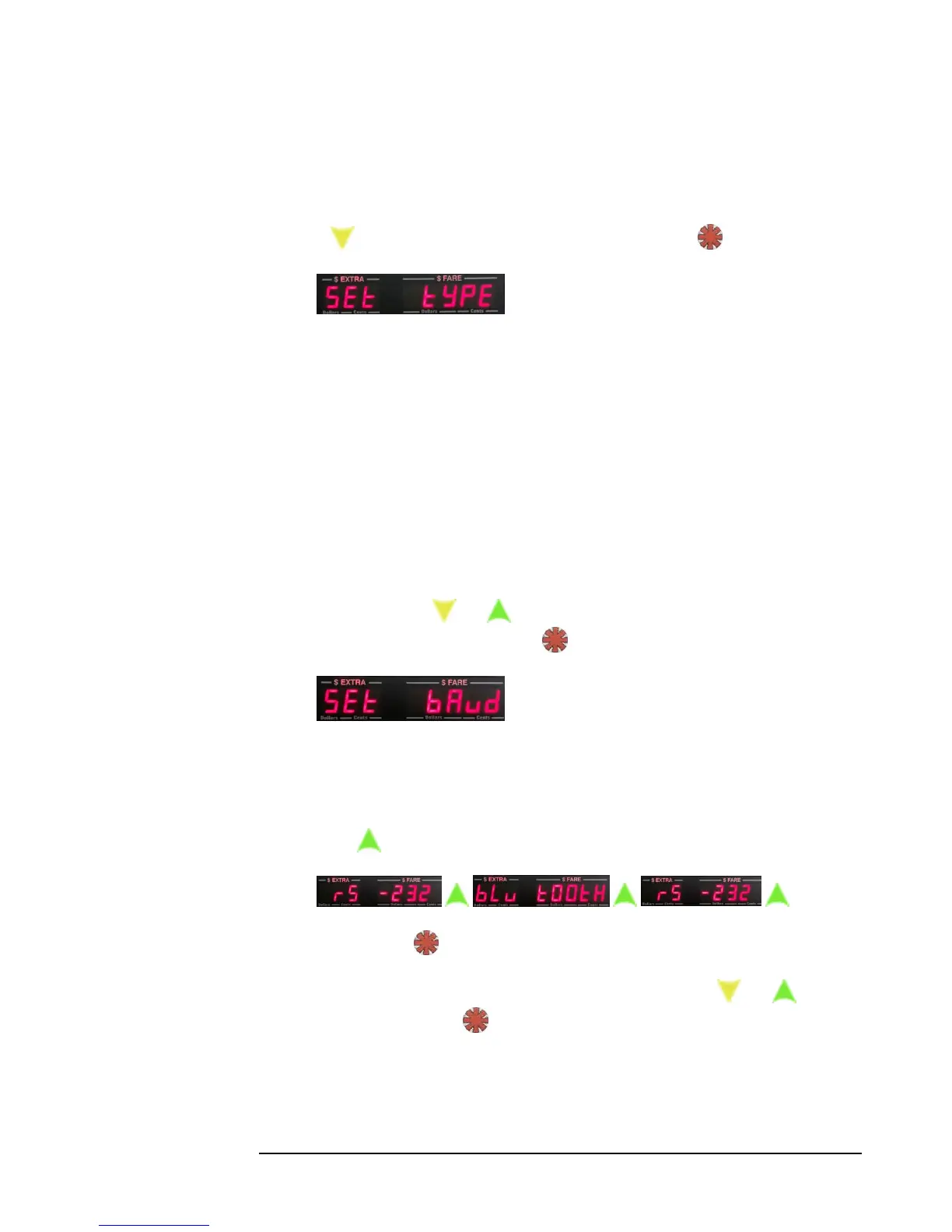
1. Set Type allows you to set the printer
manufacturer type.
You will be presented with a flashing digit, from 0 – 3, which is the currently
set manufacturer type. The values and their associated manufacturer are as
follows:
0 – None.
1 – Bixolon
2 – Omni
3 – Seiko
Use the and to select the number associated with your printer
manufacturer, and press to set the type.
2. Allows you to select between RS-232 or
Bluetooth, and to select the baud rate (i.e communication speed). Generally,
RS-232 printers communicate at baud 9600, and Bluetooth printers
communicate at baud 115200. Check with your printer documentation to be
sure.
3. Press to toggle between Bluetooth and RS-232 serial communication:
…
Press to select the communication type.
You can now select the baud rate by using the and buttons,
and pressing to set the baud rate.



 To Next Page