Individual Rates Section:
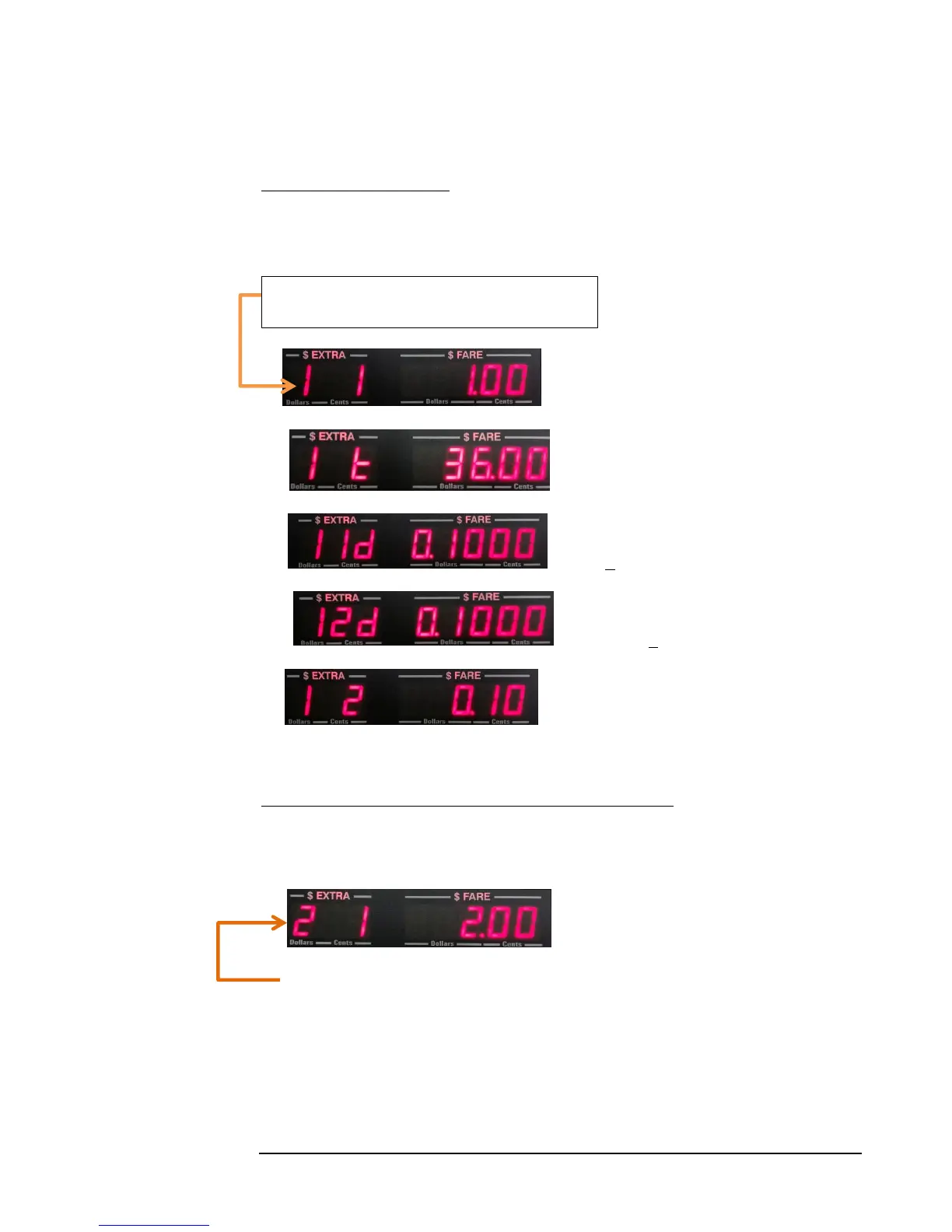
The Rate Number that you are currently setting will be indicated by the far-left digit
(see below).
9. - Flag (First Drop) Charge ($)
10. - Charge-per-hour($)
11. - First drop distance (See section 4.4.3)
12. - Following drop distance.
13. - Fare increments (Drop Charges) ($)
Subsequent Rates, where Number of Rates exceeds ‘1’:
Depending on what Number of Rates has been set to, you will be able to set rates 2
and above, if the Number of Rates variable was set to >1
- Rate 2, Flag rate
(The ‘2’ on the far-left now indicates that you are setting Rate 2 values.)
If this is the case, continue as you did in steps 9 - 13 above, setting the individual rates
in sequence.
Once all rate values have been set, the taximeter will automatically enter the values into
memory and return to Vacant Mode.
The current Rate number (in this case, Rate 1).



 To Next Page