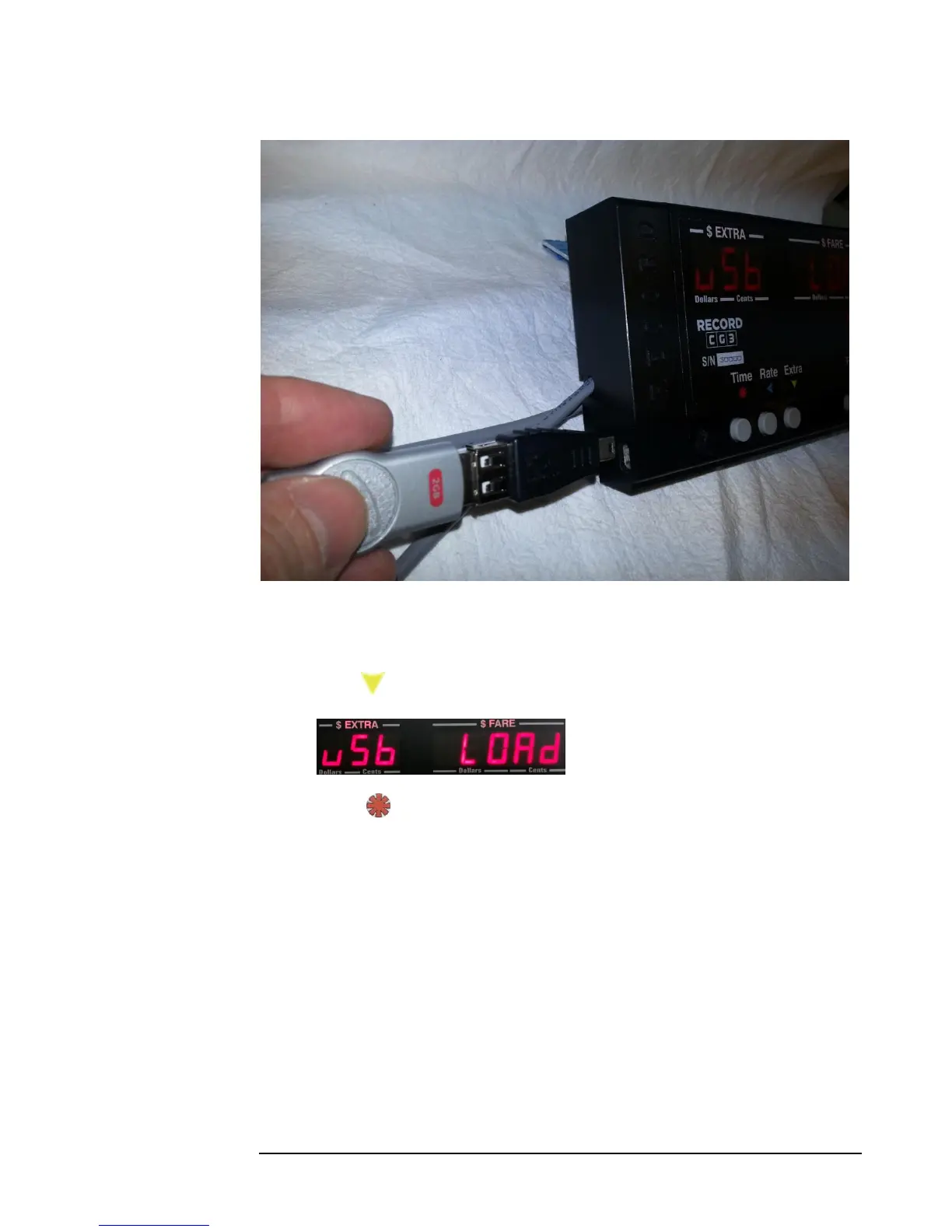
Figure 19: Connecting a flash drive to the CG3 via a USB adaptor
2) Next, put the CG3 taximeter into Configuration Mode (see section 4.4.1).
3) Press: twice. The following will show on the display:
4) Press: When the rates have finished loading, the display will flash
“DONE”. If this doesn’t happen, the flash drive may not have been
connected to the USB connector securely enough. Also, if the display flashes
“NO FILE”, that indicates that the CG3 could not find the RATES.csv file.
5) Quickly verify that the rates values are in memory by scrolling through the
View Rates function in the Main Menu (section 5.7).



 To Next Page