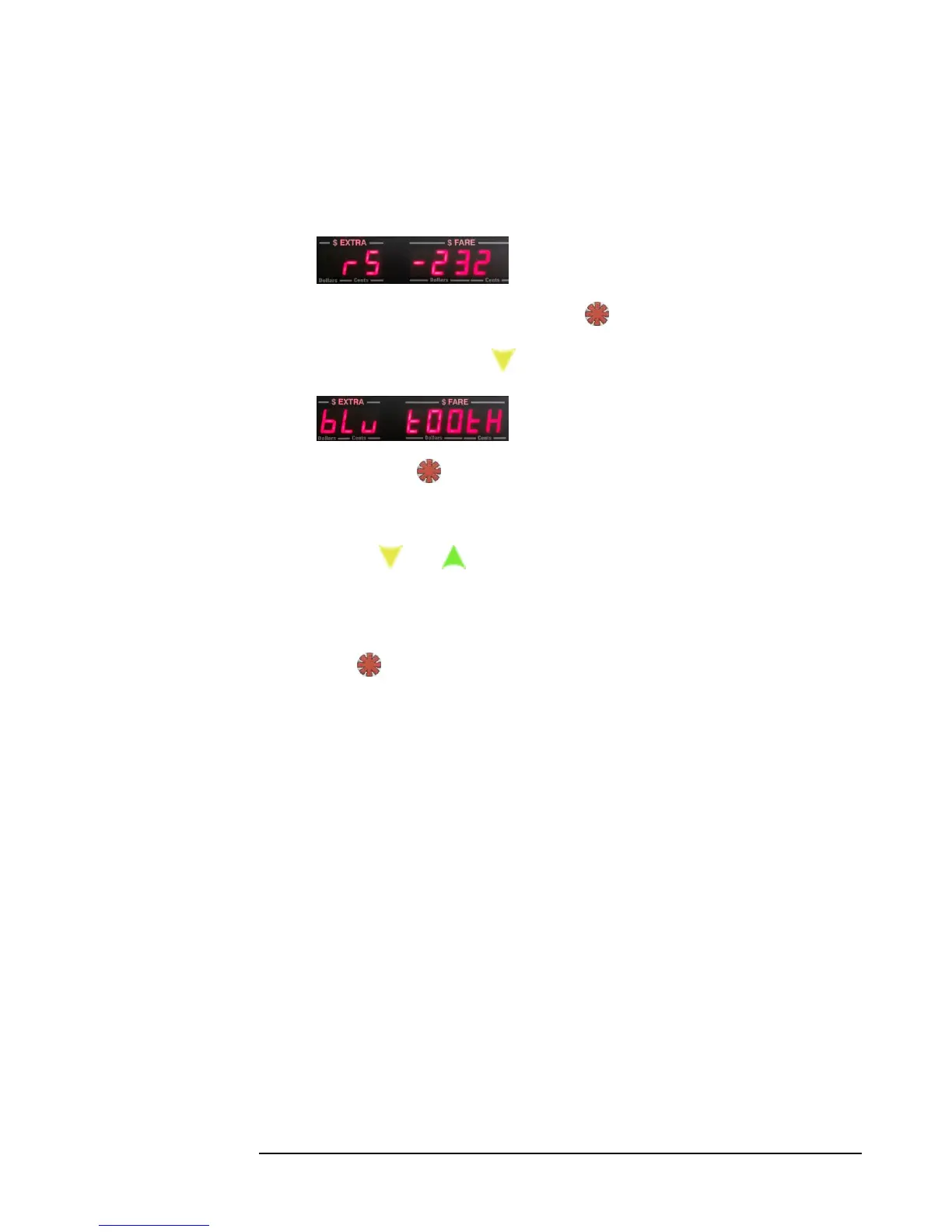
6) Now, you will have the option of setting the communication type and Baud
rate (ie. communication transfer rate). The first option given will be RS-232.
If this is what you want, Press: , and proceed to step 7).
Otherwise, press to be able select Bluetooth:
Press: to set the communication type to Bluetooth.
7) Next, you have to select the Baud rate.
Use the and buttons to select the desired baud rate. The following
baud rates are possible: 0, 1200, 2400, 4800, 9600, 38400, 57600, and 115200.
For Bluetooth, we recommend setting the baud rate to 115200.
8) Press to select and save the new configuration to memory. This will return
the taximeter to Vacant Mode.



 To Next Page