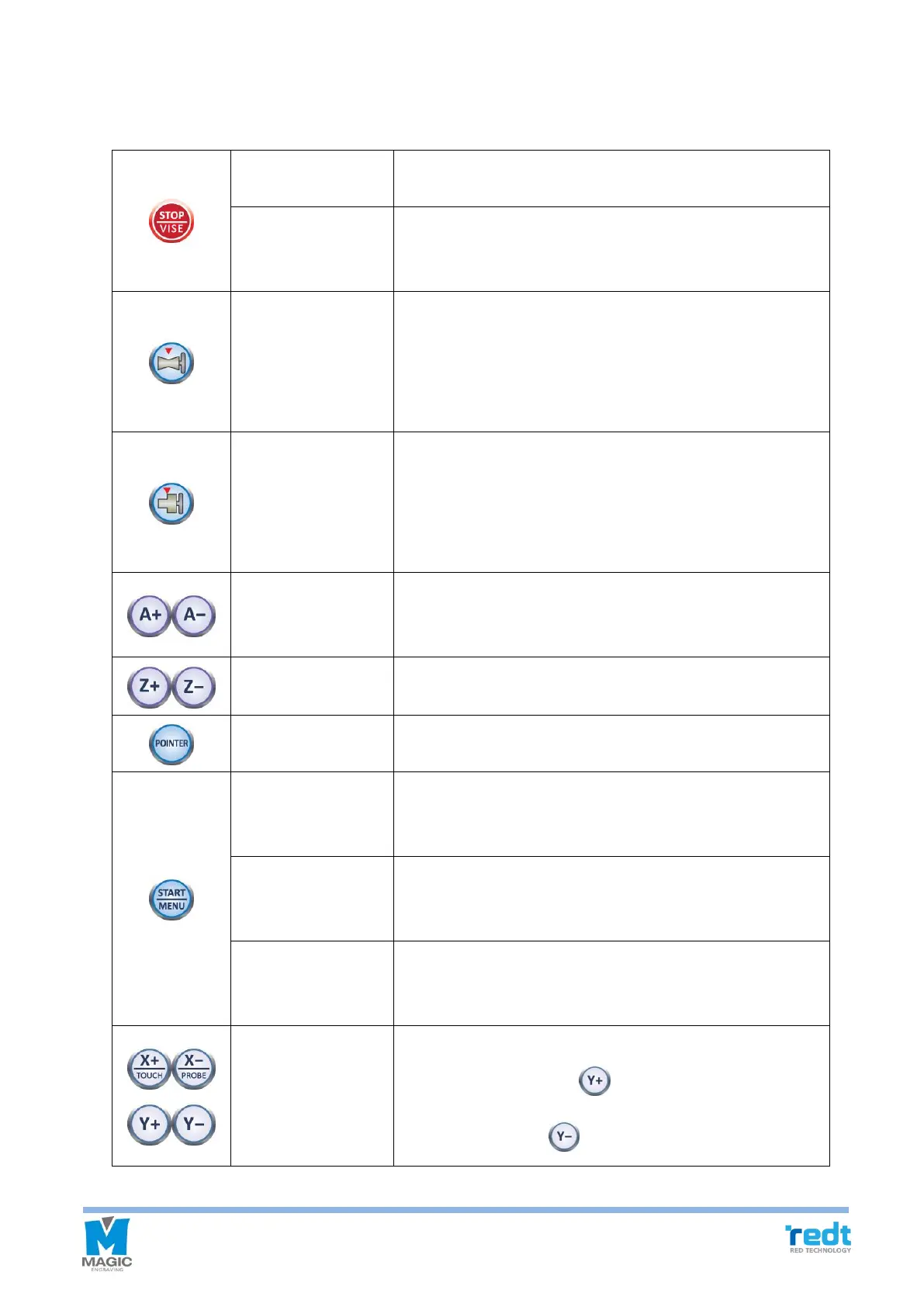
Once this button is pressed during engraving, all operations
in progress will stop.
If you press and hold the button, it enters into tool settings
mode. If you lightly press the button, the clamp moves back
and forth.
If the button is lightly pressed, the laser point is moved to
round chuck finger Origin point.
If the button is pressed and held for more than one second
after the round chuck finger Origin point is changed, then the
changed Origin point will be saved.
If the button is lightly pressed, the laser point with be moved
to flat chuck finger Origin point.
If the button is pressed and held for more than one second
after the flat chuck finger Origin point is changed, then the
changed Origin point will be saved.
Make rotation clamp rotate.
※During the rotation, it stops when it reach 0°, 90°, 180° or
270° location.
Move Z axis to up and down
Turns laser pointer ON/OFF.
If this button is pressed and held for more than one second
after engraving, then the data is sent and the area is
designated, engraving will start.
If the button is pressed and held for more than one second
after the tool setting is changed, then the changed setting
value will be saved.
Enter the menu.
※ Please consult with engineers before to use this
function.
It moves the tool or laser pointer.
During engraving, press button to raise the speed by
one level, and press button to slow down.



 To Next Page