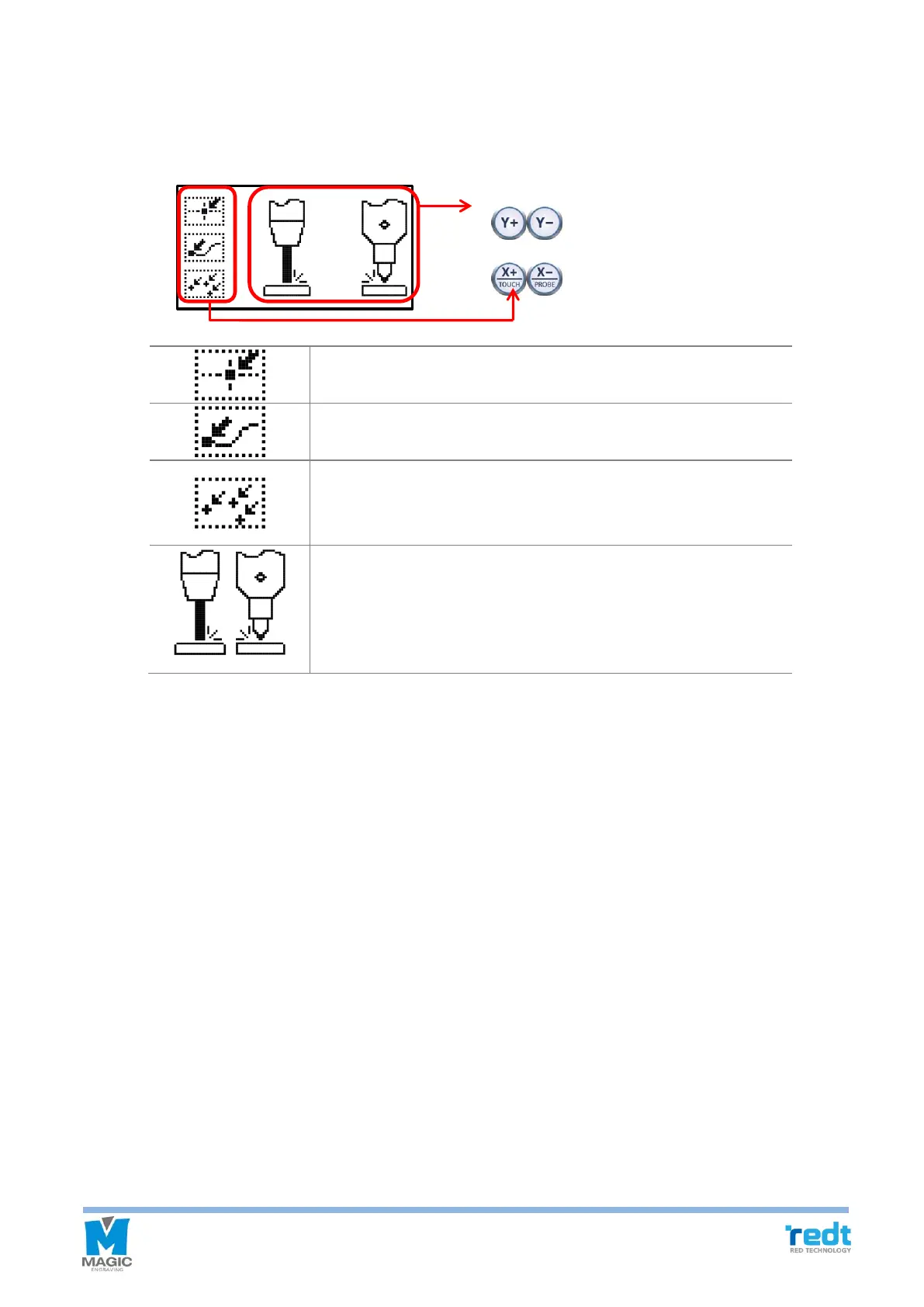
◈ Measurement Select
User can select measurement mode within two seconds before measurement begins, after transferring tool path
(engraving data) from MagicArt to the machine.
Measure the origin of engraving area.
Measure the beginning point.
Measure whenever tool moves and meet the material.
※ “Z Clearance” should be set enough large value when setting the tool path
to avoid damage material.
Measurement Method Select.
If you select probe, “Measure the origin of engraving area” mode is
automatically selected and the others cannot be selected.
: Select Measurement Mode



 To Next Page