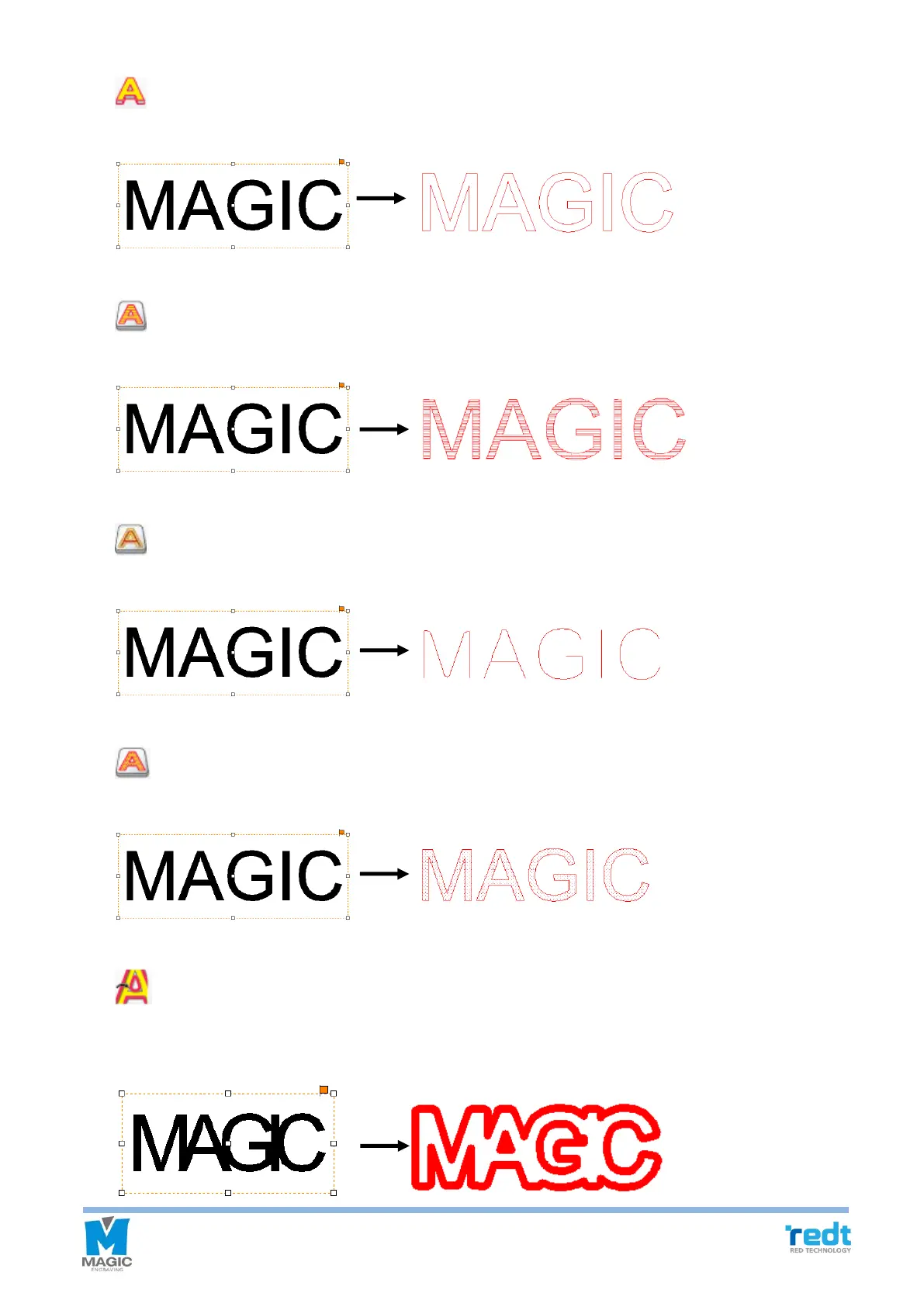
[Cutting tool path]
Create a tool path that will engrave the selected object’s border.
[Hatching tool path]
Create a tool path that will engrave the inside of the selected object.
[Single line tool path]
Create a tool path that will engrave the center line of the selected object.
[Text input engraving tool path]
Create a tool path that will engrave the inside of the selected object with dots.
[Simulate tool path cut]
The prospected image of the result of tool path processing done by the selected tool is shown.
The following is an example of the cutting tool path that uses 0.6mm End mill.



 To Next Page