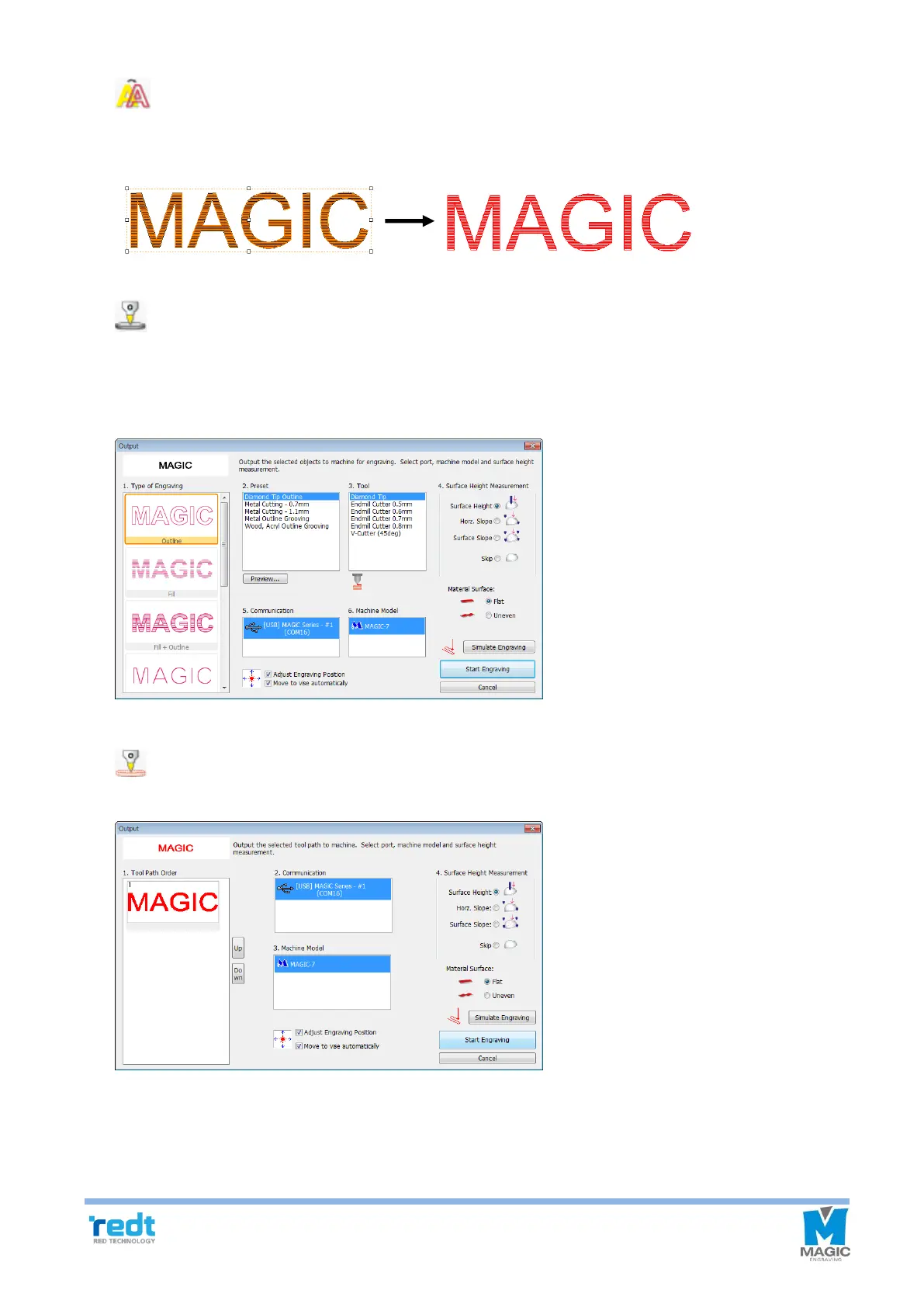
[Show tool path only]
Only tool path is shown on the screen with temperately masking all of other objects. If this button is pressed
once again, all objects will be seen again.
[Instant engraving]
Immediately engrave the selected object without creating a tool path. Select an engraving method from the
engraving selection list on the Engrave window and select engraving options and measuring methods before
clicking “Start Engraving” button.
[Engrave]
Engrave the selected tool path.



 To Next Page