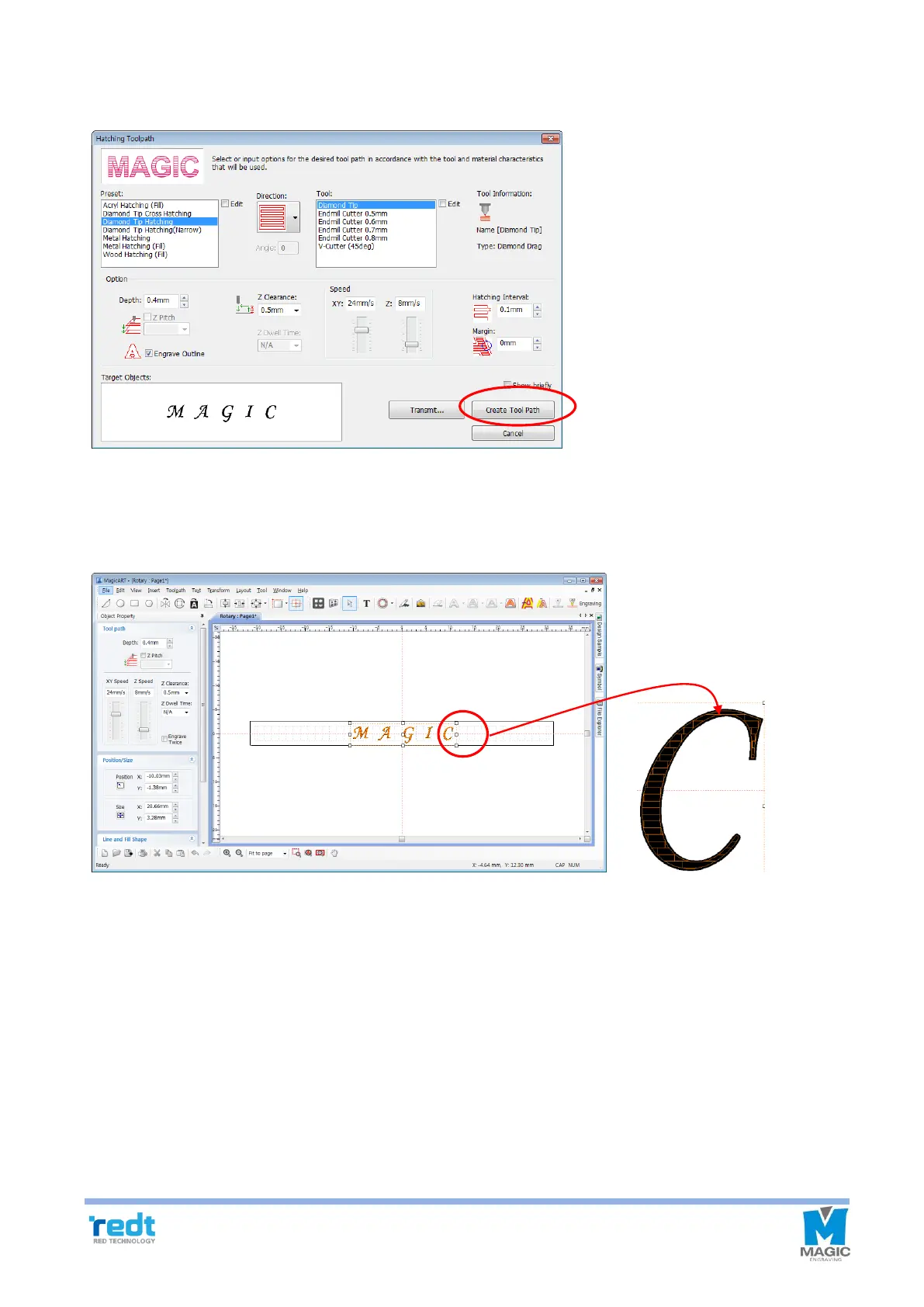
7. Once “Hatching Tool path” window appears as shown in the picture below, select tool, tool path gap and
depth, and click “Create Tool Path” button.
8. The “Tool path” object is created as below and marked with red line on the screen. Turn the mouse wheel to
enlarge the tool path object, and if it is not the tool path you want, delete the tool path and extract it again by
adjusting the extraction option.
[Extract tool path ]



 To Next Page