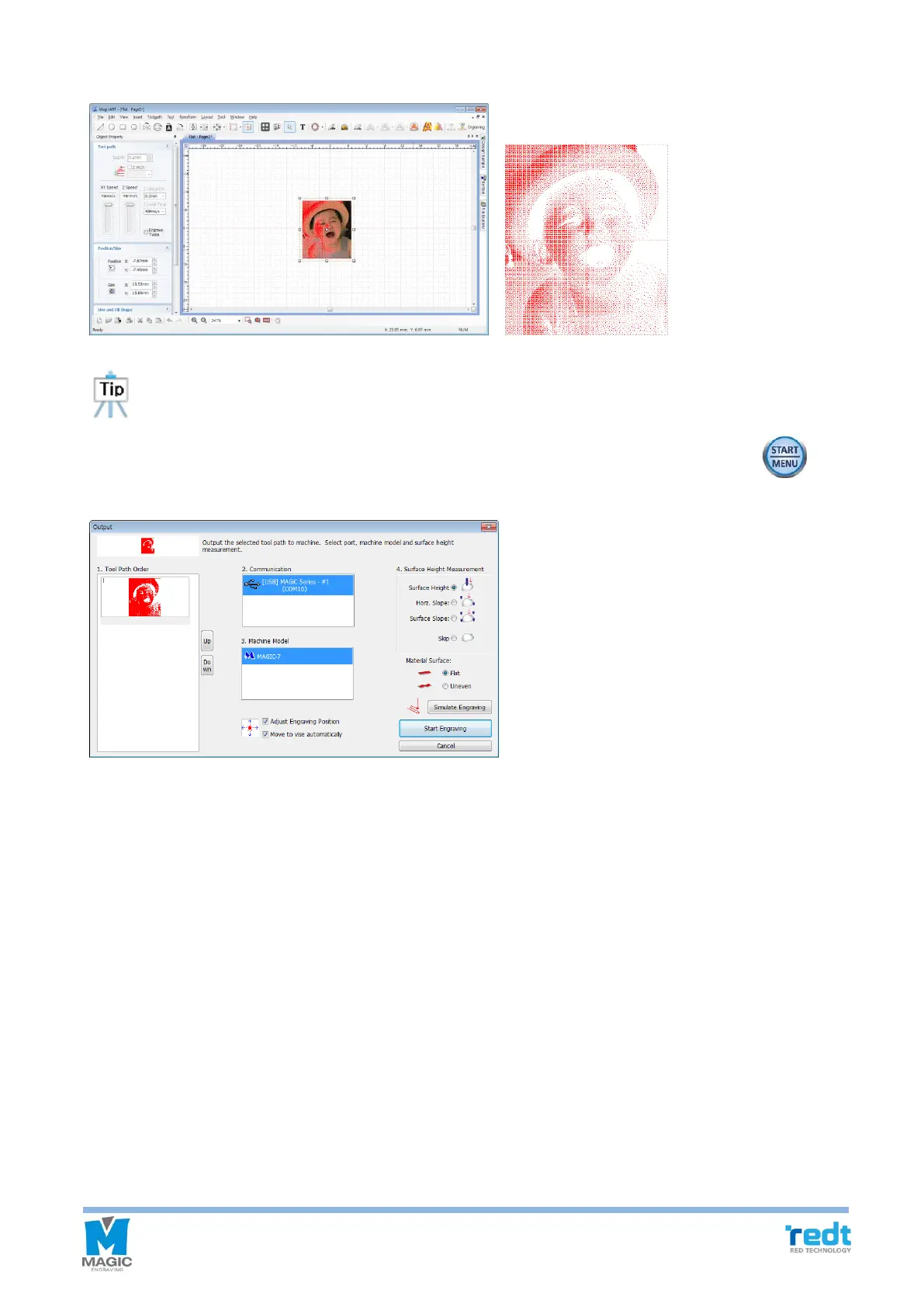
6. Click “OK” button to create tool path for image engraving. After checking the tool path, click “Engraving” button.
When engraving an image, white area of image is punched. So the result of the tool path is shown as
negative image.
7. Click “Start engraving” button and designate the engraving location. And then, press and hold button
until it beeps (more than 3 seconds) to start the engraving.



 To Next Page