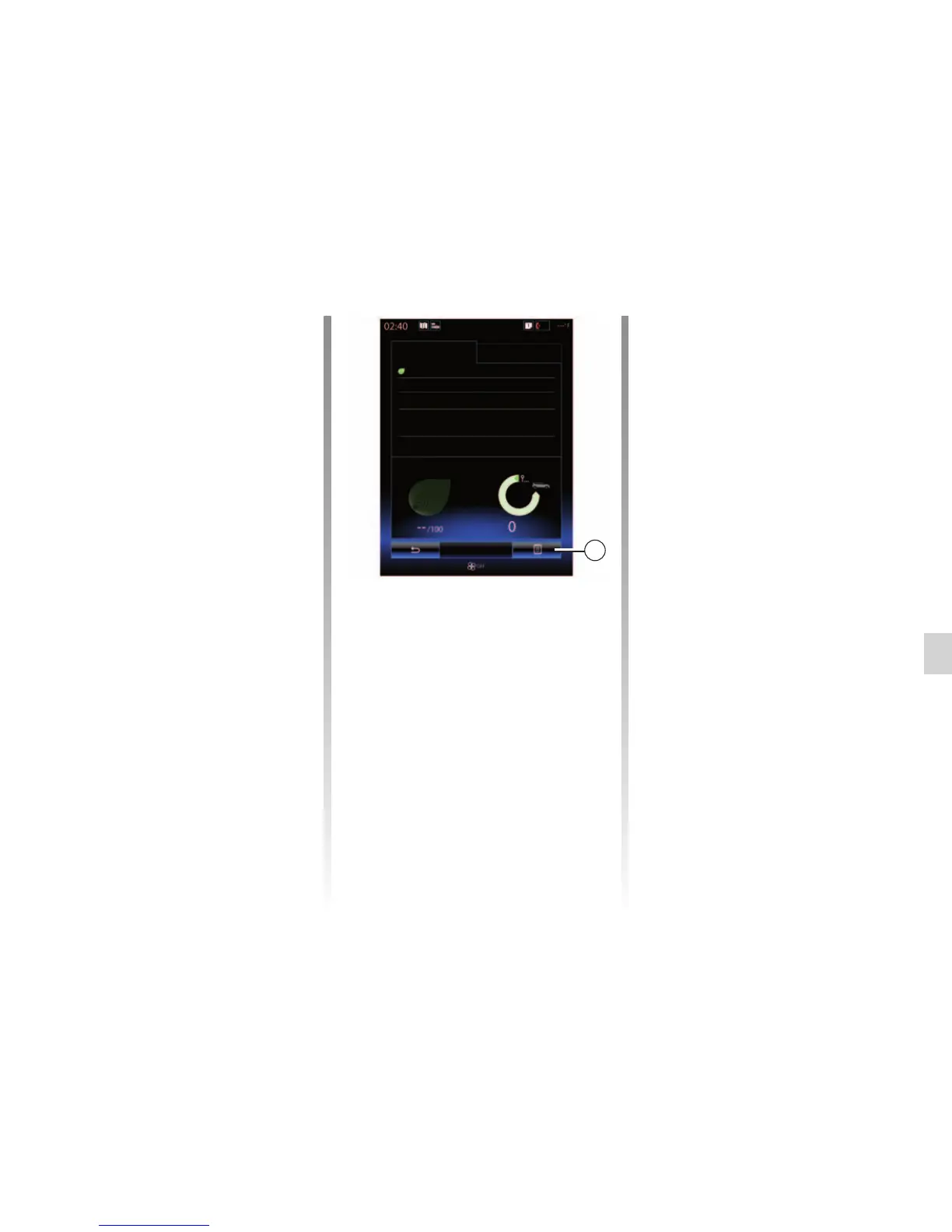
“Eco-coaching”
This menu monitors your driving style
and gives general advice on eco-driv-
ing (energy efficient and fuel-burning
actions, how to load the vehicle, what
tyre pressures, how to plan the trip,
etc.).
To access this menu, press “Eco-
coaching” and read the advice care-
fully. Scroll through the pages by press-
ing “General”, “Acceleration”, “Gear
change” and “Anticipation”.
Note: “Eco-coaching” is disabled in the
following cases:
– if the vehicle speed is lower than the
“Eco-coaching” threshold;
Note: the default “Eco-coaching”
threshold value is around 6 mph (10
km/h).
– if the distance travelled does not
exceed 400 meters since the last
reset.
Add trip
3
Driving eco2
Standard
Score evolution
Advanced
Eco-coaching
Global score
Distance without fuel con-
sumption
Start a new journey
To reset your journeys, press 3, then
“Start a new trip”. A message will ask
you to confirm the data reset. Press
“Yes” to confirm or “No” to cancel.
Note: The on-board computer trip data
is reset at the same time.
Clear score evolution
To reset your score, press 3, then
“Clear previous scores”. A confirmation
message is displayed on the screen.
Press “Yes” to delete the history or on
“No” to cancel.
“My preferred trips”
From the “Driving eco2" menu, press
"3”, then “My preferred trips”.
DRIVING ECO2 (3/4)



 To Next Page