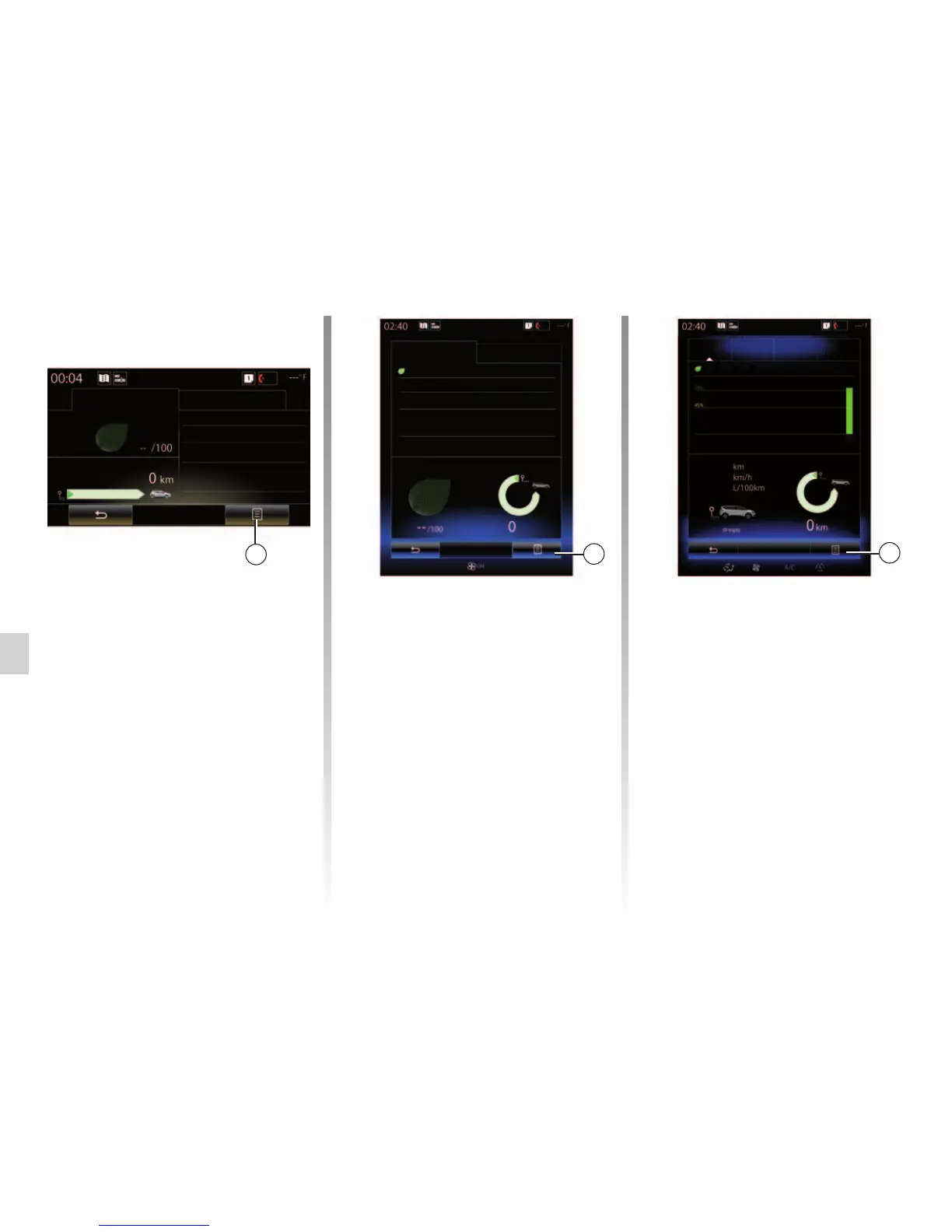
“Show report after trip”
To display the after-journey record,
from the “Driving eco2" menu, press 3,
then “Show report after trip”. Press
“Hide report after trip” to hide the jour-
ney record.
4
My preferred trips
Home-work
Add trip
Distance without fuel con-
sumption
Weekend Holiday Personal
Score evolution
3
Driving eco2
Standard
Score evolution
Advanced
Eco-coaching
Global score
Distance without fuel con-
sumption
“Add trip”
To save the current journey, from the
“My preferred trips” menu, press one
of the journey types, then “Add trip”. A
message will ask you to confirm. The
type of journey is as followings:
– “Home-work”;
– “Weekend”;
– “Holiday”;
– “Personal”.
To reset your data, press the journey
type you wish to reset from the “My pre-
ferred trips” menu, then 4 and “Clear
trip history”. A confirmation message is
displayed on the screen. Press “Yes” to
delete all journeys or “No” to cancel.
Note: only the selected journey type
data will be deleted.
Driving eco2
Standard Advanced
Eco-coaching
Score evolution
You need to travel fur-
ther for your score.
Eco-coaching
3
0.0
–-
–-
DRIVING ECO2 (4/4)



 To Next Page