SYSTEM (2/6)
2
User profile
Duplicate and reset profile
Press 2, then "Copy" and select the
other profile to overwrite. The se-
lected profile is deleted and replaced
by the copied profile.
To reset selected profile, press 2,
then "Reset current profile".
Name1 Name2 Name3
Name4 Name5 Name6
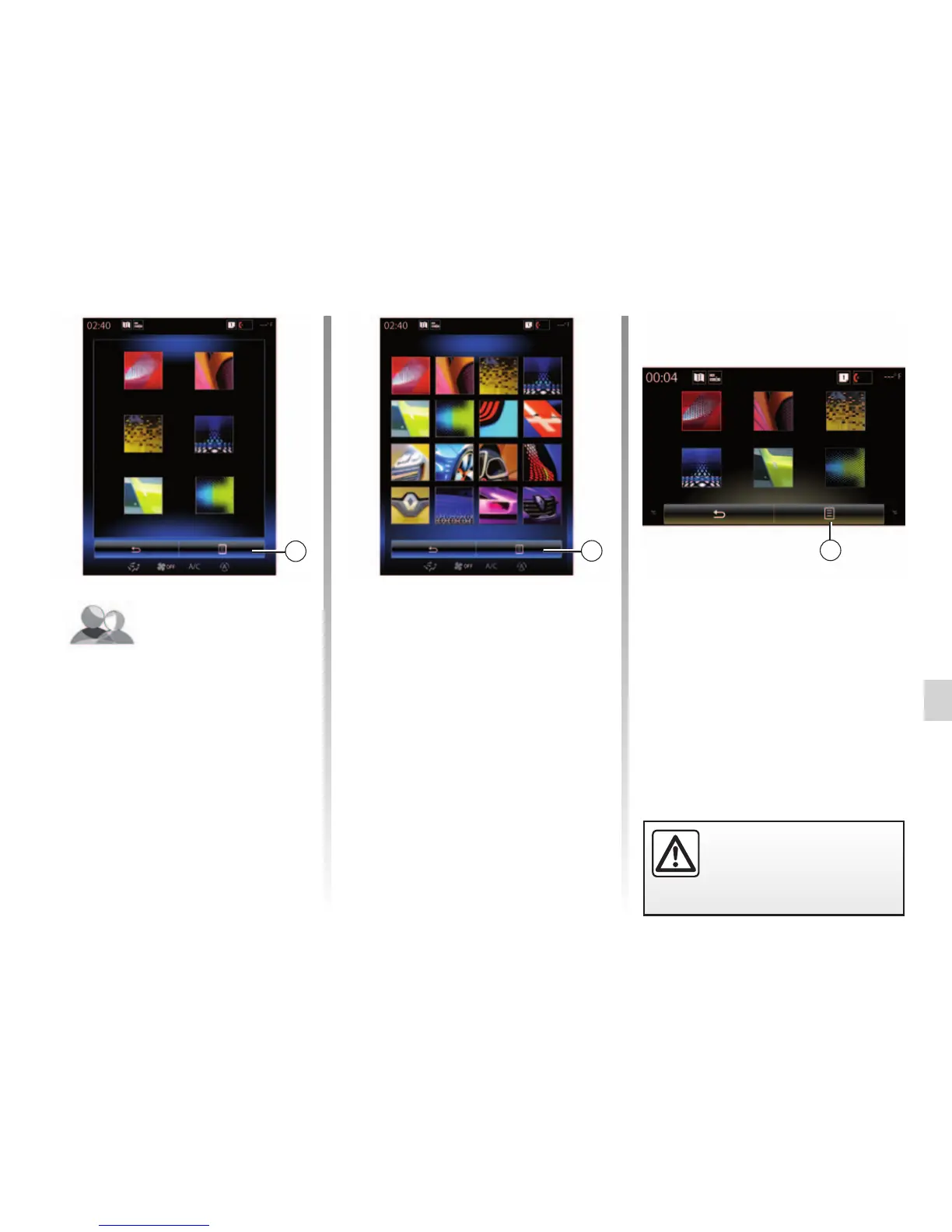
Change the photo of user profile
Press 2, then “Change photo”. You
can select an image from the stored
image list or an external storage
device (USB key, SD card, etc.). To
do so, press 3 then “Custom image”
and select an external storage
device.
Change photo
3
User profile
2
Name1 Name2
Name3 Name4
Name5 Name6
“User profile”
This menu lets you choose a user
profile to apply to the system. Select
the desired user profile.
Change the name of user profile
Press 2, then “Rename” to change
the profile name by using digital
keypad.
For safety reasons, carry
out these operations when
the vehicle is stationary.



 To Next Page