User Manual Bearing System RT-300
Issue: 2017/06/27 [Rev 1.04.c] Page 47 of 79 12-9-1-0013-9-2-0001-3-1-60
See documentation “RT-300 NMEA Serial Communication & Remote Control” describing
exactly all these functions.
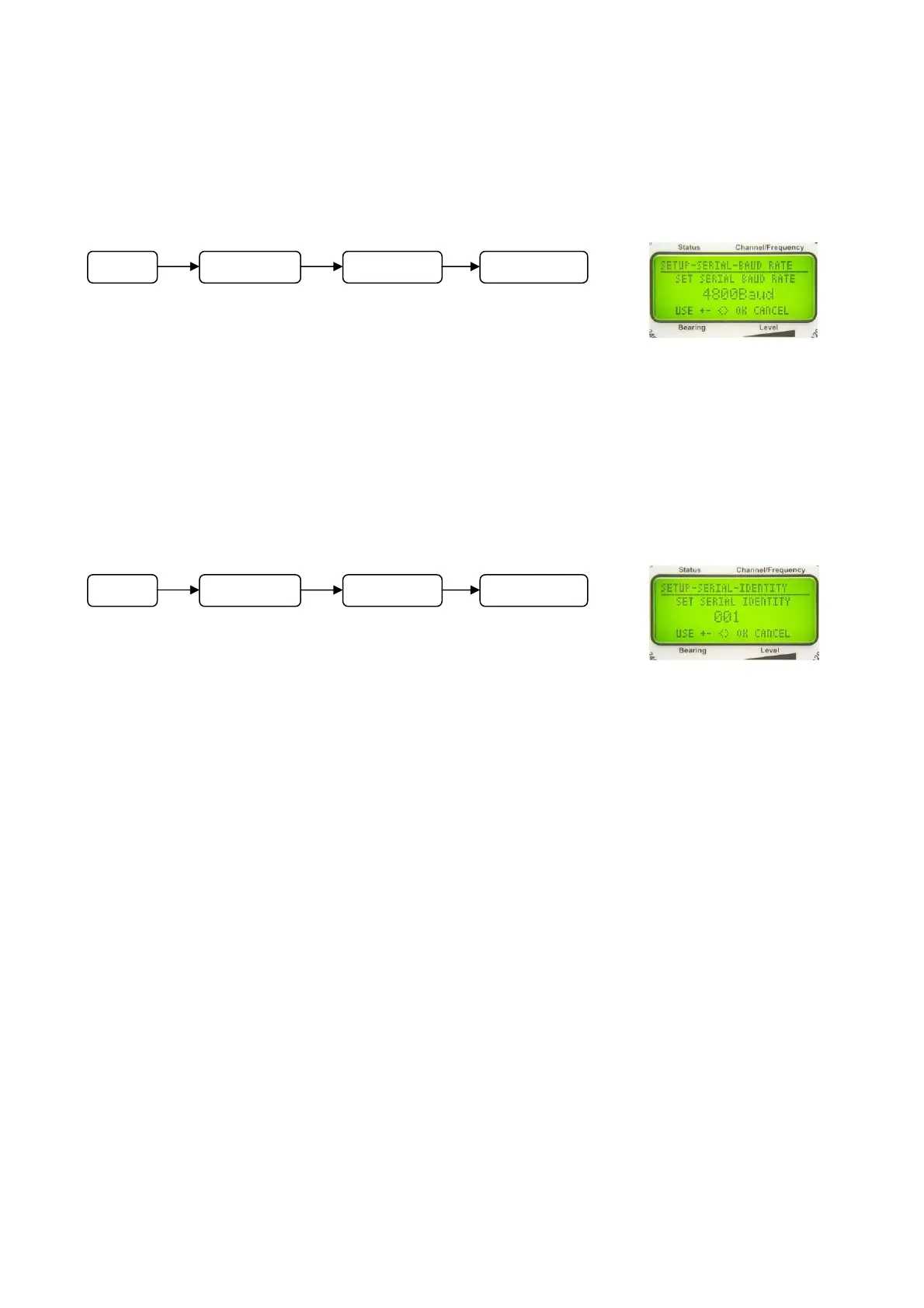
6.2.1.5.3.2 Adjusting Velocity of Data Transmission: SET SERIAL BAUD RATE
In
submenu SETUP – SERIAL - BAUD RATE, the velocity of data
transmission (Baud Rate) of the serial interface can be adjusted.
Following Baud rates are possible:
1.200; 2.400; 4.800; 9.600; 14.400; 19.200; 28.800; 38.400;
57.600; 76.800;115.200 Baud.
NOTE
See documentation “RT-300 NMEA Serial Communication & Remote Control” describing
exactly all these functions.
6.2.1.5.3.3 Adjusting Device Addressing: SET SERIAL IDENTITY
In
submenu SETUP - SERIAL - IDENTITY an address of the
interface for the bearing system can be set.
NOTE
See documentation “RT-300 NMEA Serial Communication & Remote Control” describing
exactly all these functions.
Operating:
In submenu SETUP - SERIAL select function IDENTITY.
- The menu appears as shown in Fig. 67.
- Keys 5 < + > respectively 8 < > and 10 < – > respectively 3 < > will increase / decrease
the address.
- Key 6 < Ok > will confirm selection.
- Key 9 < Clr > will reject the selection. The device will return to the next higher level of the
menu, working with the previous adjustment.
Fig. 66
Fig. 67
M
n
SETUP SERIAL BAUD RATE
M
n
SETUP SERIAL IDENTITY



 To Next Page