Printing Functions
67
3
❖ Inch version
*1: You can use these original and paper sizes to combine 4 one-sided originals.
*2: You can use these original and paper sizes to combine 2 or 4 one-sided origi-
nals.
*3: Only available when placing the original on the exposure glass.
Limitation
❒ You cannot print with originals different in size and orientation.
❒ If the reproduction ratio is under 49%, it is automatically adjusted to 50%.
Parts of the image might not be printed.
Note
❒ You can print a separation line in between the combined images. See p.161
“Combine/Image Repeat Separation Line”.
❒ You can set the machine to automatically cancel Combine mode once you
have finished using it. See p.162 “Cancel Combine/Repeat Setting”.
❒ If the orientation of originals is different from that of the paper, the machine
will automatically rotate the image by 90° to make prints properly.
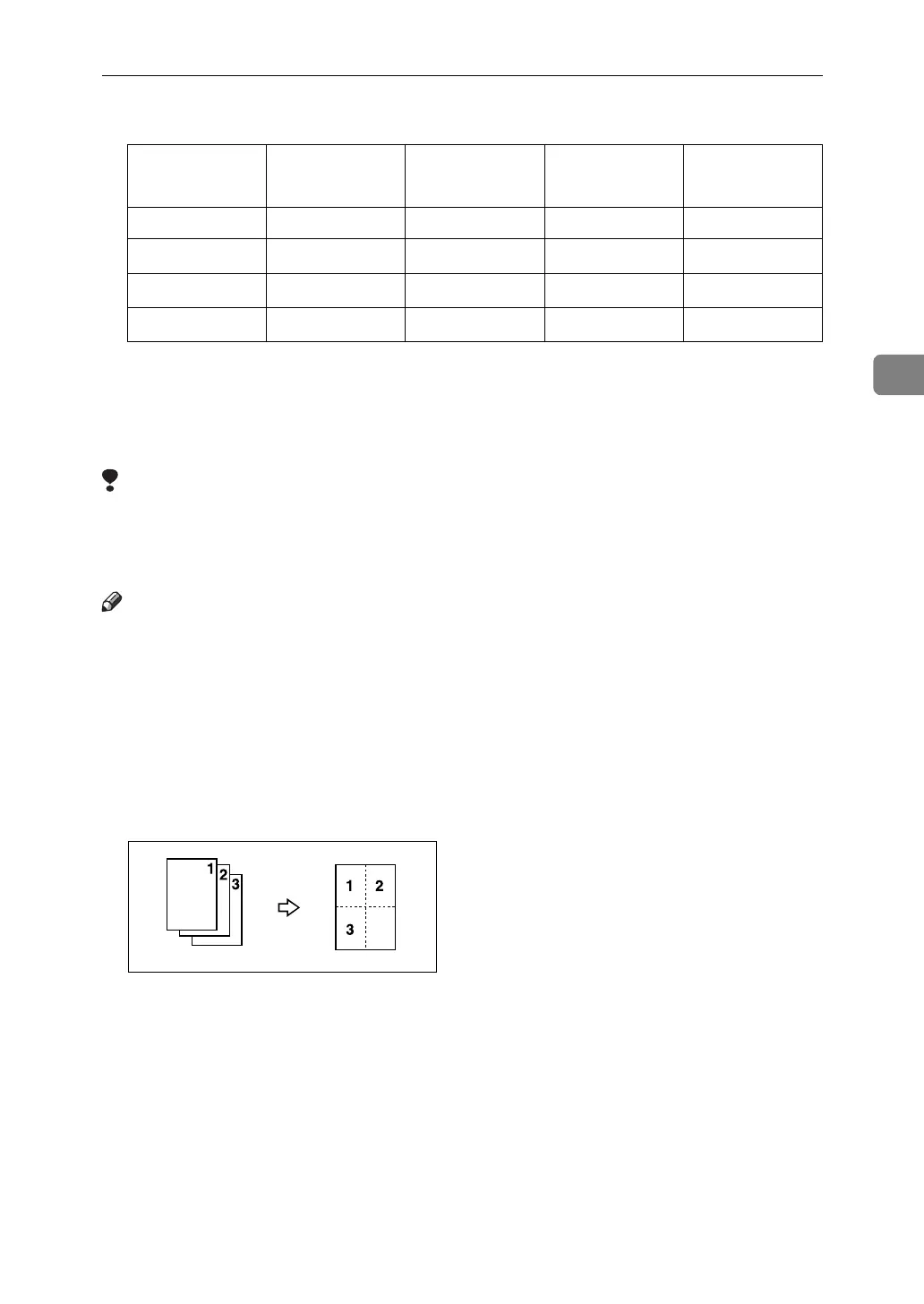
❒ If the number of originals placed is less than the number specified for com-
bining, the last page segment is left blank as shown.
Original 11" × 17"L
8
1
/
2
" × 14"L 8
1
/
2
" × 11"KL 5
1
/
2
" ×
8
1
/
2
"KL*3
Paper
11" × 17"L *2 *2 *2 *2
8
1
/
2
" × 14"L
*1 *2 *2 *2
8
1
/
2
" × 11"KL
*1 *1 *2 *2
5
1
/
2
" × 8
1
/
2
"L
––*1*2












 To Next Page