Printing Functions
68
3
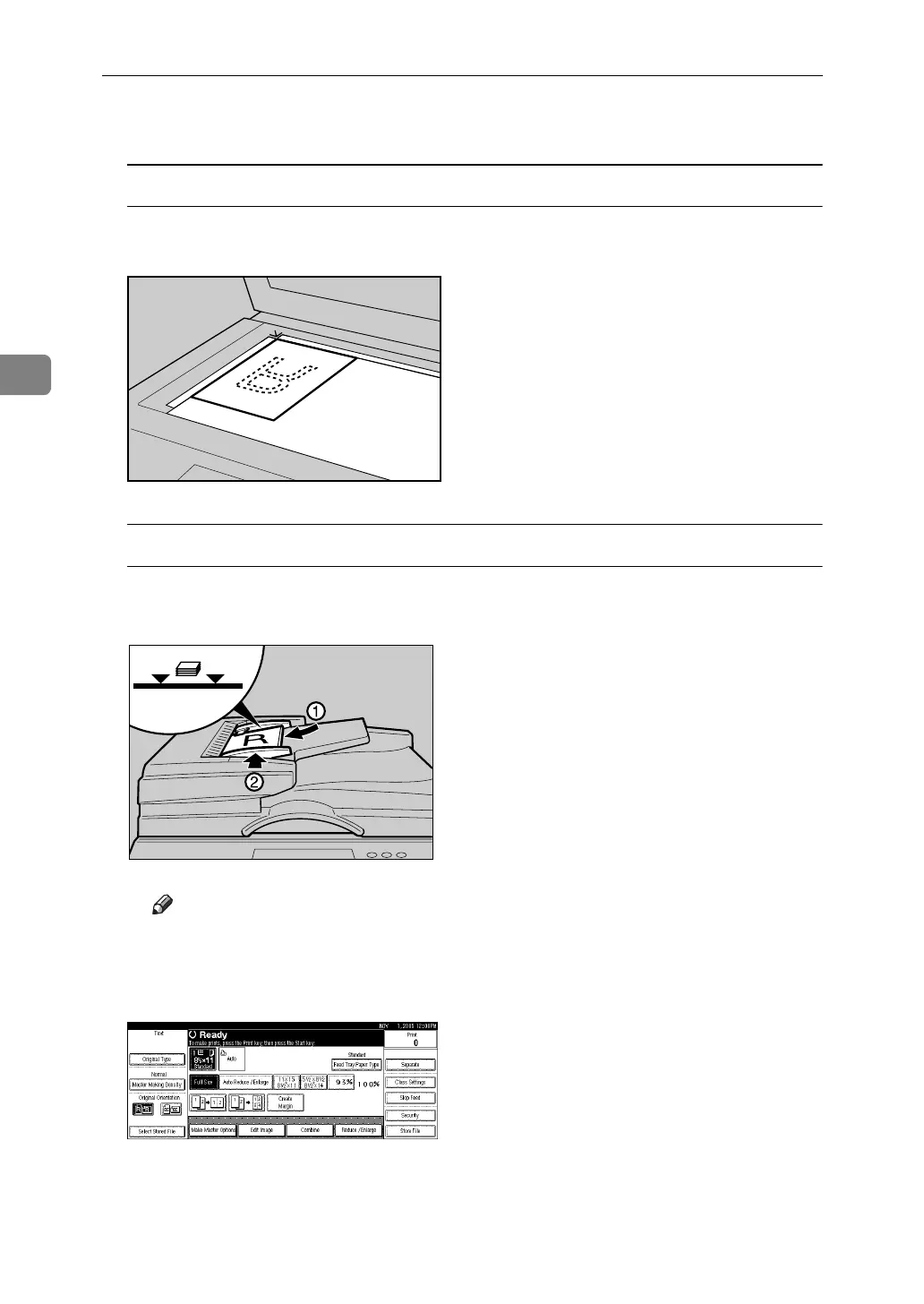
A Place the originals.
Placing the original (K) on the exposure glass
A Place the original face down with its leading edge towards you, as
shown below.
Placing the originals (K) in the optional ADF
A Place the originals face up with the first page on the top.
B Adjust the document guides to the original size.
Note
❒ To avoid originals misfeeding, fan the originals before placing them in
the ADF.
B Press [Combine].
ZDCH110E
AJK153S












 To Next Page