Printing Functions
76
3
❖ Placing originals on the exposure glass (inch version)
*1: You can use these original and paper sizes to repeat 2 images.
*2: You can use these original and paper sizes to repeat 2 or 4 images.
*3: You can use these original and paper sizes to repeat 2, 4 or 8 images.
A Place the originals.
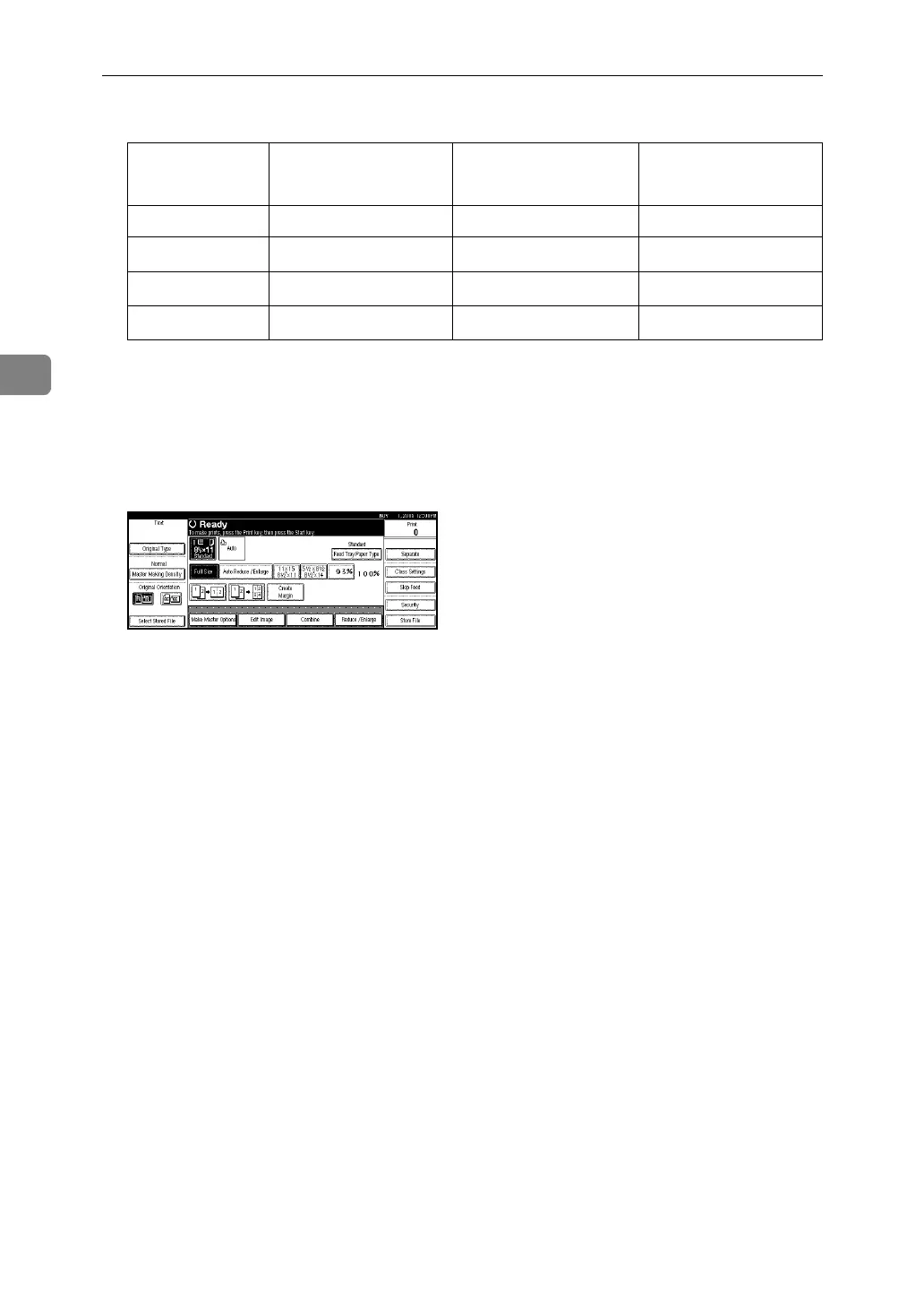
B Press [Edit Image].
C Press [Edit Image].
D Press [Image Repeat].
E Select [2 Repeat], [4 Repeat], [8 Repeat], or [16 Repeat].
F Press [OK] three times.
G Press the {Start} key.
Original 11" × 17"L
8
1
/
2
" × 14"L 8
1
/
2
" × 11"KL
Paper
11" × 17"L *2 *2 *3
8
1
/
2
" × 14"L
*1 *2 *2
8
1
/
2
" × 11"KL
*1 *1 *2
5
1
/
2
" × 8
1
/
2
" L
-- -- *1



 To Next Page