Printing Functions
77
3
Custom Repeat
Use this function to print repeated images from a small original, such as a memo
or name card. Images are repeated as often as the paper size allows.
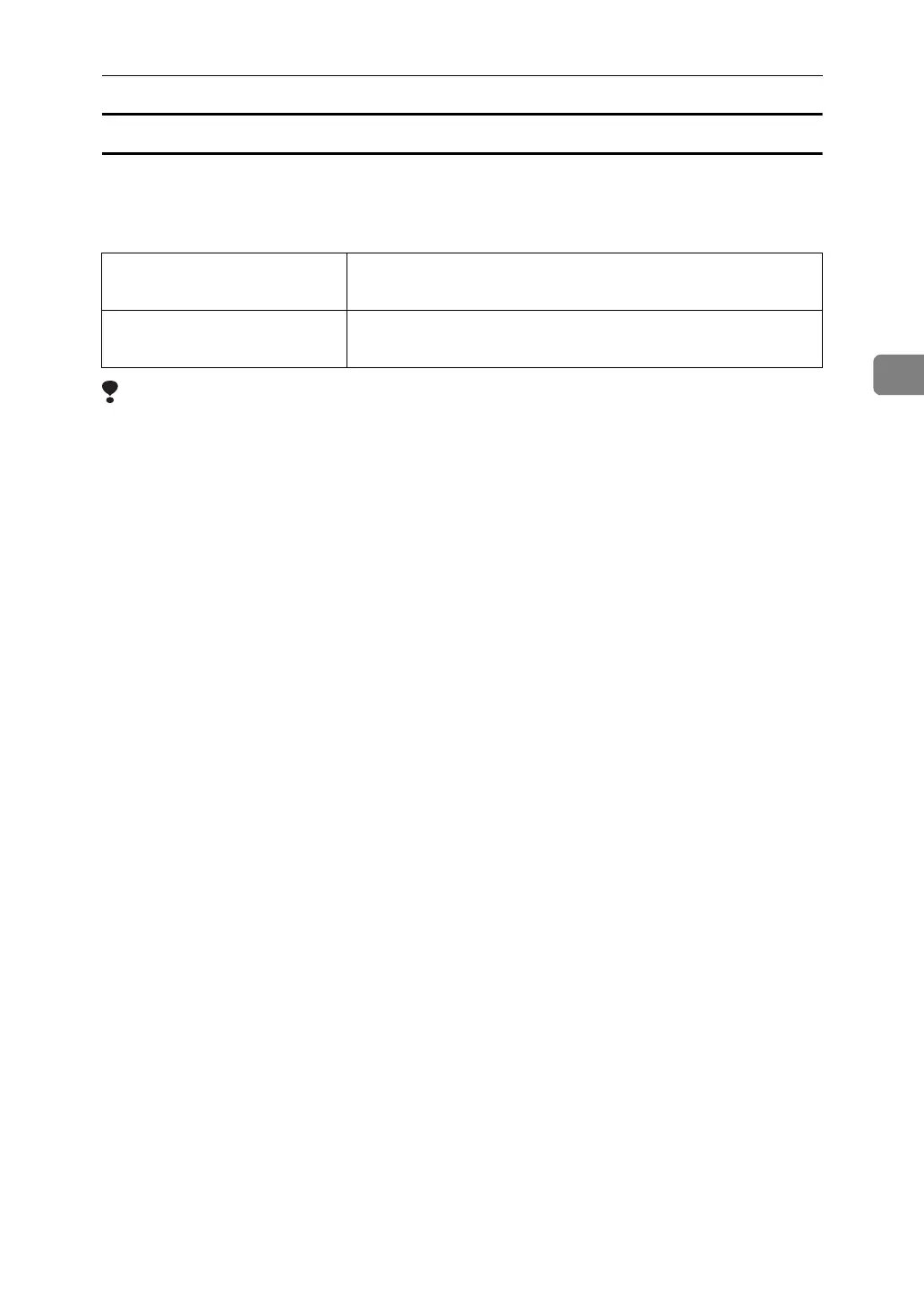
The sizes of originals you can use are as follows:
Limitation
❒ You cannot use Image Rotation, Size Magnification, or Erase Border with this function.
A Place the originals.
B Press [Edit Image].
C Press [Edit Image].
D Press [Image Repeat].
E Press [Custom Repeat].
F Enter the vertical size of the original using the number keys, and then press [#].
G Enter the horizontal size of the original using the number keys, and then
press [#].
H Press [OK] four times.
I Press the {Start} key.
Metric version Vertical: 50 – 300 mm
Horizontal: 50 – 432 mm
Inch version Vertical: 2.0 – 11.7 inch
Horizontal: 2.0 – 18 inch












 To Next Page