Printing Functions
83
3
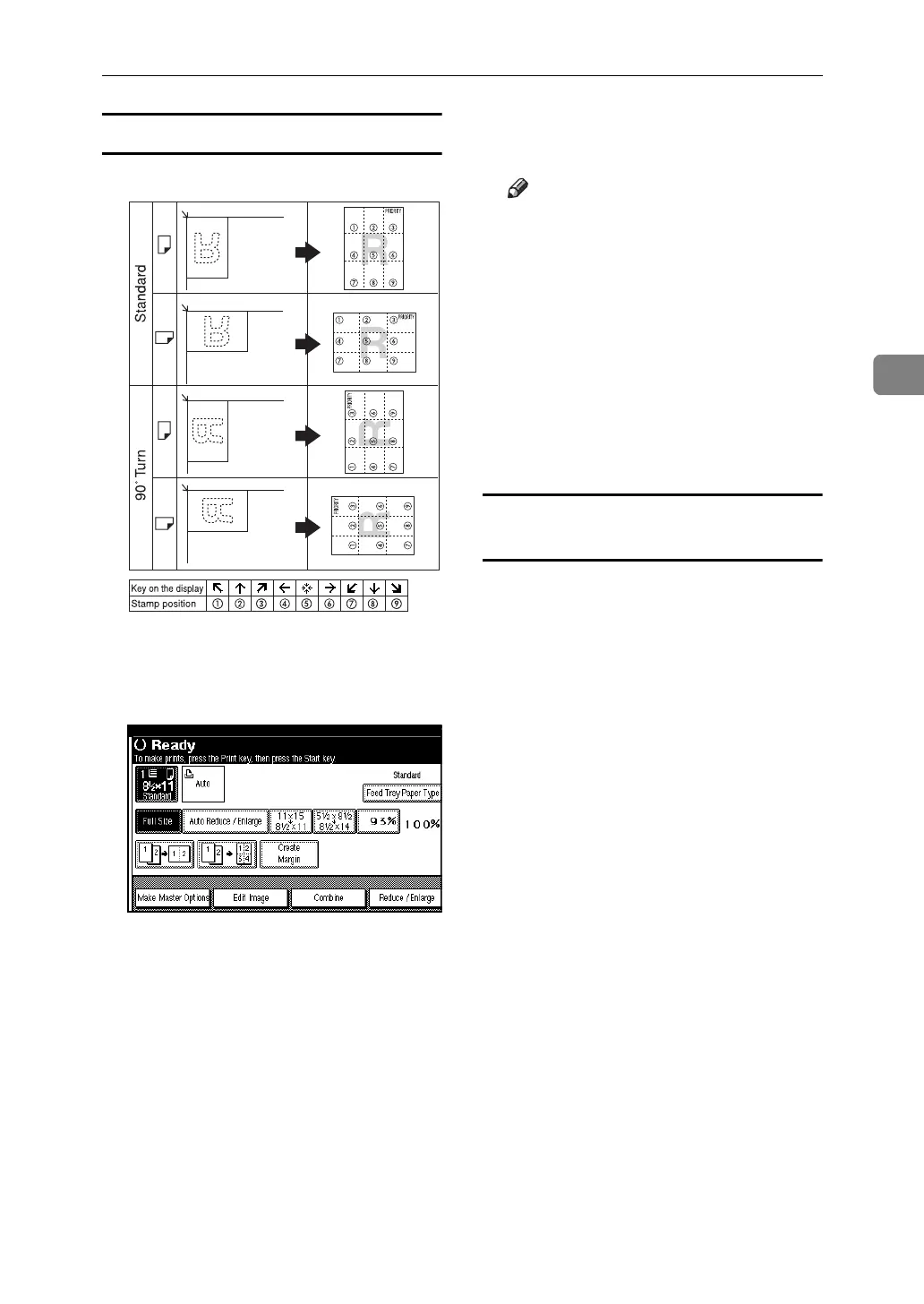
Stamp position and original orientation
A Place the originals.
B Press [Edit Image].
C Press [Preset Stamp].
D Select the message.
E Press [All Pages] or [1st Page Only] to
select the print page.
Note
❒ You can change the stamp posi-
tion, size, and density of the
stamp. See p.83 “To change the
stamp position, size, and densi-
ty”.
F After you have specified all nec-
essary settings, press [OK].
G Press [OK] twice.
H Press the {Start} key.
To change the stamp position, size, and
density
A Press [Change].
B Select the position for print, size,
and density, and then press [OK].
GCSTMP5E












 To Next Page