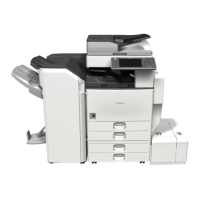
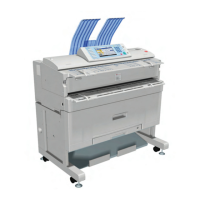
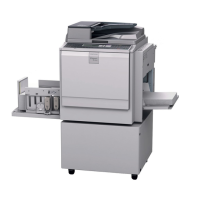
SD card for NetWare printing Type M4/M3
D146/D147/D148/D149/D150 2-184 SM
§ When installing more than one SD card, perform the merge operation.
3. Switch the power ON.
4. Attach the SD card slot cover. (
×1)
5. After switching the power ON, check that the system settings list is output, and that the option
is recognized correctly.



 To Next Page