rletech.com WiNG-MGR User Guide 31
3 Web Interface
3.2.1 Individual Sensor Pages
Whether you’re viewing the sensors through the Sensor page or the Alarm page, each sensor’s
name is a clickable link. Click this link to access the sensor’s individual data and configuration
page.
All fields in the following table will not be available for each sensor. Only the configurable
options that apply to each sensor are displayed in that sensor’s configuration menu. Each
individual sensor page has five tabs. Editable options are as follows:
3.2.1.1 Readings
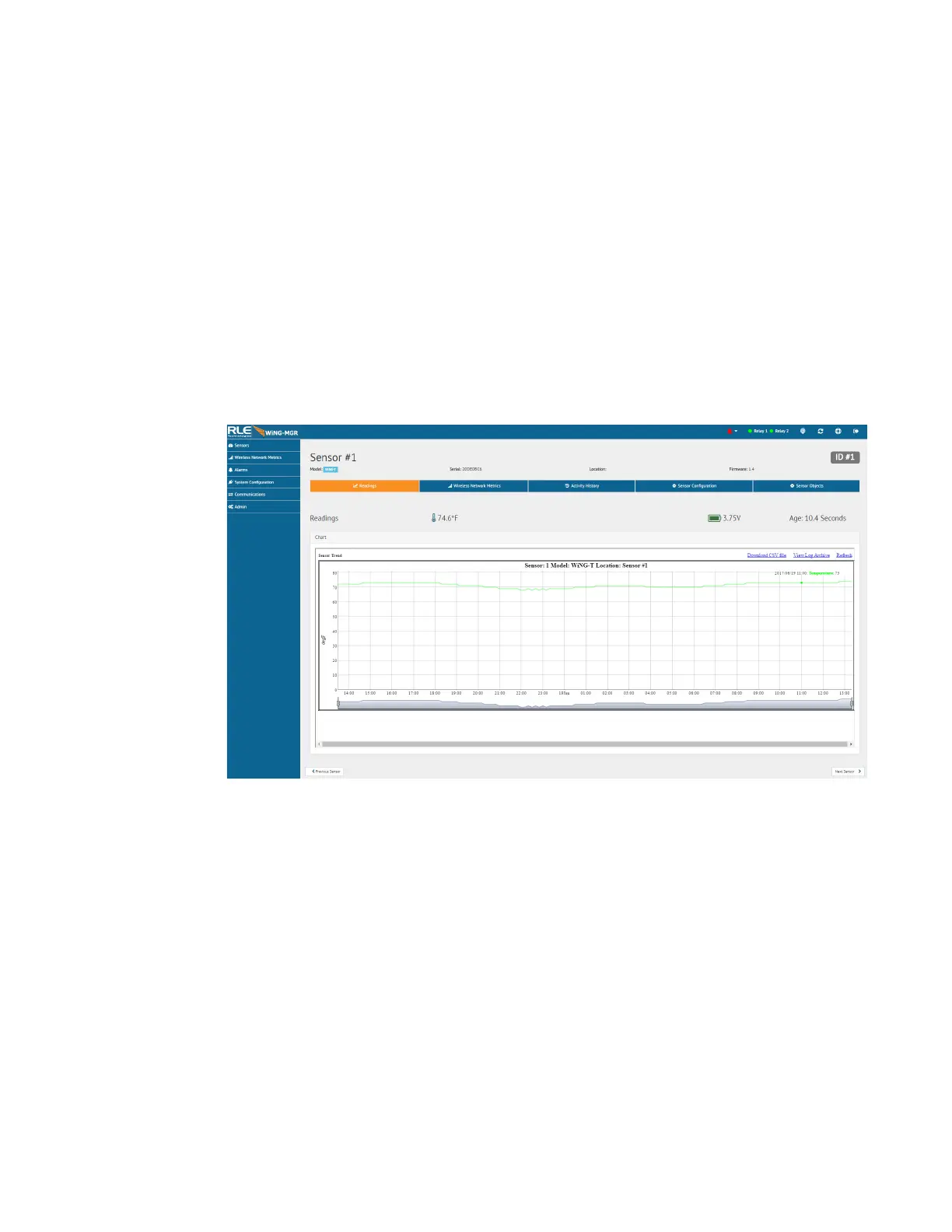
This page tells you the current reading of the sensor and its battery life. There is a trend chart
on this page and links that allow you to download the trended data and view the sensor’s log
archive. Sensor logging is configured in the Admin > Sensors menu and is detailed in section
3.7.3, “Sensors” on page 58.
Figure 3.8
Individual Sensor Page - Readings Tab
3.2.1.2 Wireless Network Metrics
This page shows the wireless network metrics for this individual sensor. RSSI metrics for the
manager and range extender system components can be found under the Wireless Network
Metrics link in the left side navigation.
These sensor metrics are provided for advanced users with a strong knowledge of RF. You
may also need to provide them to your technician if you engage in a technical support call.



 To Next Page