50 WiNG-MGR User Guide 800.518.1519
3 Web Interface
3.6.4 DNS
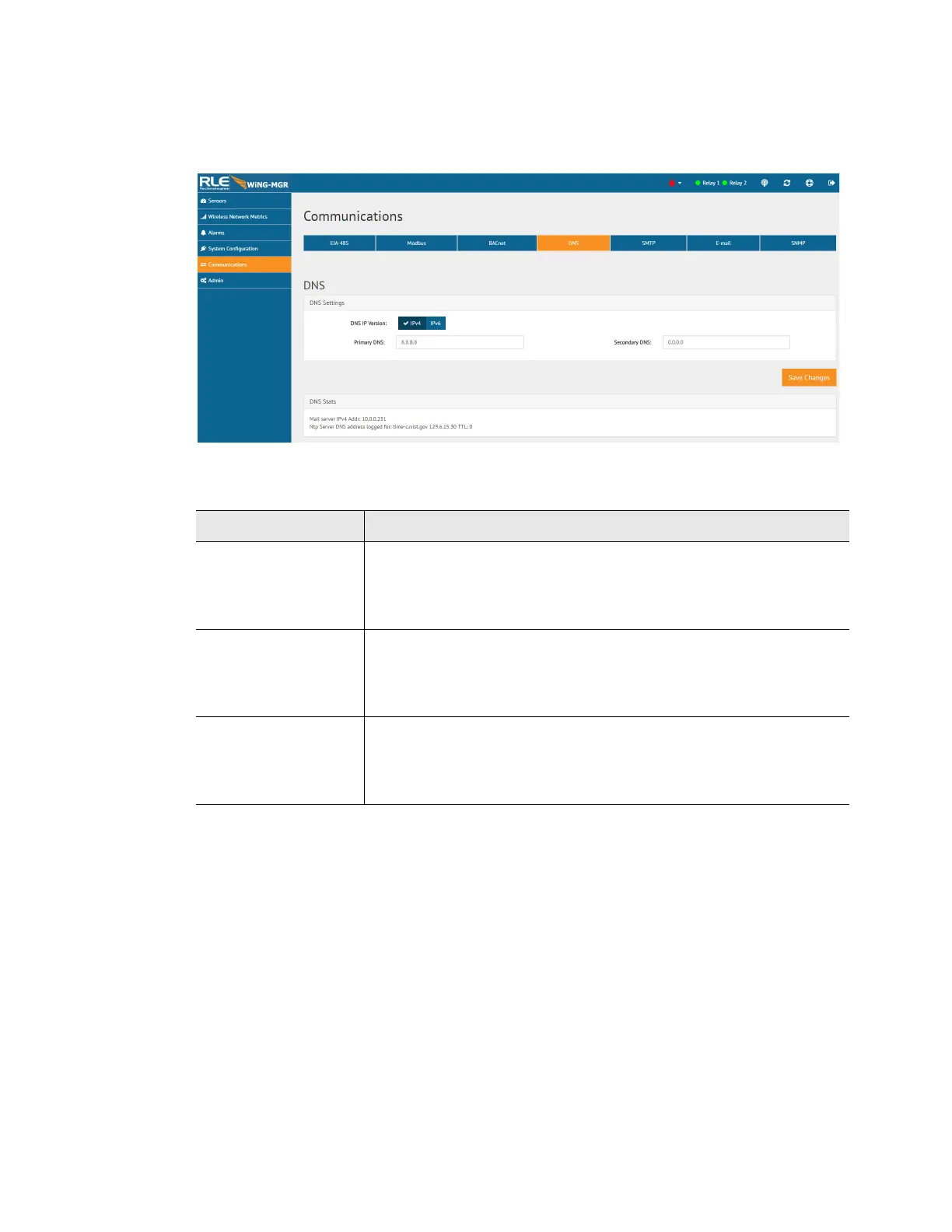
Configure DNS settings through this page.
Figure 3.22
DNS Configuration
Option Description
DNS IP Version Use the toggle switch to designate whether you want to use an IPv4
or IPv6 DNS server.
Default setting: IPv4
Primary DNS Enter the IP address for the primary DNS server, as provided by your
internet service provider.
Default setting: 0.0.0.0
Secondary DNS Enter the IP address for the secondary DNS server, as provided by
your internet service provider.
Default setting: 0.0.0.0
Table 3.13
DNS Configuration Options



 To Next Page