88 WiNG-MGR User Guide 800.518.1519
B.1. Load the Application Firmware
Once the WiNG-MGR’s configuration file and the latest version of firmware files have been
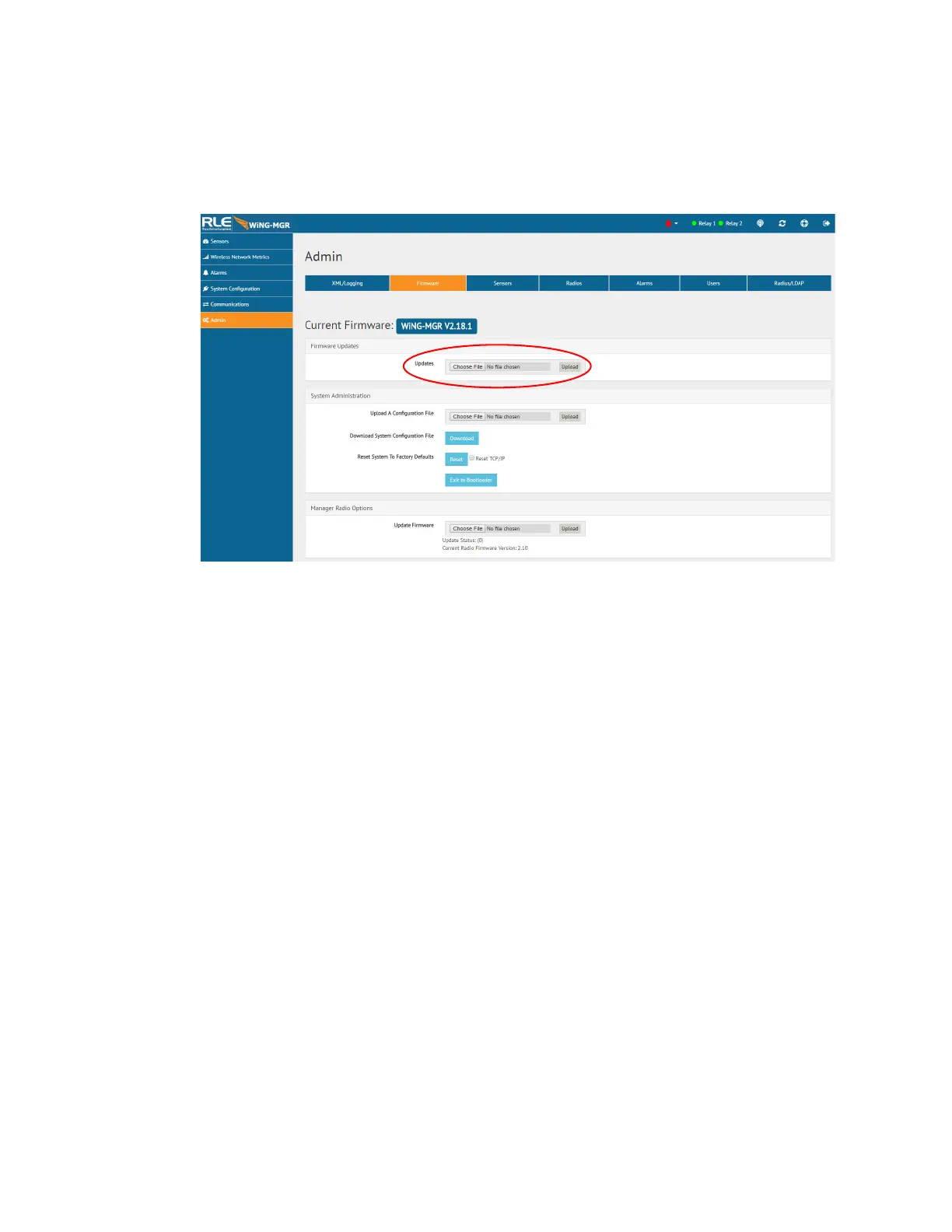
downloaded to a local drive, navigate to the Firmware tab within the Admin menu in the web
interface.
Figure B.2
Admin Menu, Firmware Page - Firmware File Upload
Navigate to the first file using the browse button, and then click on upload for the unit to take
the file. This process takes about 60 seconds to complete.



 To Next Page