rletech.com WiNG-MGR User Guide 39
3 Web Interface
3.5. System Configuration
Configure your WiNG-MGR through this series of menus.
NOTE
If any of these fields are edited, be sure to click the Save Changes button to save the
changes. If you edit the fields and do not click the Save Changes button, all edits will be
lost.
3.5.1 Identity
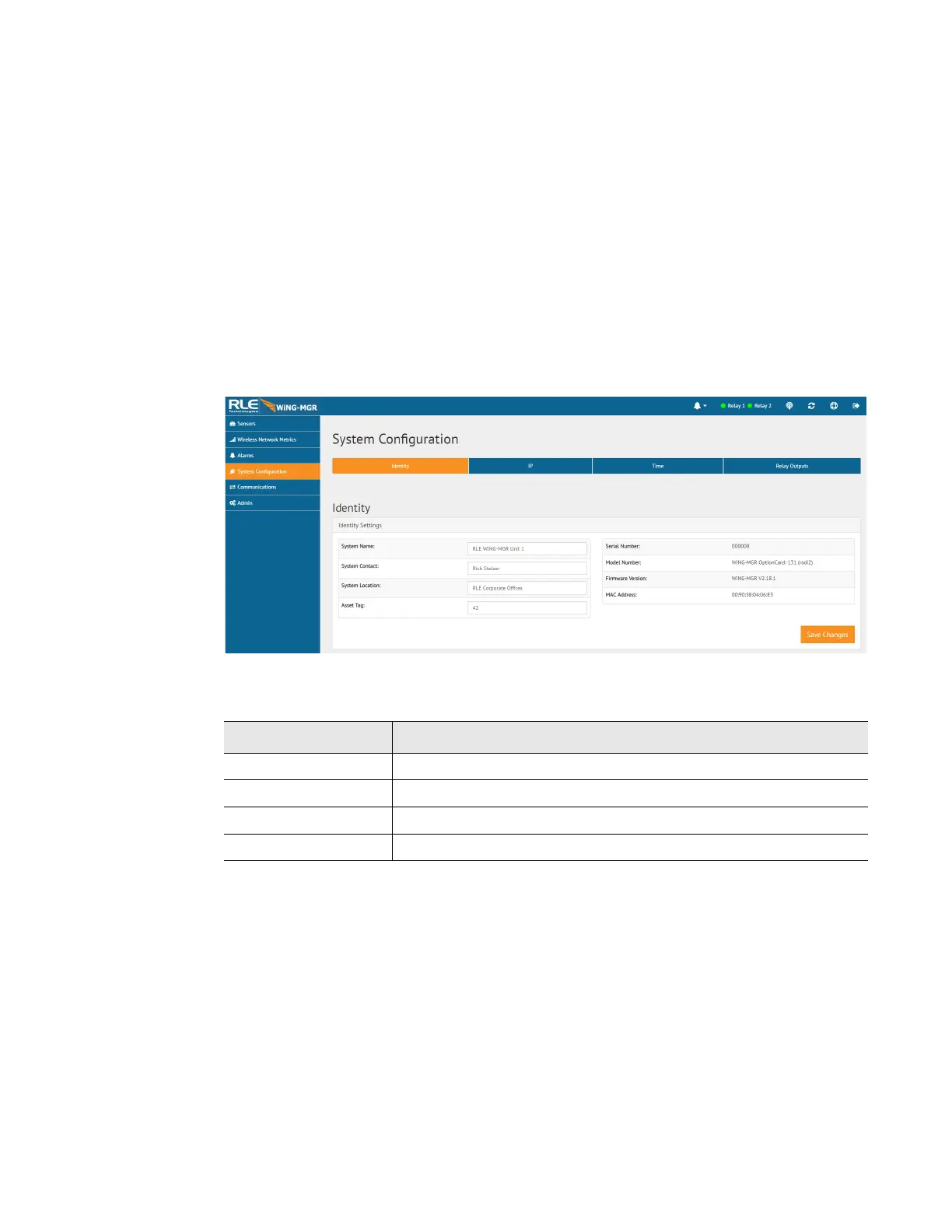
The Identity page allows you to customize the name of the WiNG-MGR and the contact and
location information for this particular WiNG-MGR. You can also look here to find the unit’s
serial number, model number, MAC address, and the version of firmware currently running on
the unit.
Figure 3.15
Identity Page
Option Description
System Name Enter a name unique to this particular WiNG-MGR.
System Contact Designate a technical contact for this unit.
System Location Specify the physical location of this particular WiNG-MGR.
Asset Tag If your facility uses asset tagging, log the code for this WiNG-MGR.
Table 3.6
Identity Configuration Options



 To Next Page