52 WiNG-MGR User Guide 800.518.1519
3 Web Interface
3.6.6 E-mail
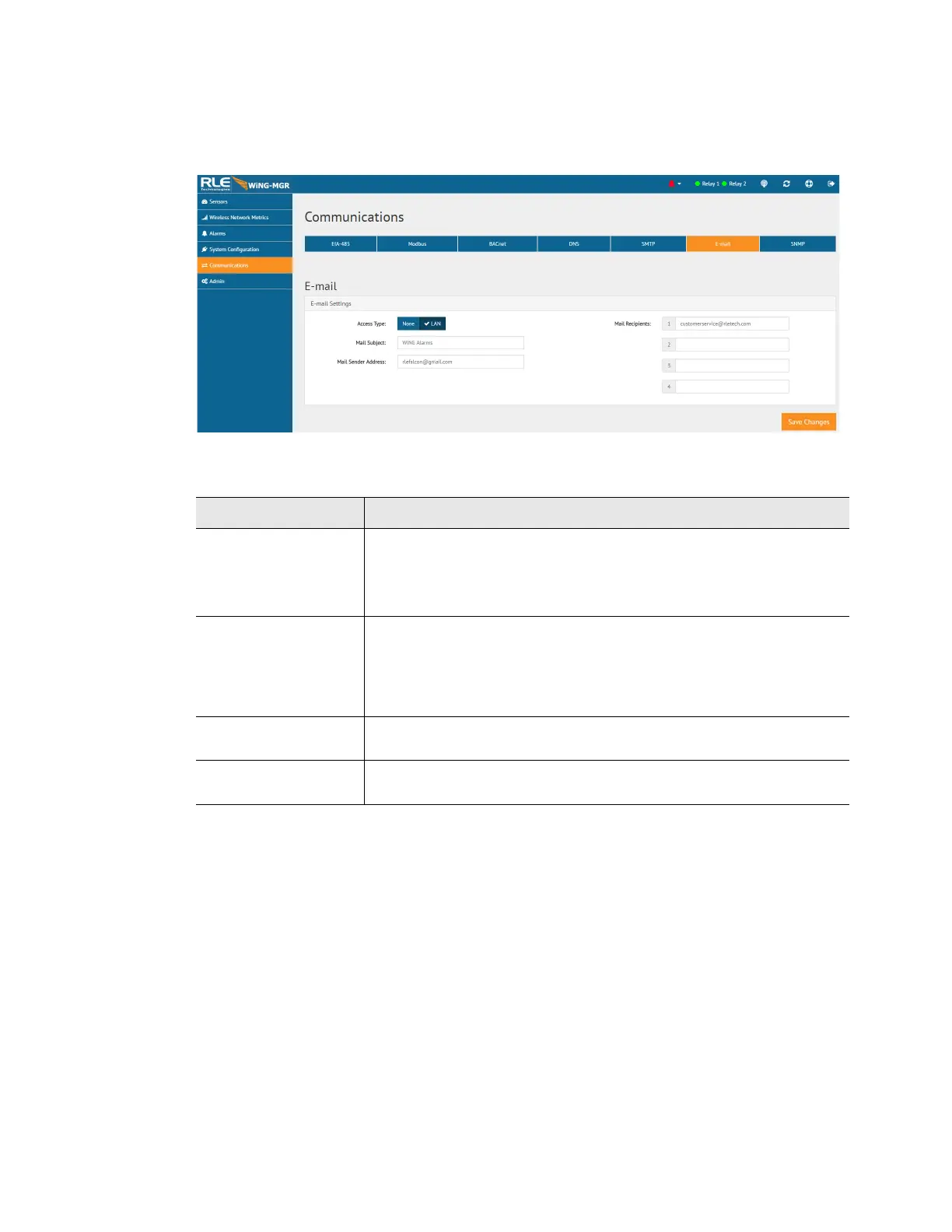
Configure e-mail settings through this page.
Figure 3.24
Email Configuration
Option Description
Access Type Select LAN to send alerts through a local network connection. Select
None to disable the email feature.
Default setting: LAN
Mail Recipients Email alerts can be sent to four recipients. Enter up to four unique
email addresses here.
If you would like a message to be sent to a distribution group, you
can use the email address of the distribution group in one of these
fields.
Mail Subject Enter the text that will appear in the subject line of any outgoing
email messages.
Mail Sender Address Any email messages sent by the WiNG-MGR will come from this
valid email address.
Table 3.15
Email Configuration Options



 To Next Page