rletech.com WiNG-MGR User Guide 33
3 Web Interface
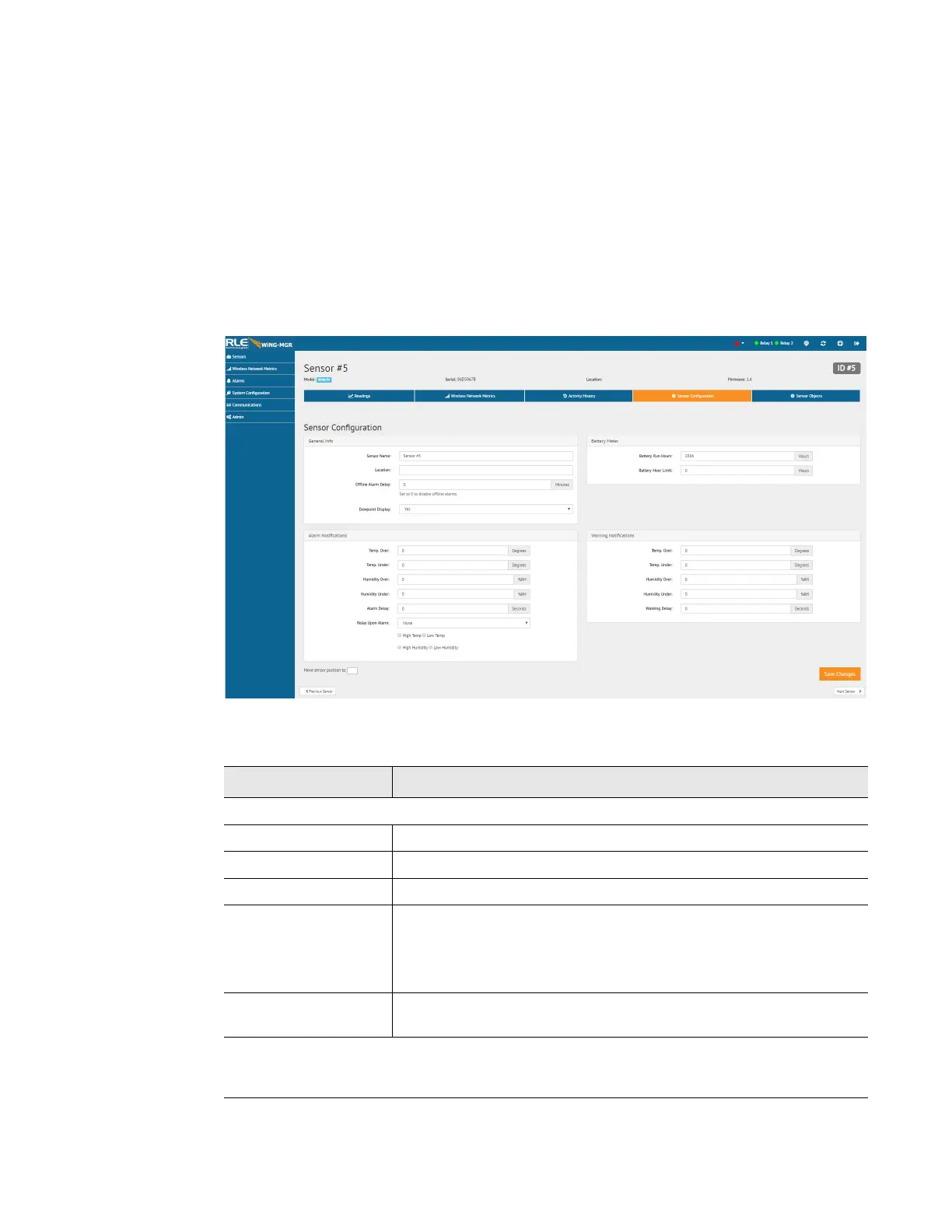
3.2.1.4 Sensor Configuration
Use this page to configure your sensor. All fields in the following table will not be available
for each sensor. Only the configurable options that apply to each sensor are displayed in that
sensor’s configuration menu.
If you wish to configure settings globally for your sensors, that option is available on the
Admin > Alarms page and is detailed in section 3.7.5, “Alarms” on page 62.
NOTE
When the desired edits have been made, click the Save Changes button to save the
changes. If the Save Changes button is not selected, the new configuration will not be
updated and saved.
Figure 3.11
Individual Sensor Page - Sensor Configuration Tab
Option Description
General Info
Sensor Name Enter a name for this sensor.
Thermistor Type Use a 10k-2 thermistor with our WiNG-THRM sensor.
Location Enter the sensor’s physical location.
Offline Alarm Delay If the sensor goes offline, how much time should pass before an
alert is generated?
0 = Offline alarms are disabled.
Dewpoint Display If you have a temperature/humidity sensor, a calculated dew point
can be displayed. Select Yes to activate this option.
Battery Meter - Allows you to manually track the amount of battery life left for this sensor.
You must access the Admin > Sensors configuration page and select the “Run Hours”
option from the Battery Meter Type dropdown if you wish to use this functionality.
Table 3.4
Individual Sensor Page - Sensor Configuration Tab Options



 To Next Page