rletech.com WiNG-MGR User Guide 51
3 Web Interface
3.6.5 SMTP
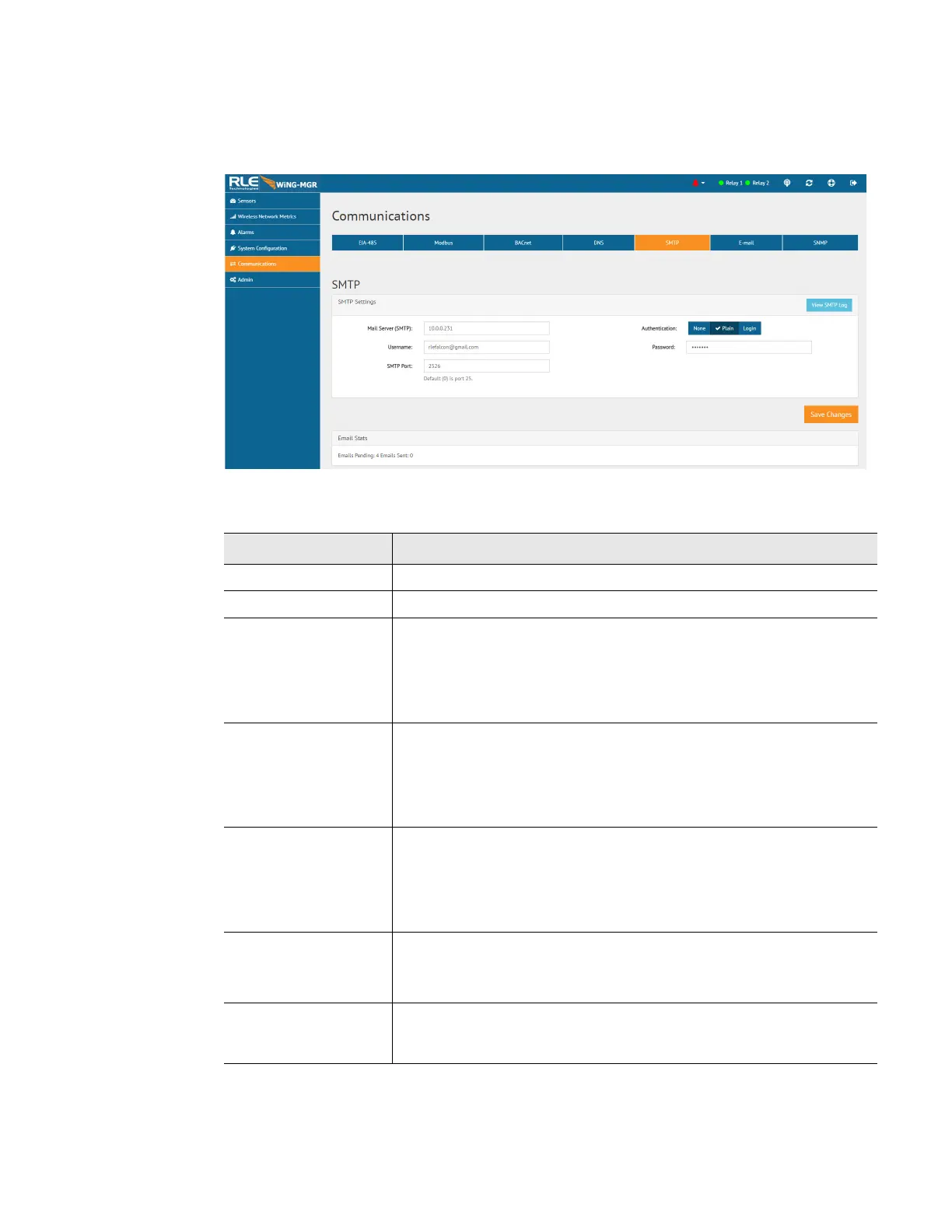
Configure SMTP settings through this page.
Figure 3.23
SMTP Configuration
Option Description
View SMTP Log Click this link to view all logged email messages.
Mail Server (SMTP) Enter the URL of your SMTP server.
Authentication This is the authentication type used by the server. Leave the
authentication type at its default setting - None, unless otherwise
directed by your IT department.
Default setting: None
Username This is the username for your email account. Leave the username at
its default setting - blank, unless otherwise directed by your IT
department.
Default setting: Blank
Password This is the password for that email account. Leave the password at
its default setting - blank, unless otherwise directed by your IT
department.
Default setting: Blank
SMTP Port Enter the appropriate SMTP port.
Default setting: 0 = Port 25
Email Stats Refer to this field to see how many email messages are pending and
how many have been sent by the WiNG-MGR. This is a quick way to
check if email notifications are being sent by the WiNG-MGR.
Table 3.14
SMTP Configuration Options



 To Next Page