AX10 Palletizing Solution
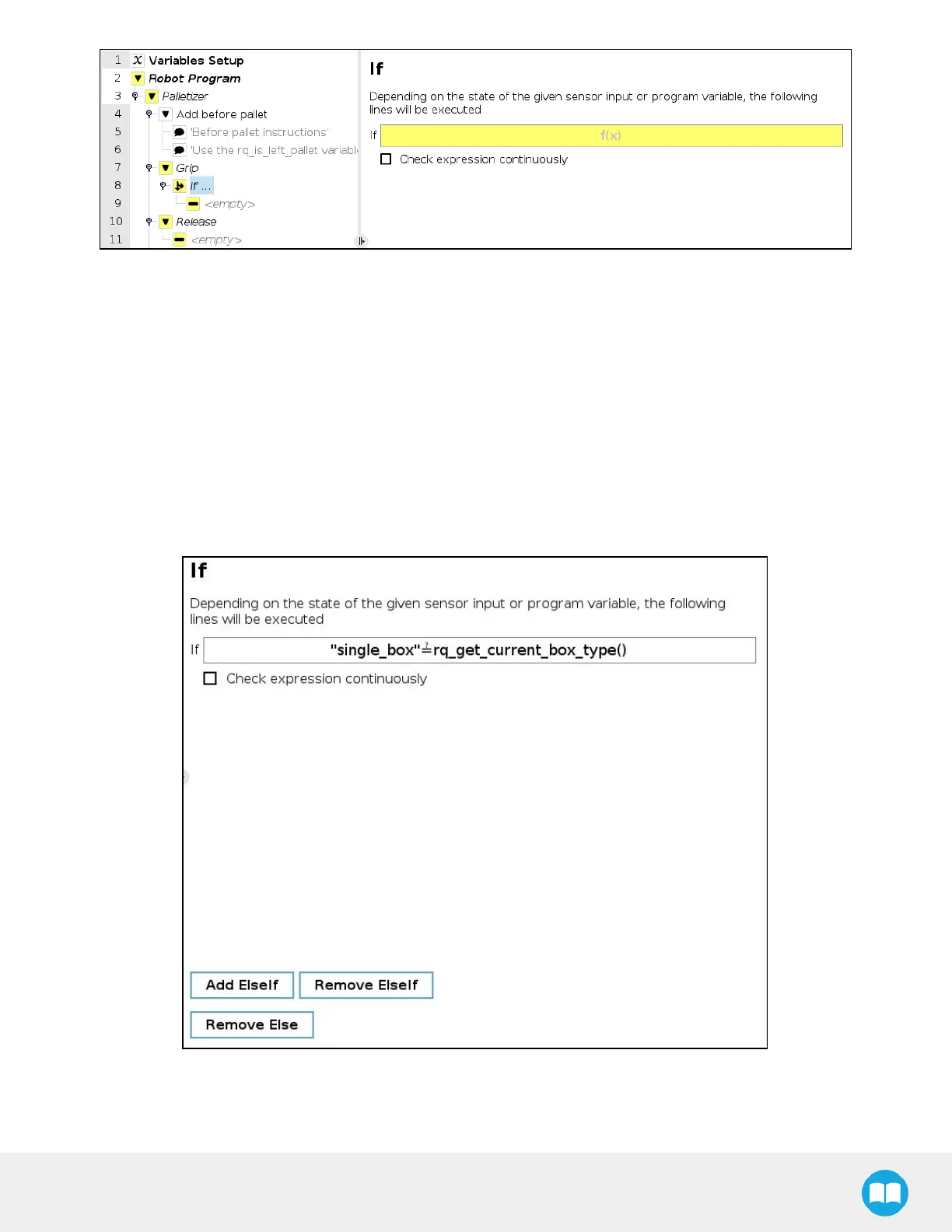
Fig. 5-33: If node in the Grip node
3. In the panel that opens:
a. Enter the name of the first box type between quotation marks.
b. Enter the questioned equal to symbol (≟) (use the keyboard in the panel to enter the appropriate symbol).
c. Open the Function dropdown menu
d. Select rq_get_current_box_type().
e. Tap Submit.
The result in the Command window should resemble this:



 To Next Page