AX10 Palletizing Solution
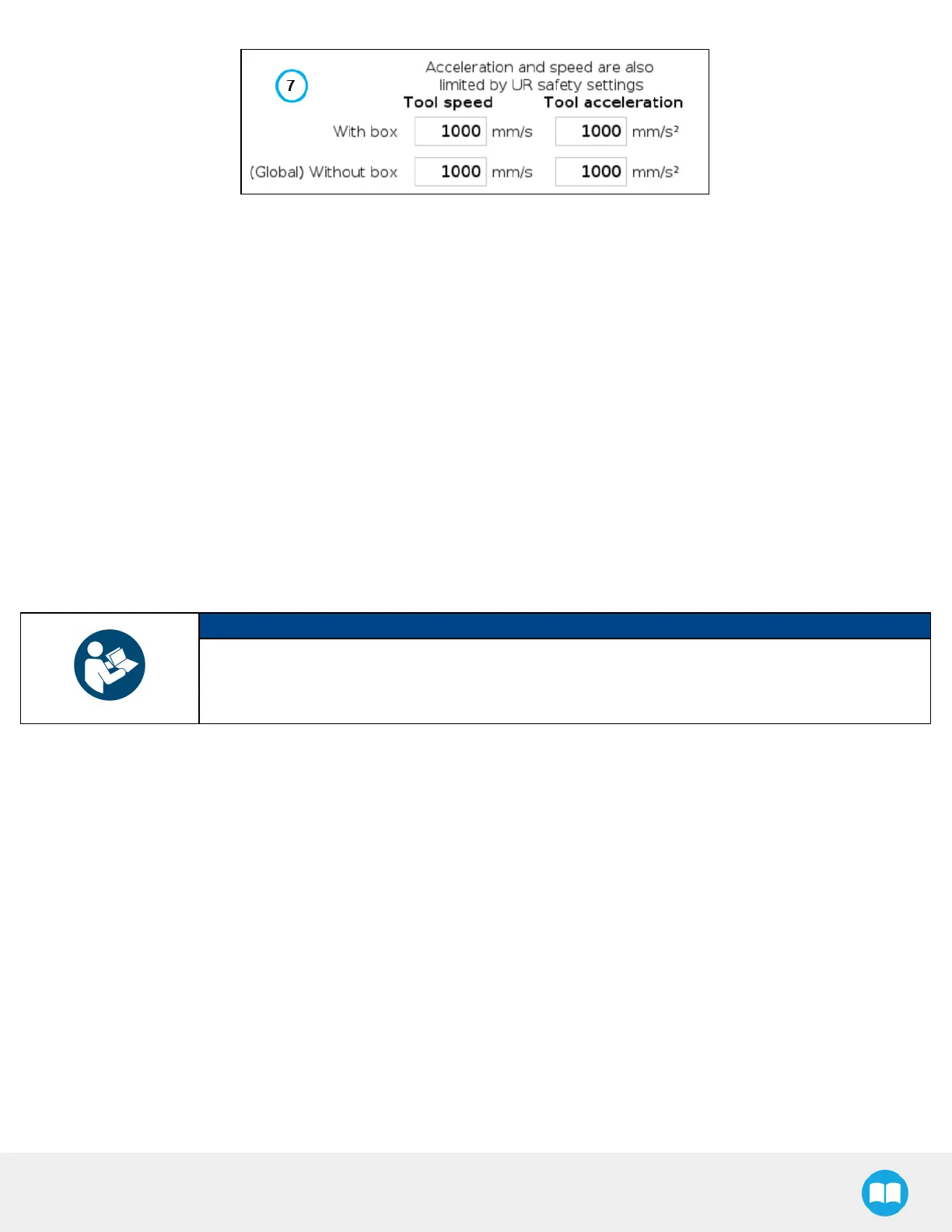
Fig. 5-5: Settings Menu of a Palletizer Node
1. Palletizer mode
Select the radio button that corresponds to the task to be performed, either Palletizing or Depalletizing. The default
value is Palletizing.
2. Box and pallet display units
Select the preferred measurement system, either Metric or Imperial. The default value is Metric.
3. Enable multi-recipe
Disabled by default.
Tick the box to enable multi-recipe.
The multi-recipe feature adds the ability to create one or more palletizing recipes within the same Palletizer node, each
with its own layer sequence, number of layers, patterns, box types, and settings.
NOTICE
Once enabled, the multi-recipe feature applies to the entire Palletizer node.
The interface thus displays a visual indicator signaling the user that changes made to certain sections of
the Settings menu will affect the entire Palletizer node.
82



 To Next Page