AX10 Palletizing Solution
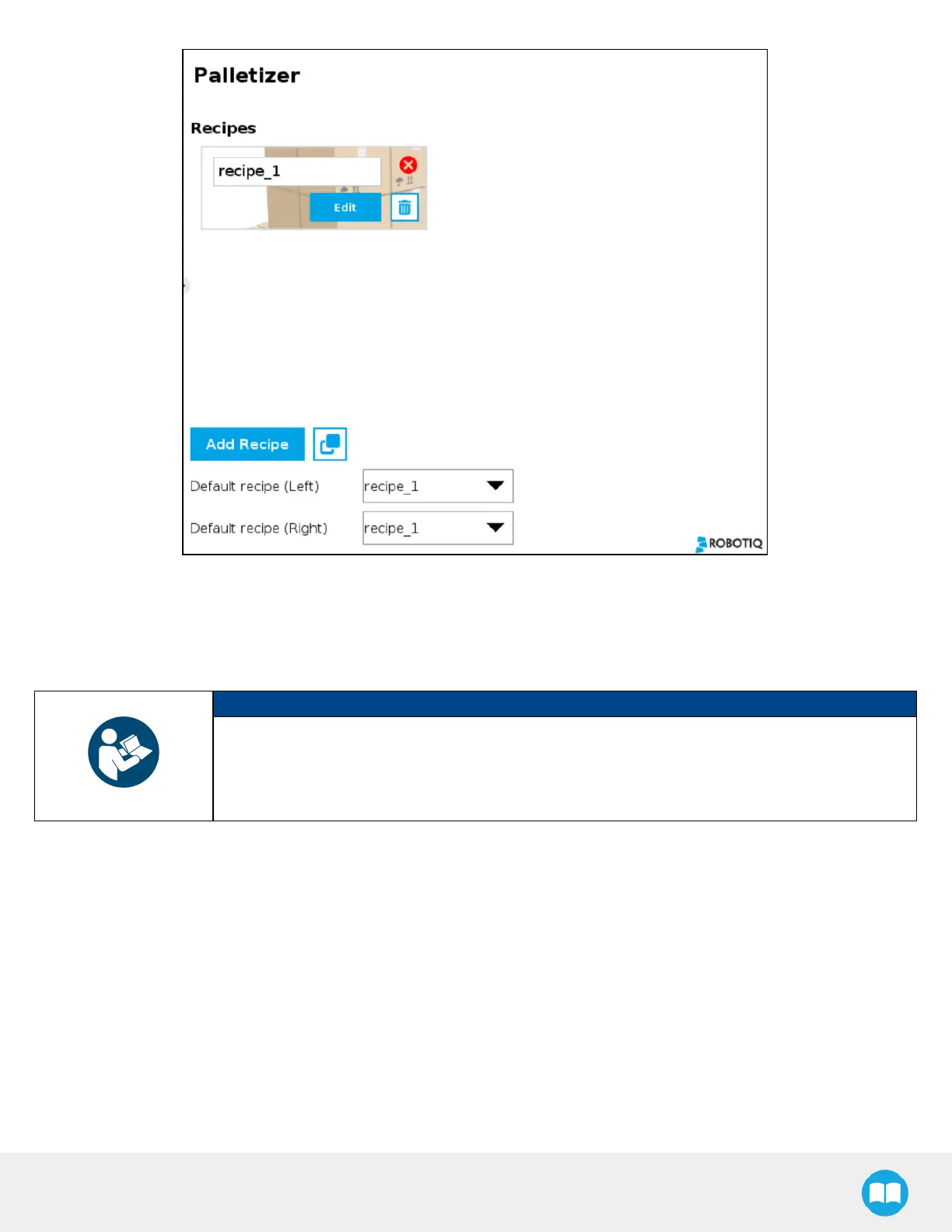
Fig. 5-8: Home View of a Multi-Recipe Palletizer Node
l
Tap the Add Recipe button to create a new pallet recipe, yet to be configured.
l
The Default recipe dropdown menus allow the user to select which recipes will be used at the start of the robot program.
l
When starting the program, choose which recipe will be used for each pallet in the Confirm current pallet state popup window.
NOTICE
The recipe selected from the dropdown menu in the upper right corner will change the recipe for
both pallets.
The recipe selected from the dropdown menu in the lower right corner will change the recipe for
the other pallet only.
86



 To Next Page