Robotiq Screwdriving Solution - Instruction Manual
Caution
Make sure the tool is perpendicular to the workpiece.
You can use the ActiveDrive feature to reorient the tool at 90 degrees and lock the motion in 4 degrees of freedom.
Info
The screw should be concentric with the hole.
The shorter the distance, the shorter the cycle time when performing the actual screwdriving sequence.
Tip
Use the Contact mode of the ActiveDrive feature to move the tool slowly and precisely.
Tip
Reduce the speed of the robot to the minimum using the slider in the PolyScope interface.
You will need to stop the ActiveDrive feature to do so.
The user can also rotate the Screwdriver’s body above the hole for the screwdriving bit to be ascentered aspossible;
screwdriving bits are often not perfectly straight.
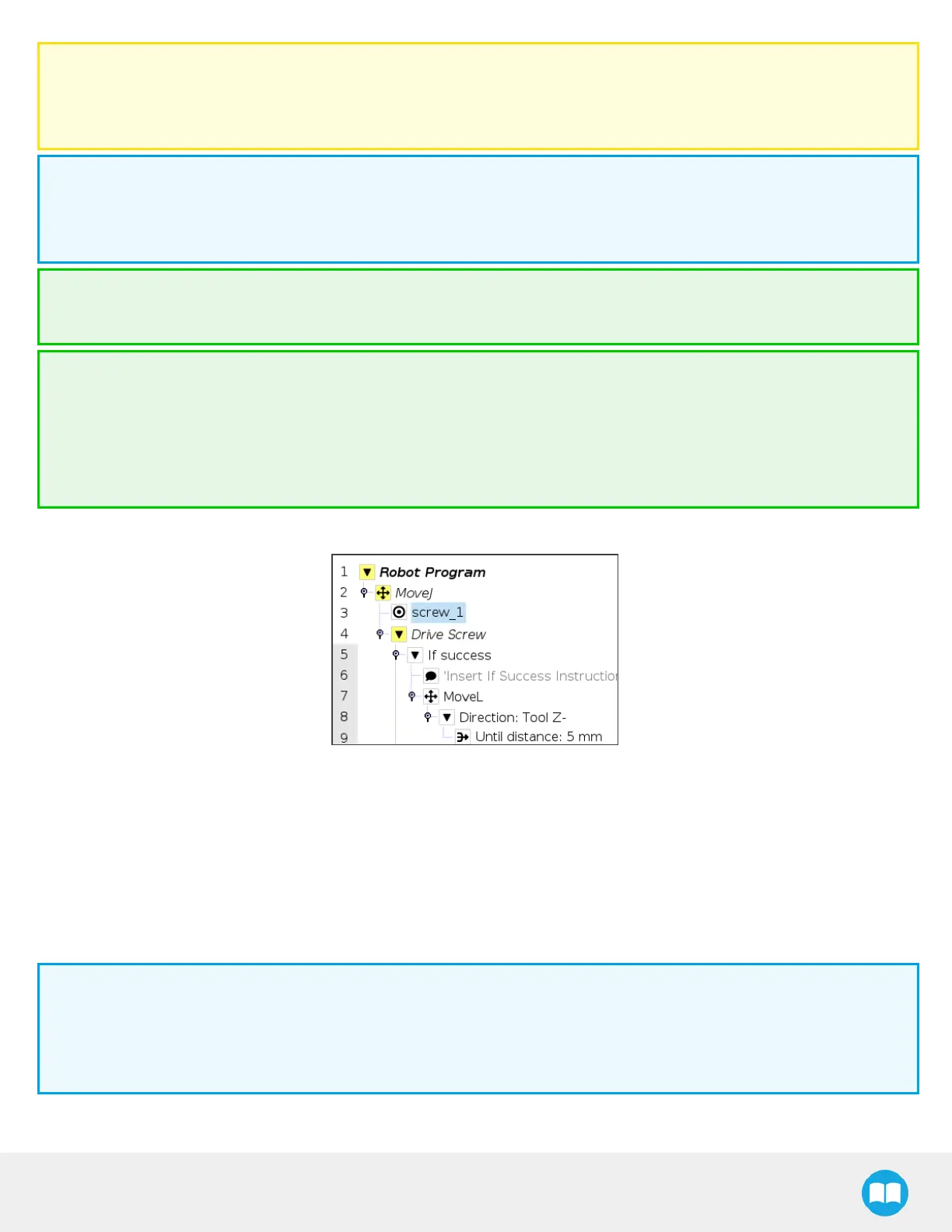
4. Insert a Drive Screw node within the Move node.
5. Set the stop condition that corresponds to your assembly requirements.
6. Adjust the tool speed based on your application (default is500 RPM).
7. Adjust the force applied on the screw (default is 10 N).
8. In the PolyScope interface, make sure the speed slider is set at 100%.
9. Press the Teach button.
10. Confirm the screw hasreached its final position.
Info
1. The Screwdriver will perform a screw sequence until the predefined stop condition isreached.
2. Once the stop condition is reached, the user will be prompted to confirm whether or not the screw has reached its
final position.
60



 To Next Page