Robotiq Screwdriving Solution - Instruction Manual
i. Tapping No will prevent the refinement processfrom collecting the data; the data will then be
lost.
ii. Tapping Yeswill instruct the refinement processto write the calibrated value to the Screwdriver
calibration.
b. If at least one field is red, a popup window displays, asking whether or not the user wishes to perform another
refinement.
i. Tapping Cancel will prevent the refinement process from collecting the data; the data will then be
lost.
ii. Tapping the Refine point button will instruct the refinement processto use the mean torque value
from the third rundown test. Steps 19 to 21 will have to be performed again.
iii. Tapping the Add point button instructs the refinement processto write the refined torque value to
the Screwdriver calibration asis.
Info
During the rundown tests for the refinement of the calibration, the Screwdriver firmware will send torque valuesthat are
slightly lower or higher than the requested torque value depending on the mean value from the Validation of adjustment
rundown tests.
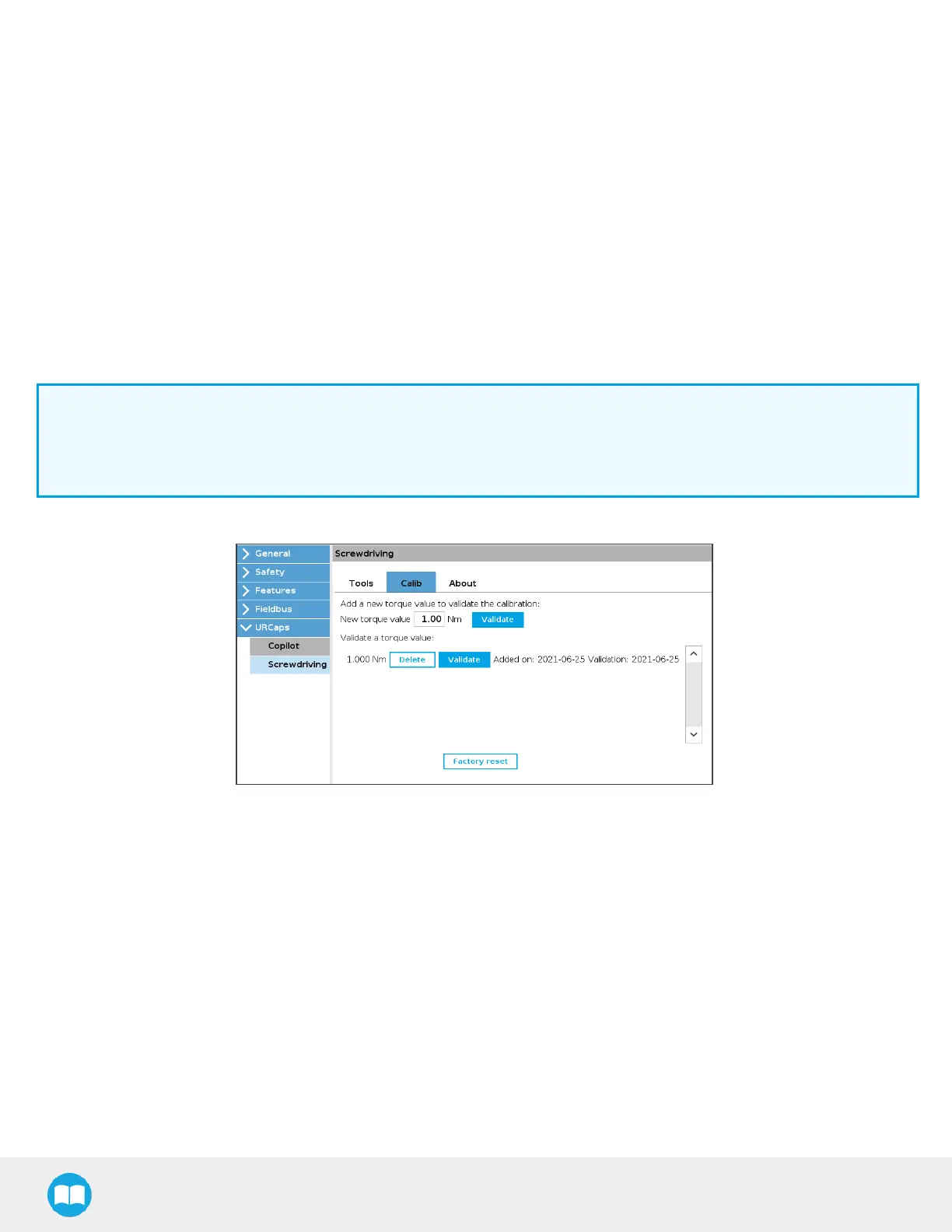
23. The user will be brought back to the home screen of the Calib tab, where the newly added torque value will display.
69


 To Next Page
 Loading...




