Robotiq Screwdriving Solution - Instruction Manual
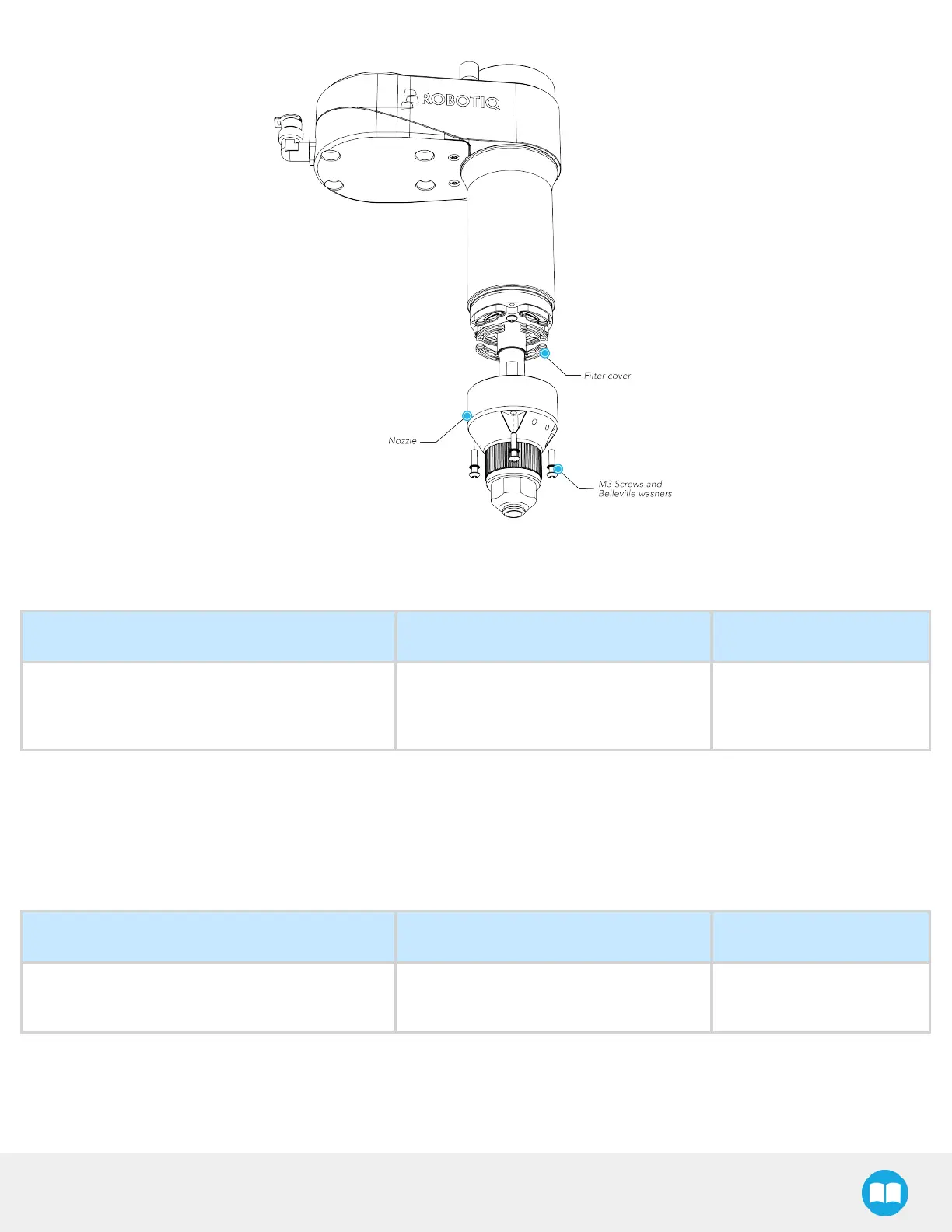
Fig. 8-1: Accessing the Inlet Filters of the Robotiq Screwdriver.
Muffler
MAINTENANCEINTERVAL REQUIRED TOOLS REQUIRED PARTS
l
Monthly (normal operating conditions)
l
Weekly (heavy dirt/dust-filled environments)
Cotton swabs None
1. Unscrew the muffler and verify if there isany dirt, dust, debrisor other contaminants.
2. If needed, clean the inside of the muffler with a cotton swab.
3. Put the muffler back in place. Screw it by hand.
8.1.2.Bit Holder O-ring Replacement
MAINTENANCEINTERVAL REQUIRED TOOLS REQUIRED PARTS
As needed (visual inspection performed at every
changeover)
Tweezers
O-RING 3 X 6.5 BUNA-N
A70
1. Use a pair of tweezersto remove the damaged O-ring.
2. Insert the new O-ring and make sure it ispositioned correctly.
79



 To Next Page