Robotiq Screwdriving Solution - Instruction Manual
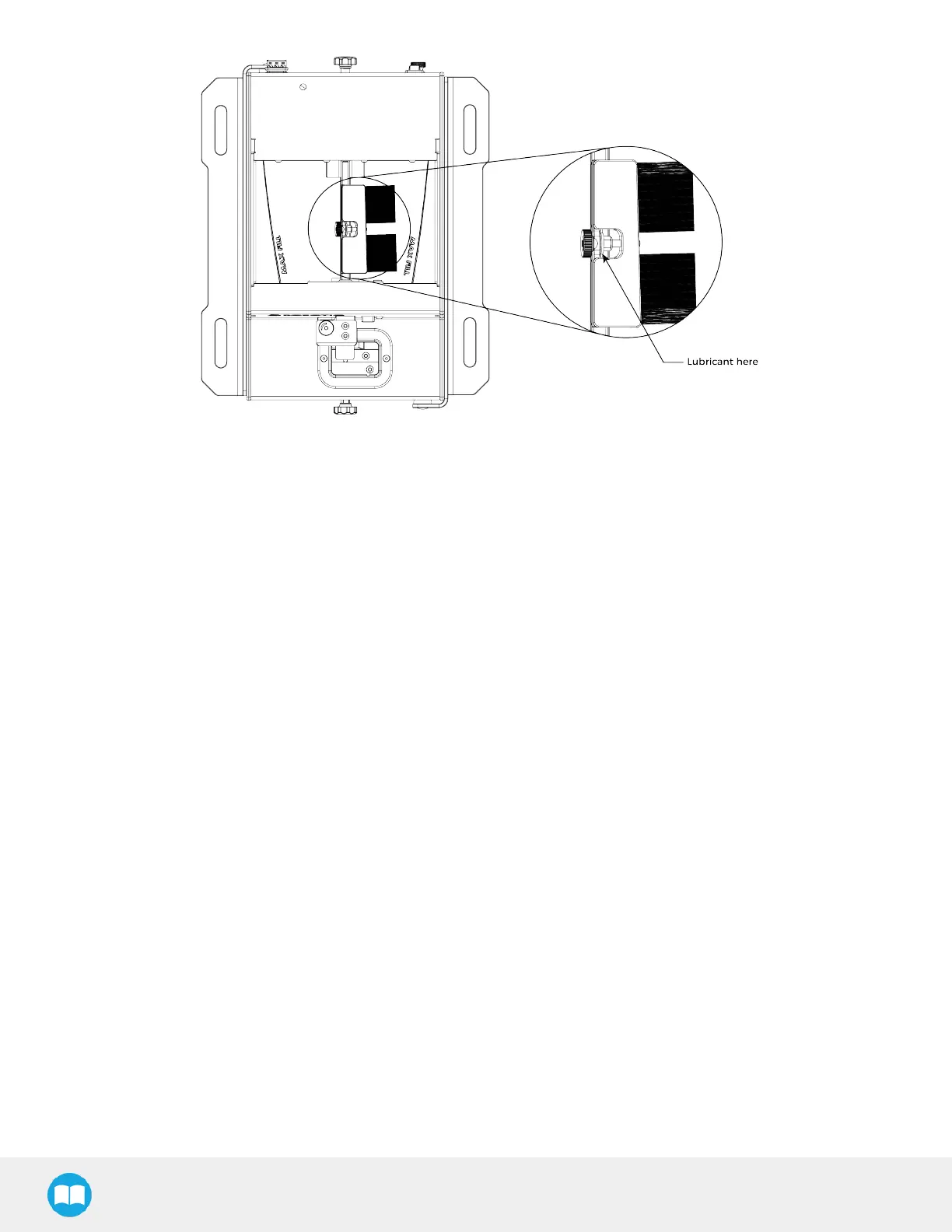
Fig. 8-3: Brush Assembly Lubrication.
8.2.3.Emptying the Screw Feeder
1. Make sure the device isturned off and that the power cord is unplugged from the outlet.
2. Remove the screws from the rail by picking them by hand, and return them to the screw chamber. Smaller screws such as
M2.5 and M3 can be returned to the chamber by opening the rail using the rail adjustment knob. The screwsshould fall
through the rails. Tilting the device backwards and then forward will allow all the screwsto fall properly in the chamber.
Make sure no screws are left in the rail. Use a tool such as a manual screwdriver to help free remaining screws.
3. Once all screws are in the chamber, use one of the front cornersof the chamber as a funnel to empty the Screw Feeder’s
chamber.
82



 To Next Page