23/05/2019Roundshot VR Drive Instruction Manual – Firmware Version 2.023 41
2.4 Navigation (continued)
y-align
Nikon
message
Please align the nodal
rail with the y-motor.
Y
[-90..+90]
°
0.0
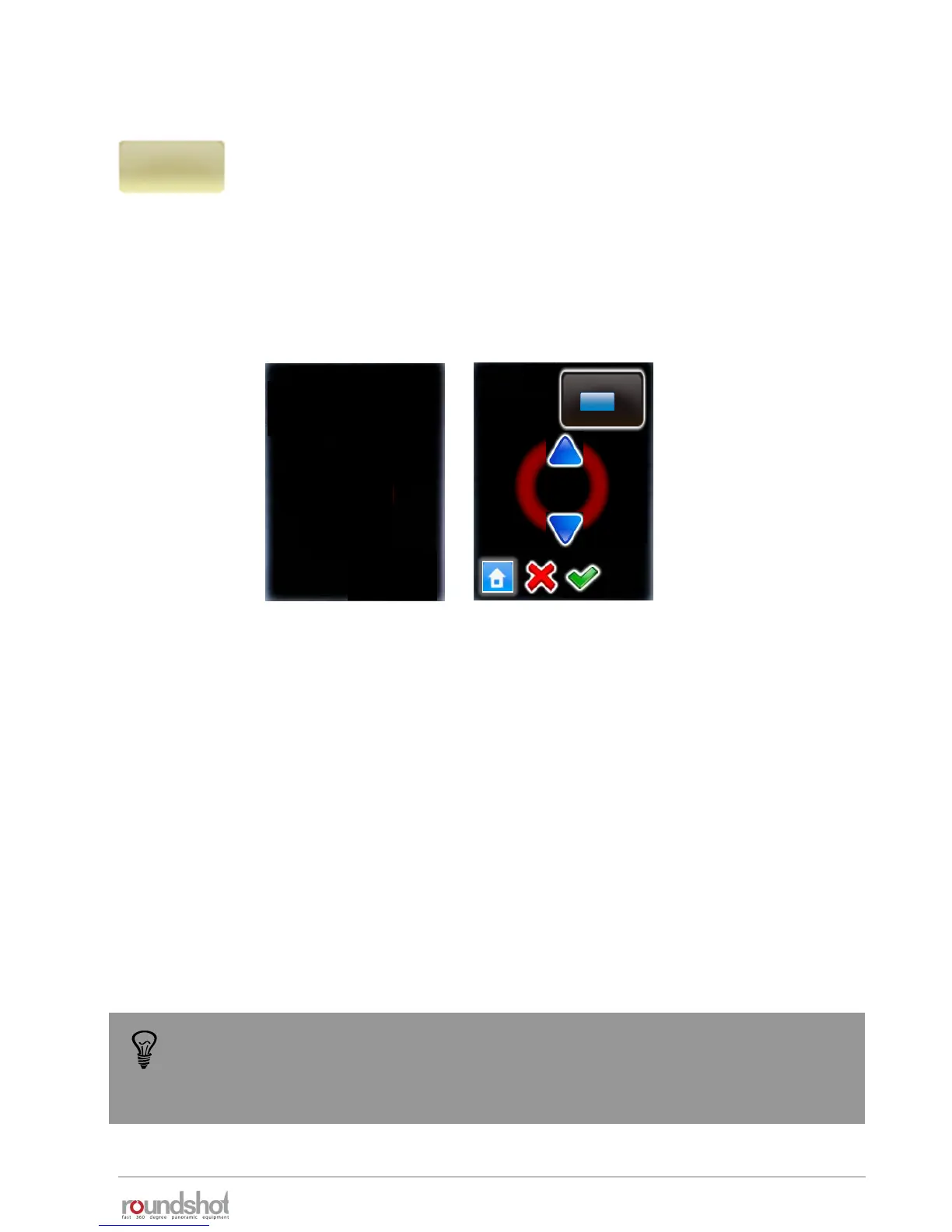
Click on “y-align” to realign the nodal rail with the y-motor. This may be
necessary in the following cases:
• after a “transport error” when the nodal rail got blocked
• when the y-motor can no longer initialise when starting up
• when the nodal rail no longer aligns with the y-motor when the VR
Drive is off
To follow this procedure, the VR Drive needs to be turned on and the y-
motor connected with the x-y motor cable.
Use the “up” / “down” buttons to align the nodal rail with the y-motor (zero
position).
Turn the VR Drive off and then turn it back on.
Verify if the y-motor initialises and if the nodal rail is moved to the correct
starting position (normally at 0°).
Another and often more effective technique is to perform a hardware realignment of
the nodal rail with the y-motor. For further information please refer to chapter
6.1 – “Hardware realignment of nodal rail with y-motor after “transport error””



 To Next Page