23/05/2019Roundshot VR Drive Instruction Manual – Firmware Version 2.023 87
Click on „diameter linear axis“ to change the size of the wheel
used on your linear axis.
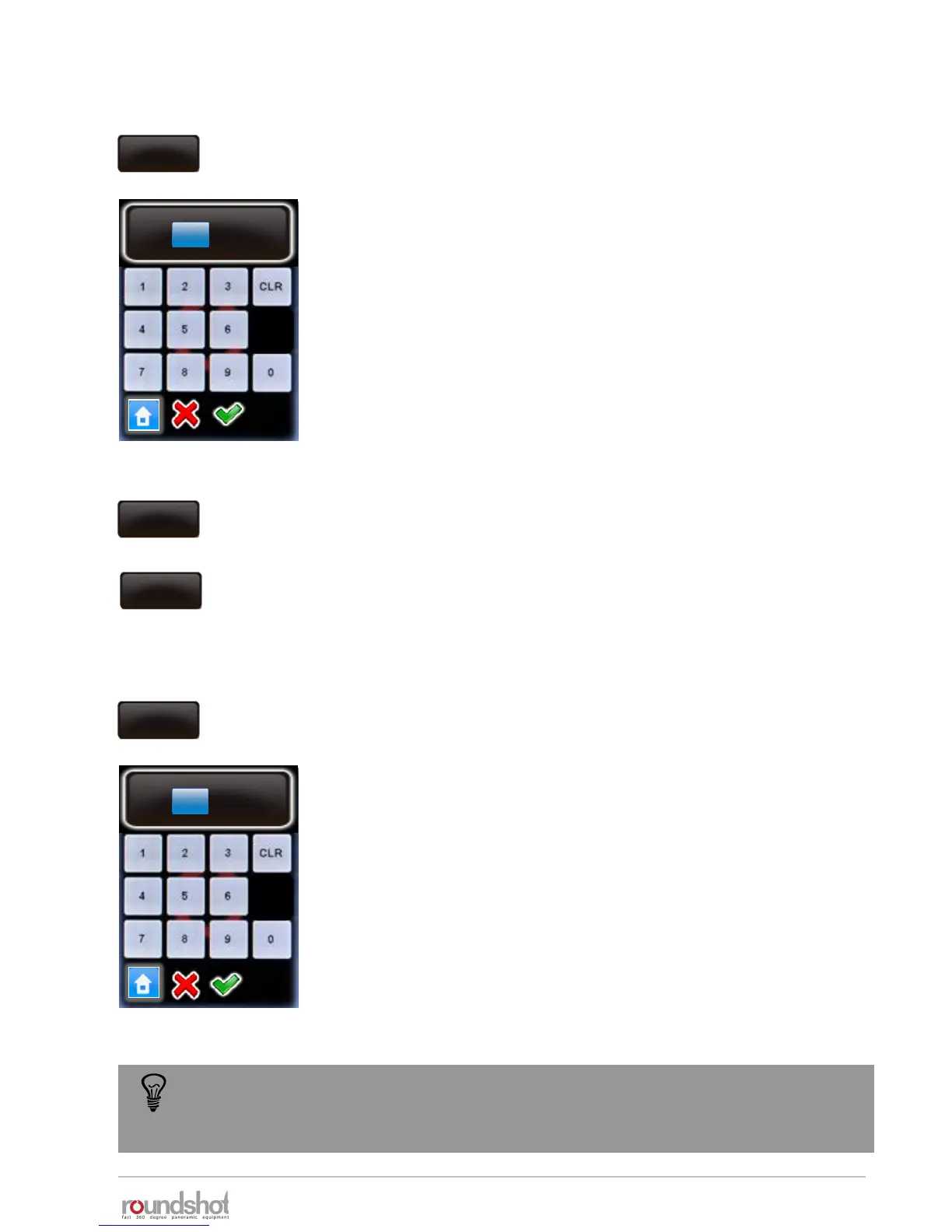
Enter the diameter (in mm). Please make sure that the entered
value corresponds to the real size of the wheel.
The default size is 151mm.
Confirm with “OK” or cancel with “X”.
Beschleunigung
50
acceleration
The linear rail and dolly parameters might change according to the delivered
material. Please make sure to enter the correct values and check with Seitz team if
not sure.
4.6.1 Settings/general (continued)
diameter
linear axis
151mm
Beschleunigung
diameter linear axis
[10..1000]
151 mm
Click on “rot. Direction linear axis” to define the positive rotation
direction of the main wheel of the linear axis
2 choices are available:
• CW
• CCW
rot. direction
linear axis
CW
rot. direction
linear axis
CCW
Click on „ diameter dolly wheels “ to change the size of the wheels
used on your dolly.
Enter the diameter (in mm). Please make sure that the entered
value corresponds to the real size of your dolly.
The default size is 200mm.
Confirm with “OK” or cancel with “X”.
Beschleunigung
50
acceleration
diameter
dolly wheels
200mm
Beschleunigung
diameter dolly wheels
[10..1000]
200 mm



 To Next Page