23/05/2019Roundshot VR Drive Instruction Manual – Firmware Version 2.023 88
4.6.1 Settings/general (continued)
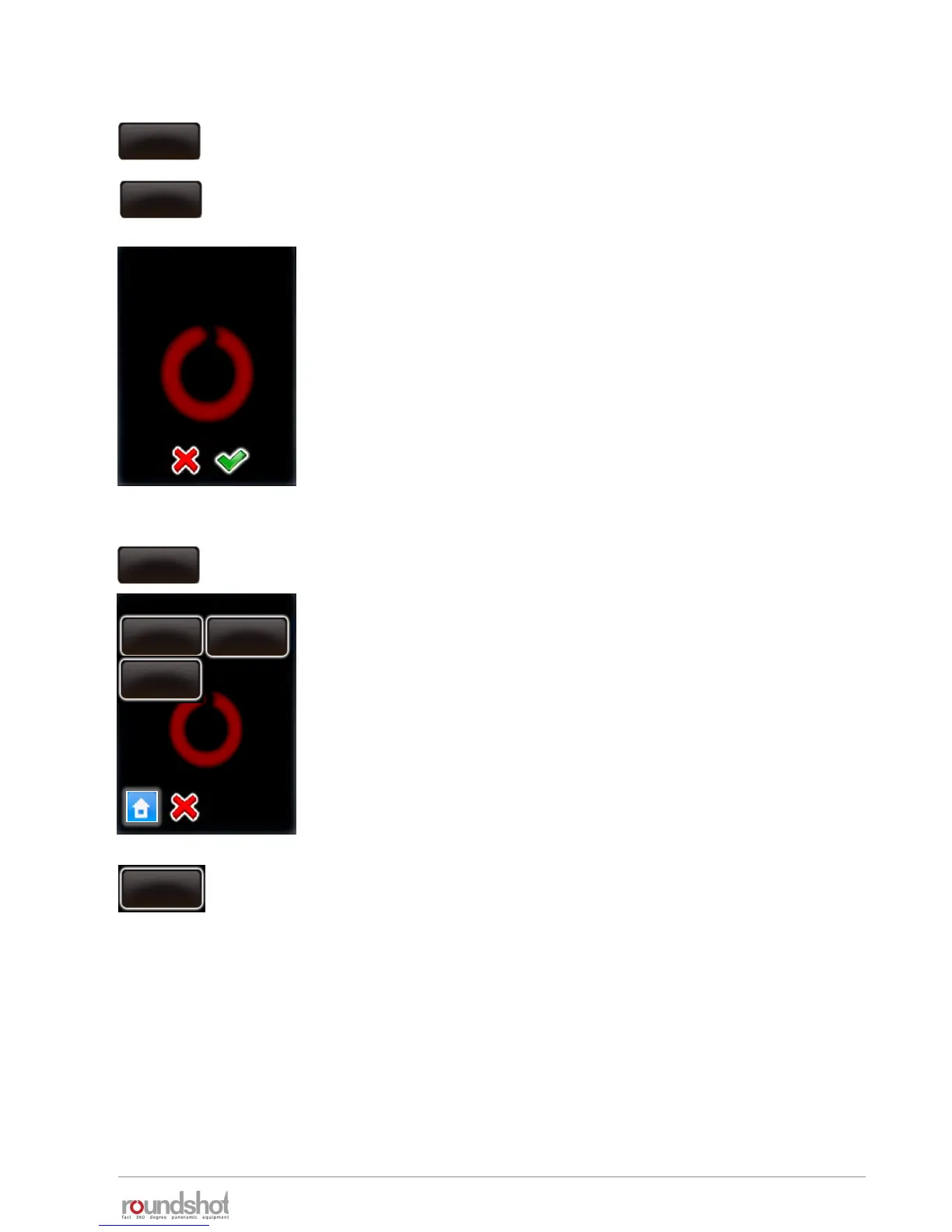
Click on „exposure meter“ to set the sensitivity, the measuring
points and the range of exposure values allowed.
exposure
meter
Click on “wake on radio” to activate / deactivate the wake-up
function of the radio release unit for the VR Drive remote control.
Deactivate the wake on radio with “no”.
Activate the wake on radio with “yes”.
With the radio receiver deactivated it is possible to turn the VR
Drive left/right/up/down and to start a program. It is also possible
to turn the VR Drive on even if it is switched off.
This is the reason why the battery discharges faster with the radio
receiver activated. The VR Drive displays a warning message.
Confirm with “OK” or cancel with “X”.
remote radio
off
remote radio
on
warning
The battery will
discharge faster when
using this option.
Continue anyway?
speed
16/20s
acceleration
15%
exposure meter
speed
16/20s
exposure
constant
25
exposure
sample
1
speed
16/20s
auto
exposure
ranges
speed
16/20s
exposure
constant
25
Click on „exposure constant“ to adapt the sensitivity of the light
meter on a scale from 1 (least sensitive) to 255 (most sensitive).
The standard value is 25.
Increase this value if the images are consistently too dark.
Decrease this value if the images are consistently too bright.
Confirm with “OK” or cancel with “X”.



 To Next Page