23/05/2019Roundshot VR Drive Instruction Manual – Firmware Version 2.023 89
4.6.1 Settings/general (continued)
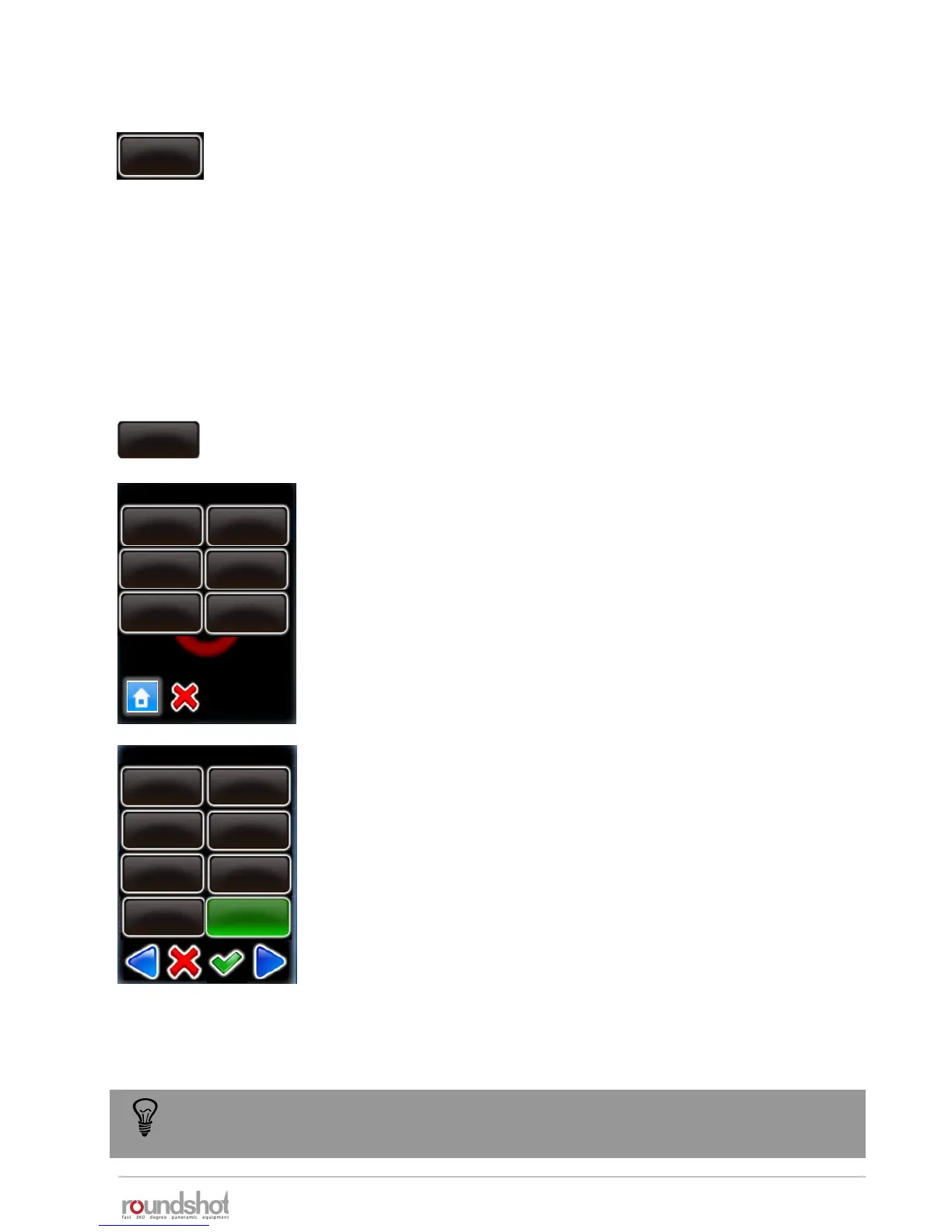
Click on „auto exposure ranges“ to define the range of values
allowed when the automatic light meter tool is active.
It is possible to define the maximum and the minimum value for
the following parameters:
• ISO
• Aperture, where min = open f-stop, max = closed f-stop
• Exposure, where min = fastest speed, max = slowest speed
This prevents the VR Drive from selecting extreme values to adjust
the camera to the current light.
For example, click on „max. exposure“.
Enter the maximum exposure time allowed. (In this example 1s)
In this example the VR Drive will never select an exposure time
longer than 1s to avoid too slow image capture.
Confirm with “OK” or cancel with “X”.
speed
16/20s
acceleration
15%
auto. exposure ranges
auto exposure
ranges
speed
16/20s
min. ISO
max. ISO
speed
16/20s
acceleration
15%
speed
16/20s
min. aperture
max. aperture
speed
16/20s
acceleration
15%
speed
16/20s
min. exposure
max. exposure
max . exposure
5s
4s
2.5s
1.6s
2s
3.2s
1.3s
1s
The auto exposure ranges are applied for all automatically computed values. If a
parameter is set manually in the VR Drive these limits are not applied.
acceleration
15%
speed
16/20s
exposure
sample
1
Set the number of light measurements by changing the “exposure
sample” value.
When setting this value to “1”, only one spot measurement will be
taken. Setting it to “6”, for example, will measure – for a 360°
panorama – at every 60°.
When starting a program, the VR Drive will create a measurement
rotation. For panoramas < 360°, it will center the measurements
within the relevant angle of the panorama.



 To Next Page