Ocean 2014 - Main screen
76
Ocean 2014 User's Manual
2014-06-02/3.2A
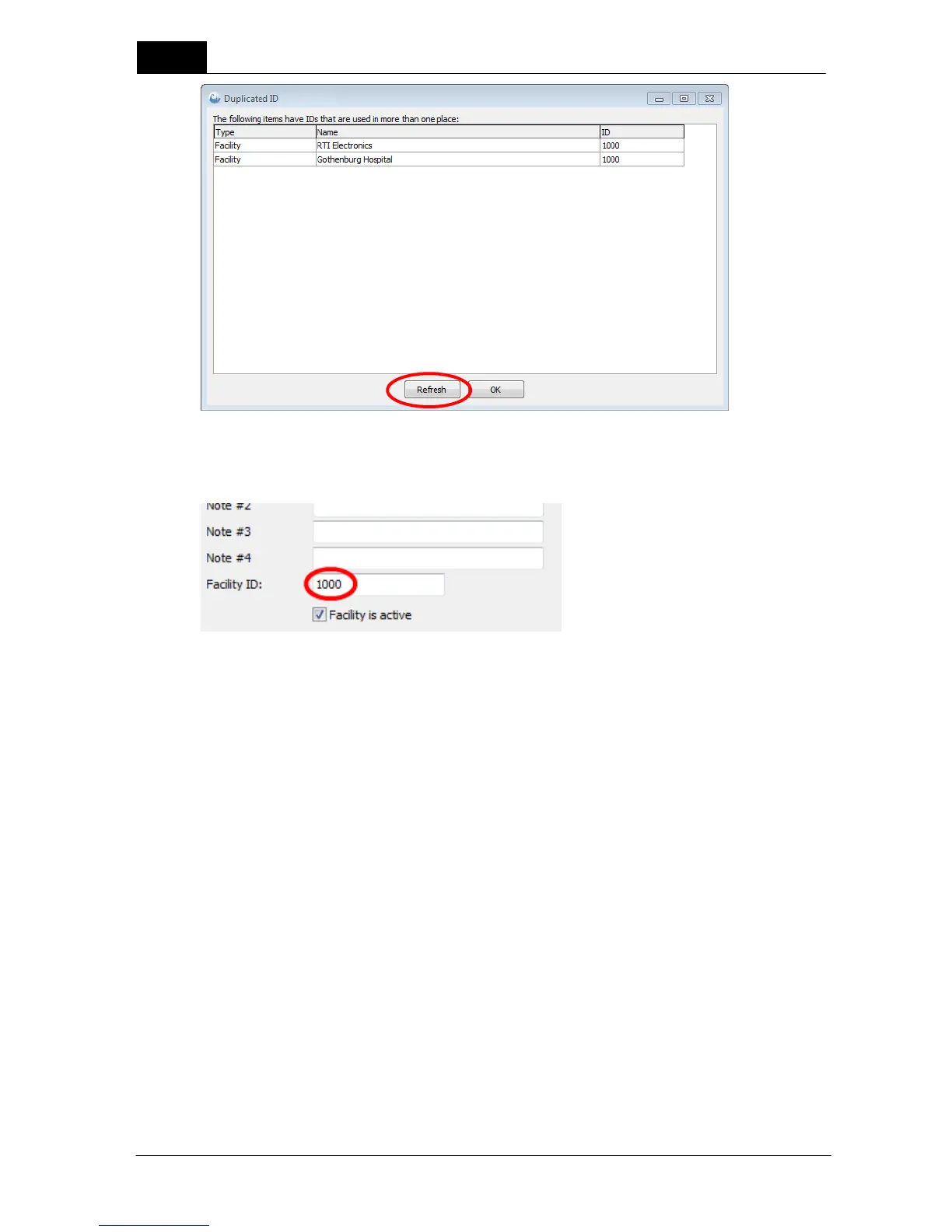
All duplicated IDs will be shown. You can double-click on a row and the corresponding ID will be located
and you can modify it:
Modify the ID and click on the Refresh button to update the list.
3.6.10 Exit Ocean 2014
To exit Ocean, simply click on the Application button and then choose the Close Ocean 2014 button
located on the bottom right of the Application menu.
NOTE: The Close button in the Application menu and on the Ribbon bar will only close the current job
you are working on but it will not exit Ocean.



 To Next Page