14
3.5.1 0SET
Press [0 set] to set HA as 0, press [ENT] and then return to basic measurement screen.
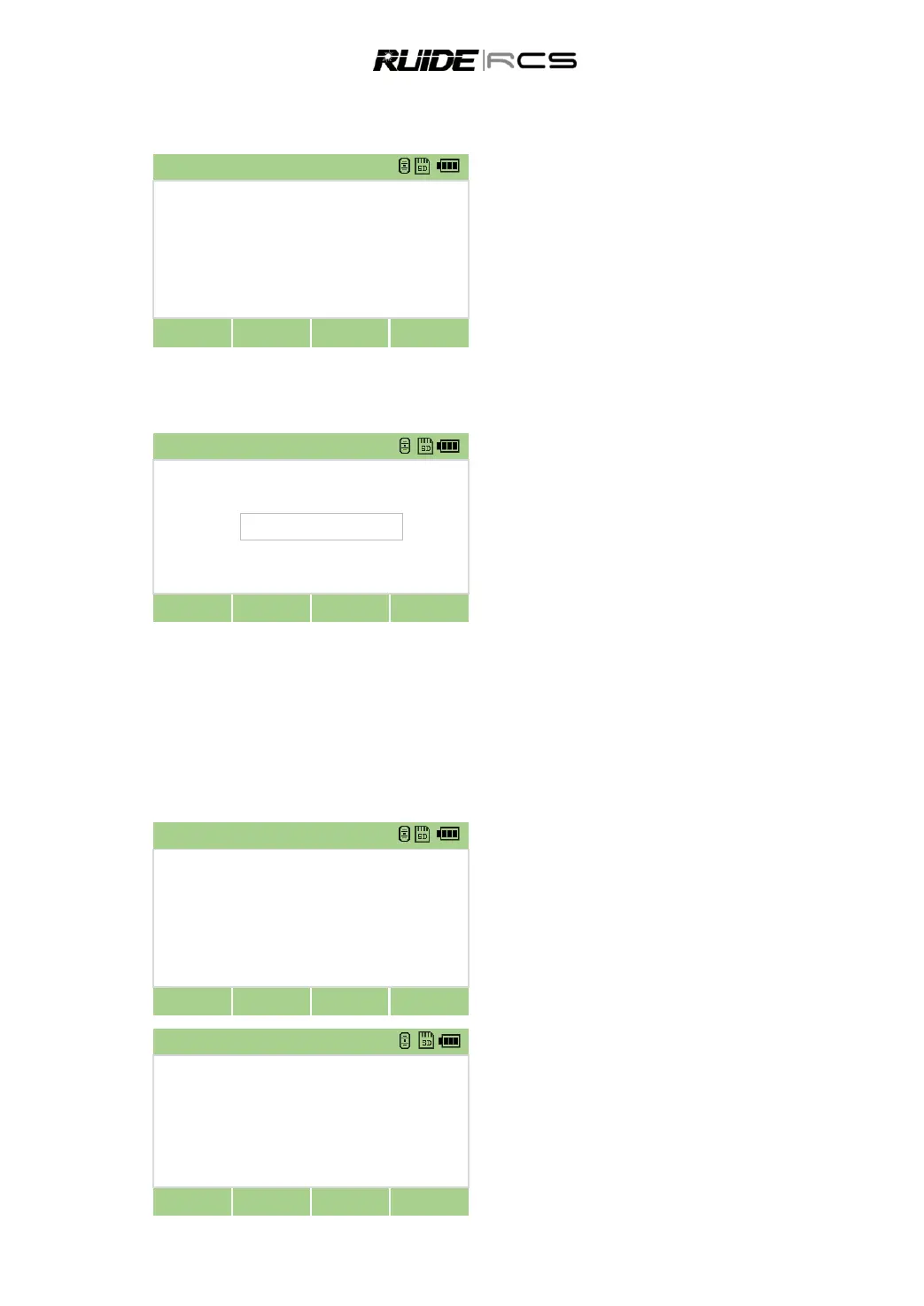
In Angle menu press [0 set] to enter to 0SET
function.
Press [ENT], Program sets the current
horizontal angle as 0, and returns to basic
measurement screen.
3.5.2 Enter the Horizontal Angle
Set the horizontal angle to be a certain value.
In Angle menu press [HSet] to enter into the
function of horizontal angle inputting.
Input horizontal angle, and then press [ENT]
To enter 159°46′25″, type 159.4625.
3.5.3 Face-1/Face 2 Measurement
Using F1/F2 measurements effectively cancels out mechanical constant error to obtain maximum
accuracy for measuring angles.
If the HA has been adjusted from a F1/F2 measurement, the Backsight also must be measured in F1/F2
during the station setup.
Sight the target in F1.
In Angle menu page 2, press [F1/F2] to enter
into the function of F1/F2 measurement.
The system asks to turn to F2, turn to F2, sight
the target and press [ENT].
The calculated F1/F2 measurements are
displayed
Press [OK] if accept the measured result.



 To Next Page