17
Press [Info] to display the job info, including the
job name, number of records and time.
5. KEY
To open the Station Setup menu, press in the BMS.
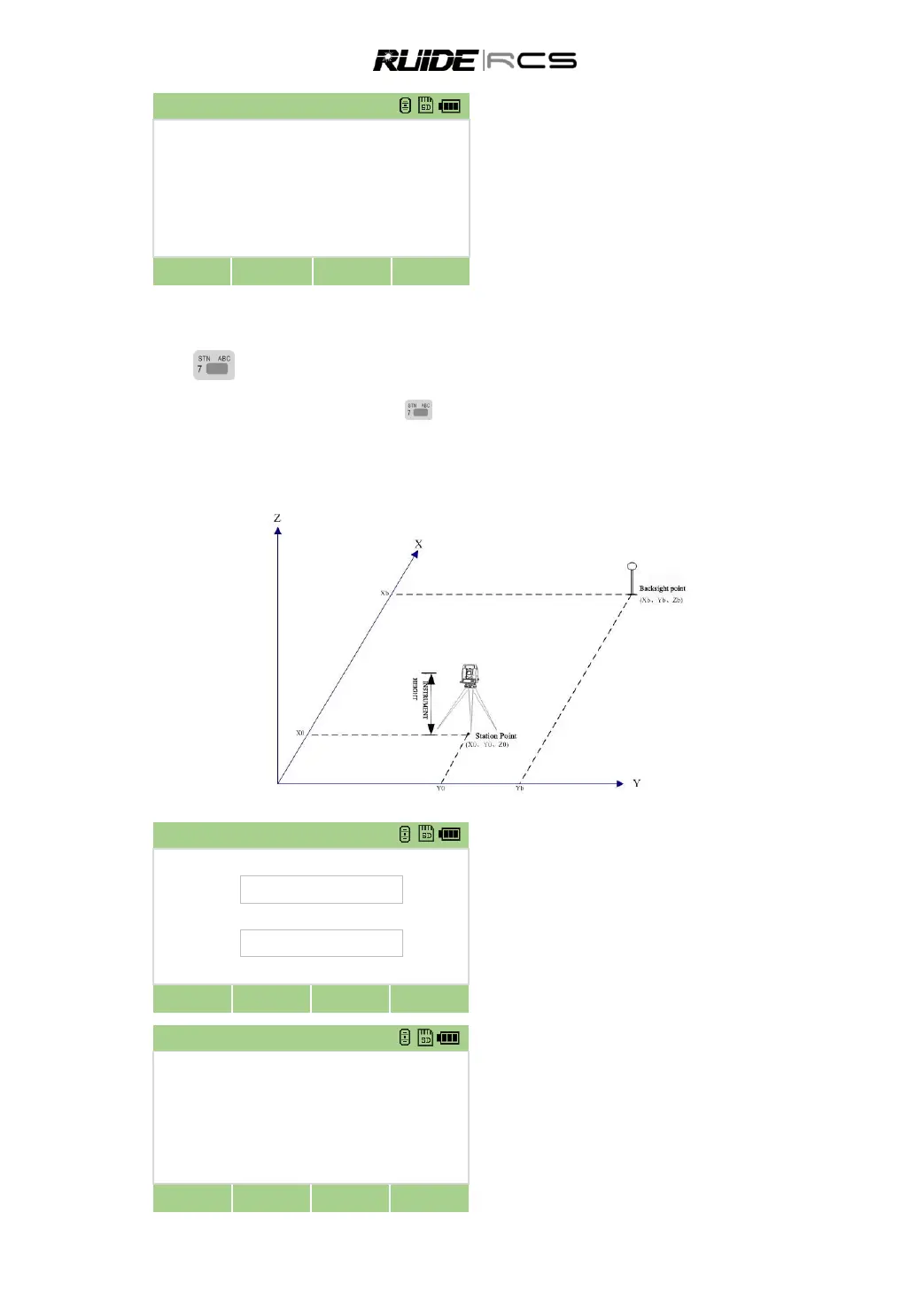
5.1 SET UP A STATION WITH KNOWN POINTS
5.1.1 Set up a Station with Known Coordinates
In [Stn Setup] menu press [1] to enter into the
function of using known point to set station.
Input the point name and instrument height,
press [ENT]
Select an input method for defining the
backsight point:
1.To sight the backsight by entering coordinates.
2.To sight the backsight by entering the azimuth
angle.
Press 1, sight tbe backsight by entering
coordinate.



 To Next Page