13
1)Type=prism/non prism/reflector sheet
Constant=-999 - 999mm
HT=-9999.999 - 9999.999mm
3.3.4 Enter a Field Note
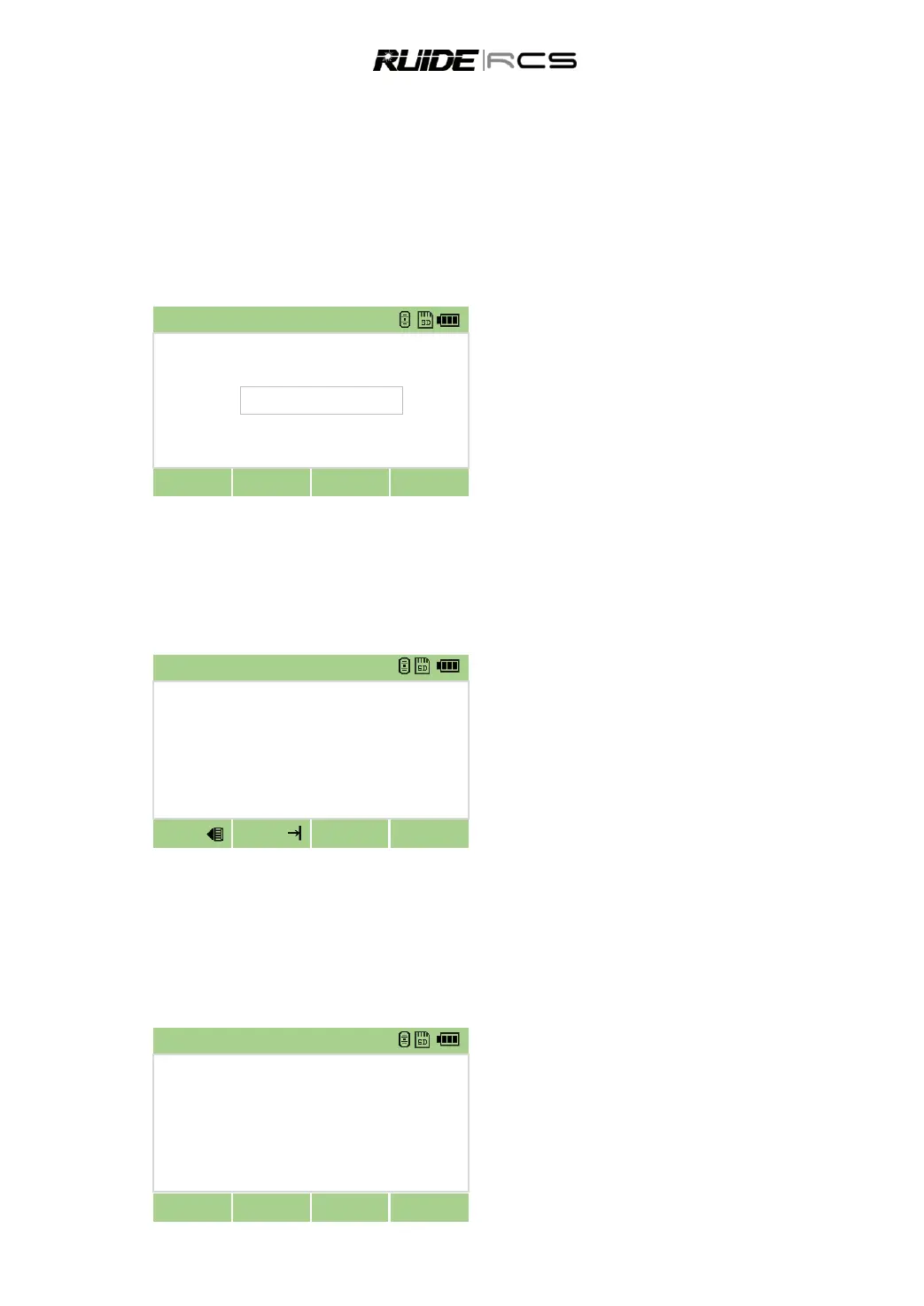
To enter a field note, press [HOT] and then press [4]. This function can be used at any time on any
observation screen. Each note can be up to 50 characters. The note is stored as a CD record in the raw
data.
In HOT Key menu press numeric key [4] to
enter Note function.
Input note and then press [OK].
3.4 START SURVEY
After finishing all settings, you can start surveying. The survey result is displayed in 4 pages including all
data of routine survey. Press DSP to view.
Please set a job, station and backsight azimuth before measurement.
Collimate to the center of target prism, press
[MSR1] or [MSR2].
Display the result of measurement in four
pages, including all normal measure functions such
as measure of angle, distance and coordinate, etc.
Press [DSP] or [▲]/[▼] to view each page.
To change the height of the target (HT), temperature, or pressure, press [HOT].
Settings that relate to corrections (T-P, Sea level, C&R) are included in the job settings. These settings are
job-specific. Changing of any item will create a new job or shut off all jobs
3.5 ANGLE MEASUREMENT
To open the Angle menu, press [ANG] in the basic measurement screen.
In BMS press [ANG] to enter angle observation
function.
Select the function from the function bar.



 To Next Page