36
8.6 3-PT REFERENCE PLANE (S-PLANE)
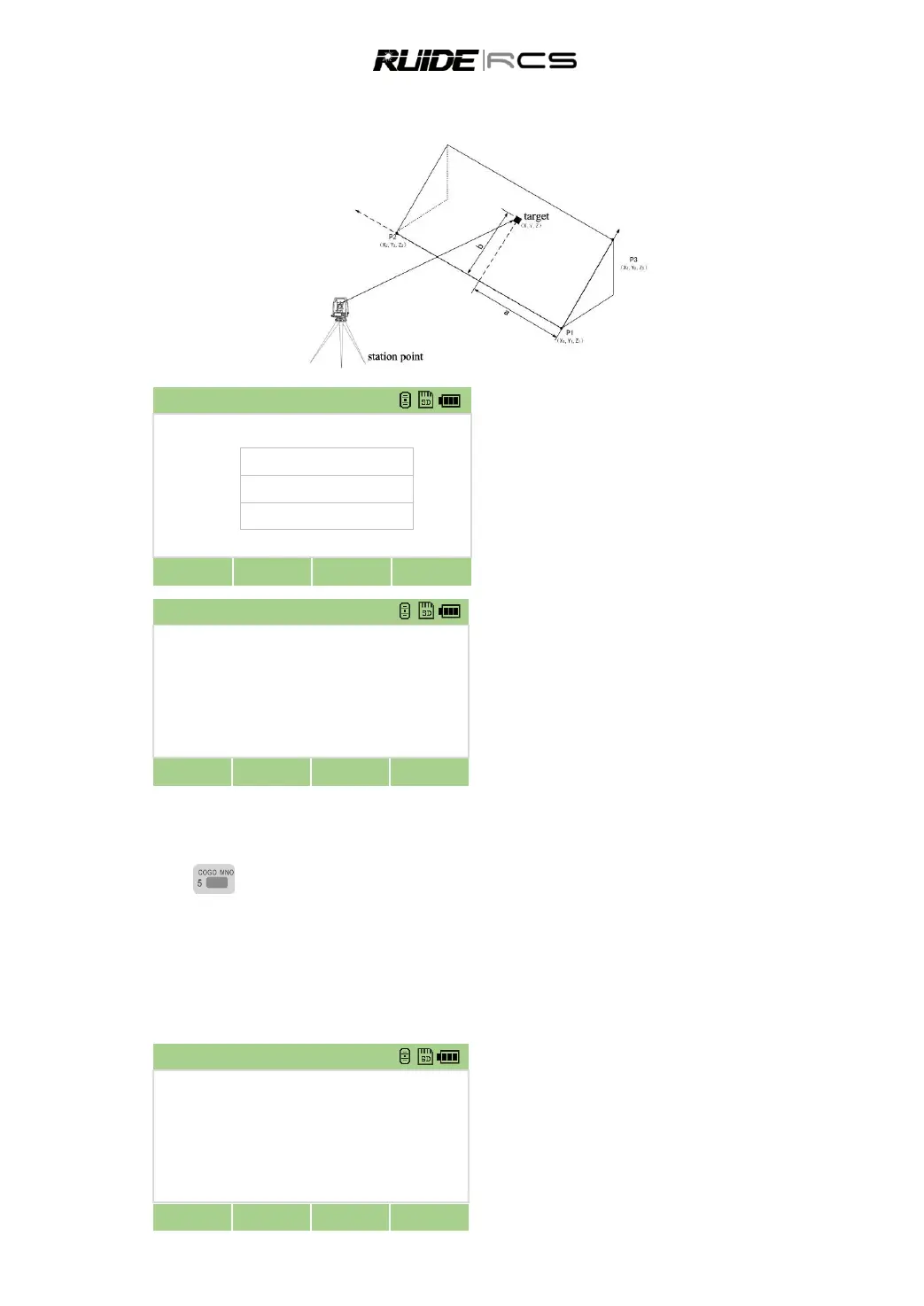
Measuring distance and offset values on the slope.
In the second page of [Program] press [7] to
enter 3-Pt Reference Plane (S-PLANE) function.
Input the first point to define the slope plane.
Input the second point.
Input the third point on the plane.
Once the plane is defined, the calculated a and
b values are updated as you move the telescope. No
distance measurement is required.
a: Distance between P1 and the point that is
perpendicular to the target point along the P1-P2 line
b: Length of the perpendicular line from the
target point to the P1-P2 line
9. KEY
Coordinate geometry (COGO) calculations.
9.1 INVERSE CALCULATING
9.1.1 Inverse PT-PT
Calculating angle and distance between two coordinates: PT-PT calculates the distance and the angle
between two input points.
Press [5] entering the COGO menu.
Press [1] choose Inverse and then press [1]
entering the PT-PT function



 To Next Page