21
automatically. To calculate the AZ between two known points (ST and BS), use [Stn Setup]→[1.Known].
In [Stn Setup] press [3] to enter into STN
Directly function.
Leave the Pt N field blank.
Input instrument hieight, press [ENT]. The
station point will default to be (0,0,0)
Leave this BS field blank. The backsight
azimuth (AZ) defaults to zero.
Sight the BS and press [OK].
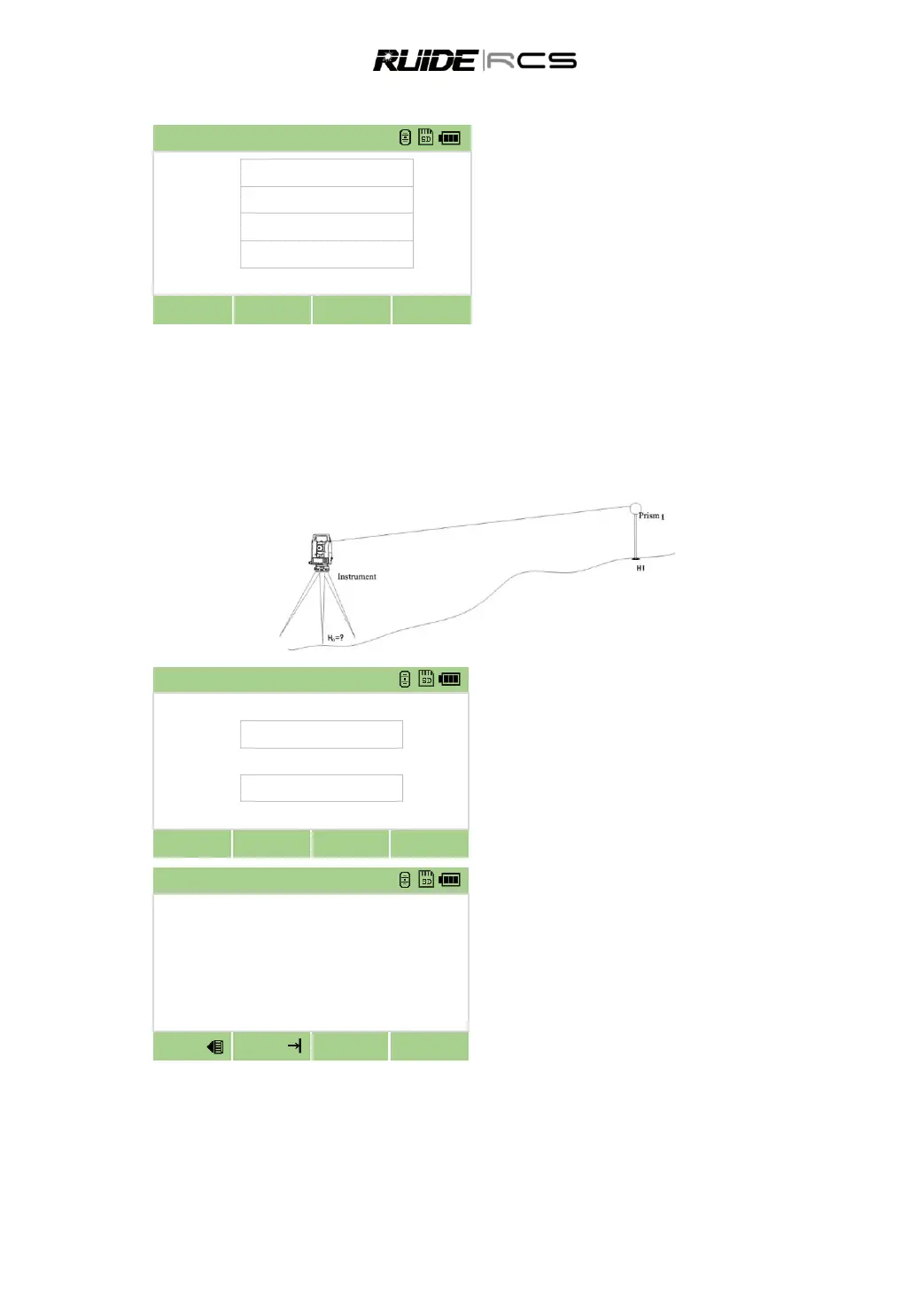
5.4 HEIGHT TRANSFER (DETERMINING STATION ELEVATION)
This function determines the height of the instrument from measurements to target points with known
heights, in two faces.
After measuring, the new height of station is displayed.
In [Stn Setup] press [4] to enter into height
transfer function.
Input level point name, target height, and press
[ENT]
Sight the center of prism on Face-1, press
[MSR] to start survey.
After finishing measurement, the result is
displayed



 To Next Page