20
--- You can use a maximum of 10 points in a resection.
--- Measurements can be distance and angle, or angle only.
--- Calculation starts automatically when enough measurements are taken.
--- Yo u can delete poor observations and recalculate if necessary.
If the angle between known point 1 and known point is extremely acute or extremely oblique, the resulting
solution will be less reliable geometrically.
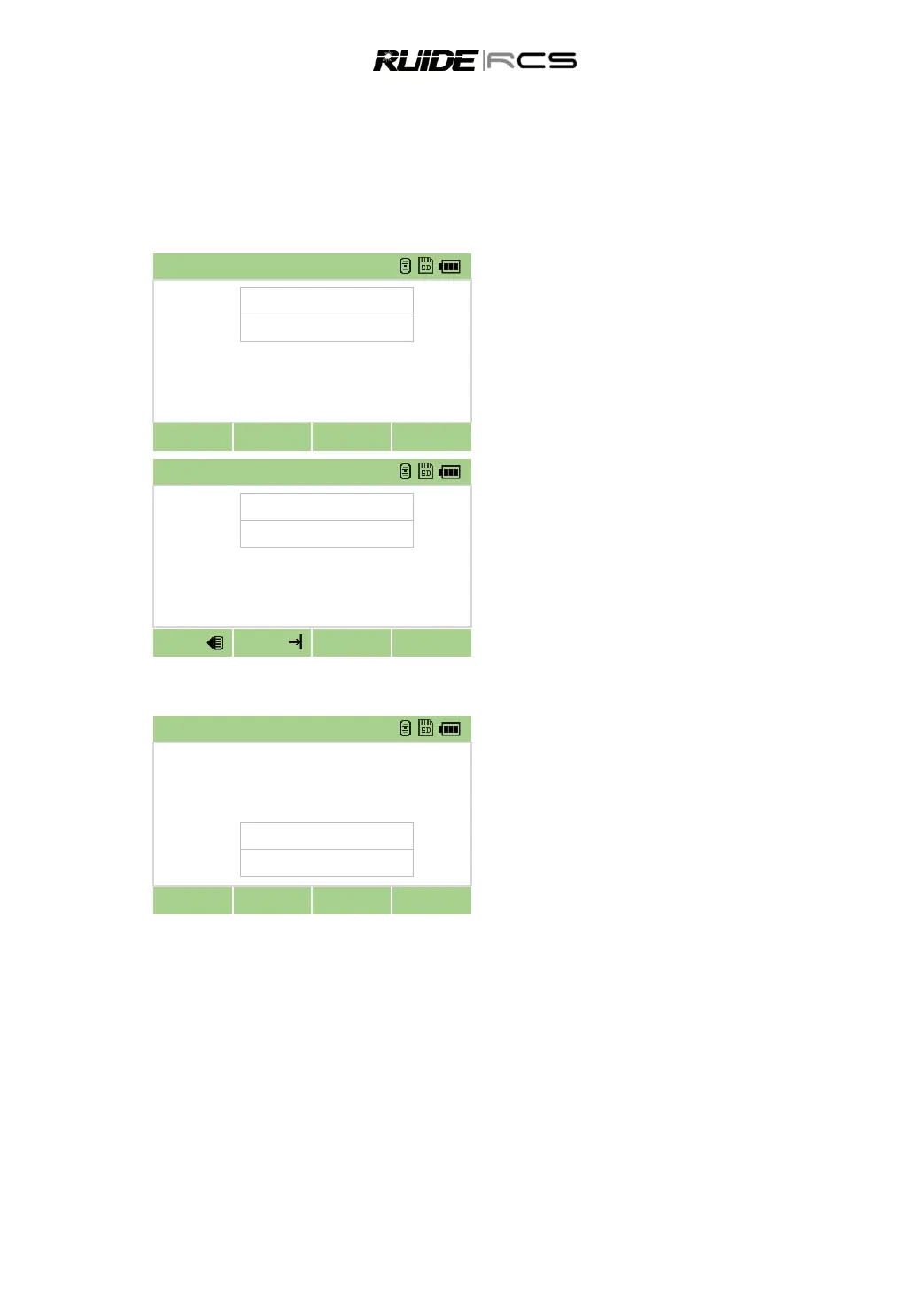
In [Stn Setup] menu press [2] to start the
resection.
Enter the point name for the first observation
point (Pt1), and the target heght, then press [OK].
Sight the target prism on F1and press [MSR]
to start survey. If only need to measure angle,
press [ENT].
Repeat above to measure other target
points.
When the instrument has enough data; it calculates the station (STN)
Press the [Add] key to take more
measurements.
Press [Detail] to view the measurements,
you can delete poor observations or add
observation point.
Press [Save] or [ENT] to record when the
results are OK.
The minimum data required for a resection
is either three angle shots, or two distance shot.
Basically, Stn-Z is calculated from distance-measured data. If no distances are measured, then Stn-Z is
calculated using angle-only measurements to known points with 3D coordinates.
5.3 SET STATION DIRECTLY
Setting up the station directly without coordinates.
The station point (ST) in this function defaults to a new point number. For the new point, MP (0, 0, 0) is
stored as the coordinates. When the ST is manually changed to a known point name, the station is set up
on the coordinates of the known point.
Even if both ST and BS are known points, this function does not calculate the backsight angle (AZ)



 To Next Page