26
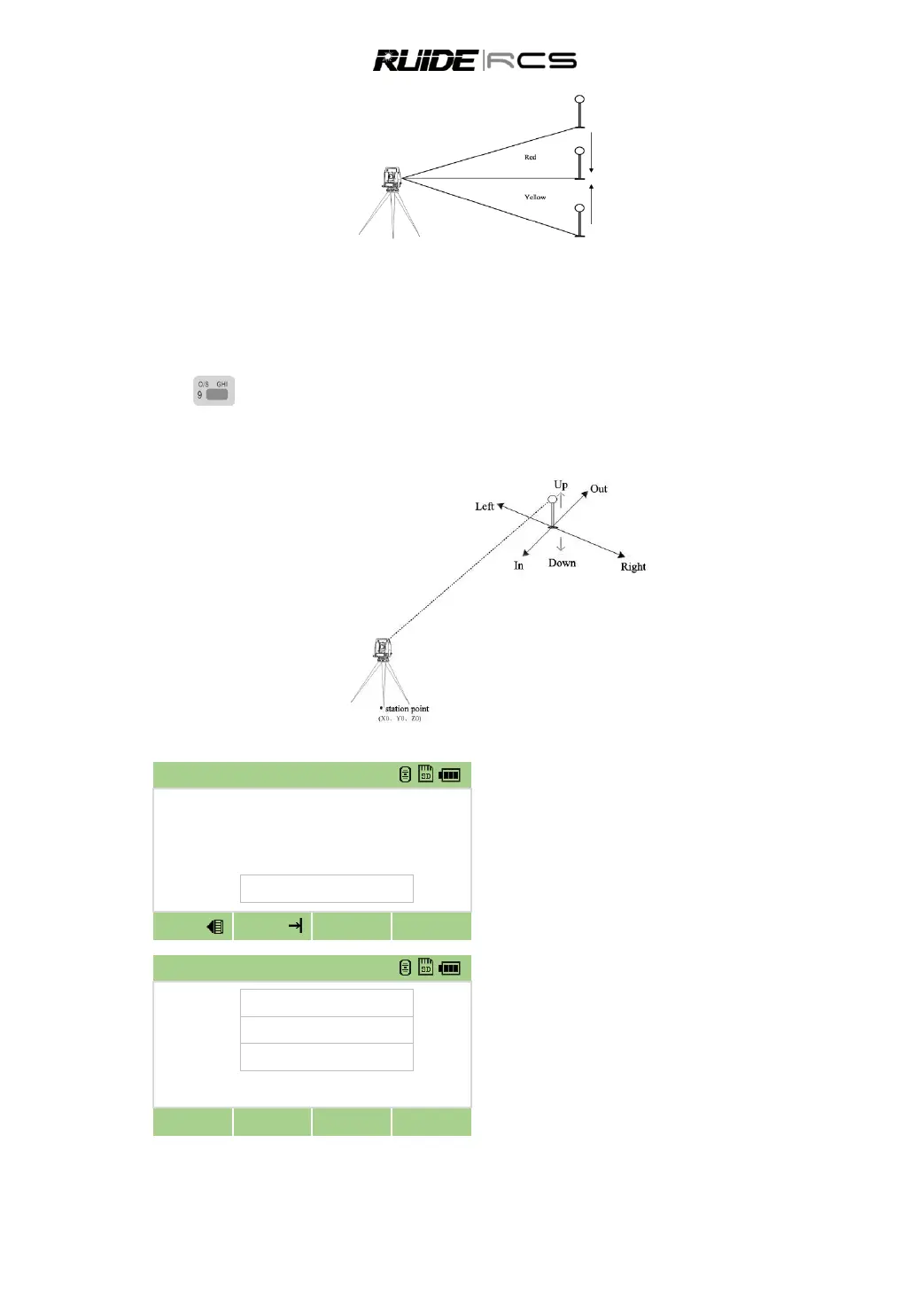
When only seeing the yellow light, move the prism to the right
When only seeing the red light, move the prism to the left.
When seeing both lights blinking alternately, it means the prism is in the correct line.
7. KEY
7.1 DISTANCE OFFSETS
You should setup station and backsight azimuth before offset measurement.
In [Offset] menu press [1] to enter to
distance offset function.
If you have not taken a distance
measurement before entering this function, a
temporary measurement screen appears. Sight
the target and press [MSR].
Enter combination of distance offset to
specify the point.
Press [Next]



 To Next Page