16
Job Settings
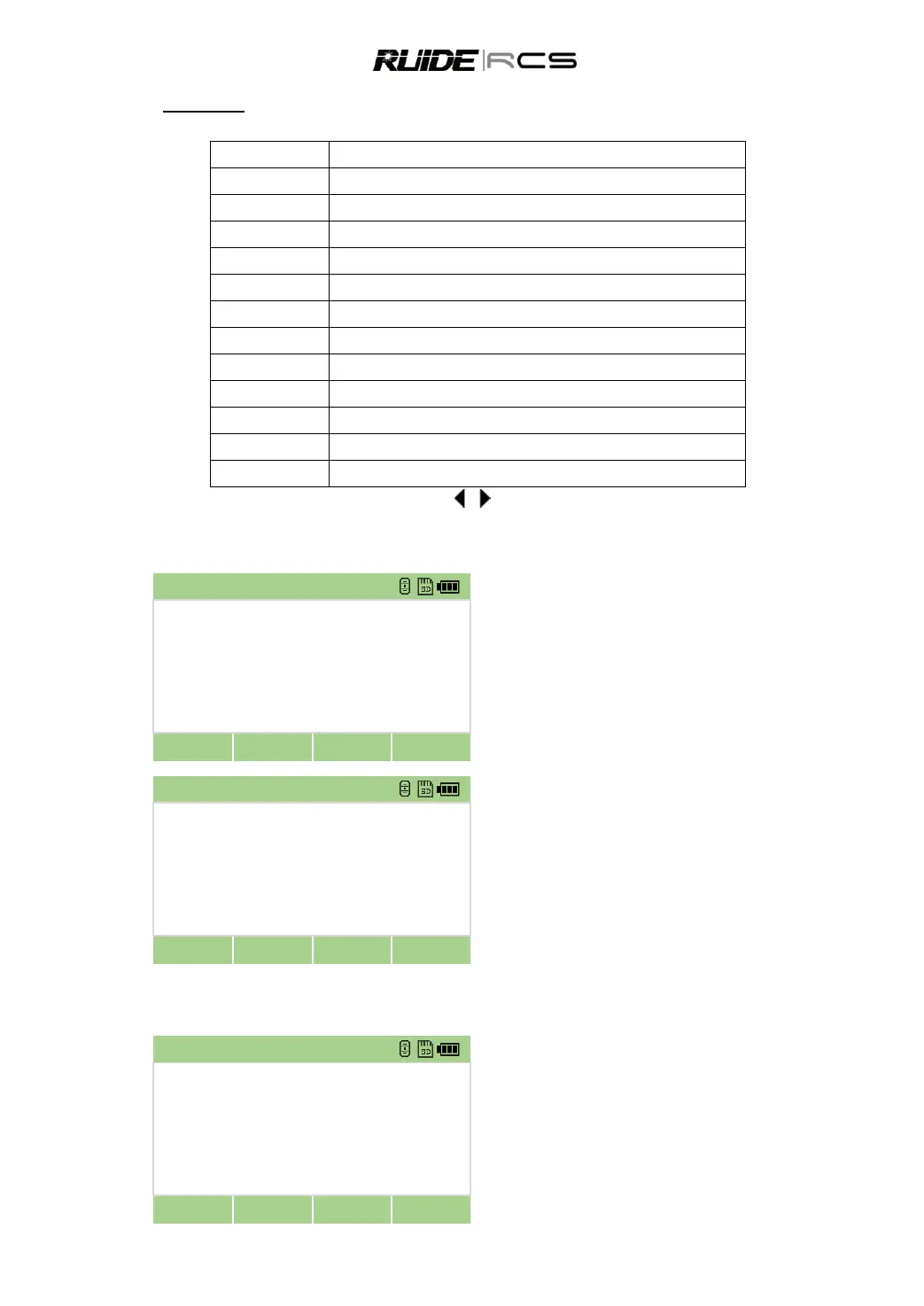
The following 12 settings are set when a job is created, and they can‟t be changed.
Meter/USA Feet/USA Inch/IntlFeet/IntlInch
Zenith/ Vertical/Vert± 90
To change the setting in the selected field, press [ ]/[ ]; To move between fields, press [▲]/[▼].
4. 3 DELETE JOBS
In the job list,move the cursor to the job that
you want to delete by [▲]/[▼].
Press [Delete] to delete the job.
Press [OK] to confirm or [Cancel] to cancel.
4.4 DISPLAY JOB INFORMATION
Highlight the job that you want to display the
information by pressing [▲]/[▼].



 To Next Page